Press number keys
QUIT = exit
SpeakEZ
CLOCK : 1
TIMER : 2
SETUP : 3
AUDIO : 4
PROGRAM 1
MONTH :
DAY :
START :
STOP :
CHANNEL :
SPEED :
REPEAT :
(1-8) to select program
ENTER to adjust program
Press number keys
QUIT = exit
SETUP MENU
AUTO PROGRAM: 1
CH. ADD/DEL: 2
SOURCE: 3
ON-SCREEN DISPLAY: 4
LANGUAGE SELECT: 5
CLOCK
MAIN MENU
TIMER SETUP AUDIO
Press NUMBER (1, 2, 3, 4) button
Press number keys
then ENTER QUIT = exit
AUDIO MENU
SpeakEZ: ON 1 ON 2 OFF
PLAYBACK:
RECORD:
CLOCK MENU
AUTO CLOCK SET(ON): 1
MANUAL CLOCK SET : 2
Press number keys
QUIT = exit
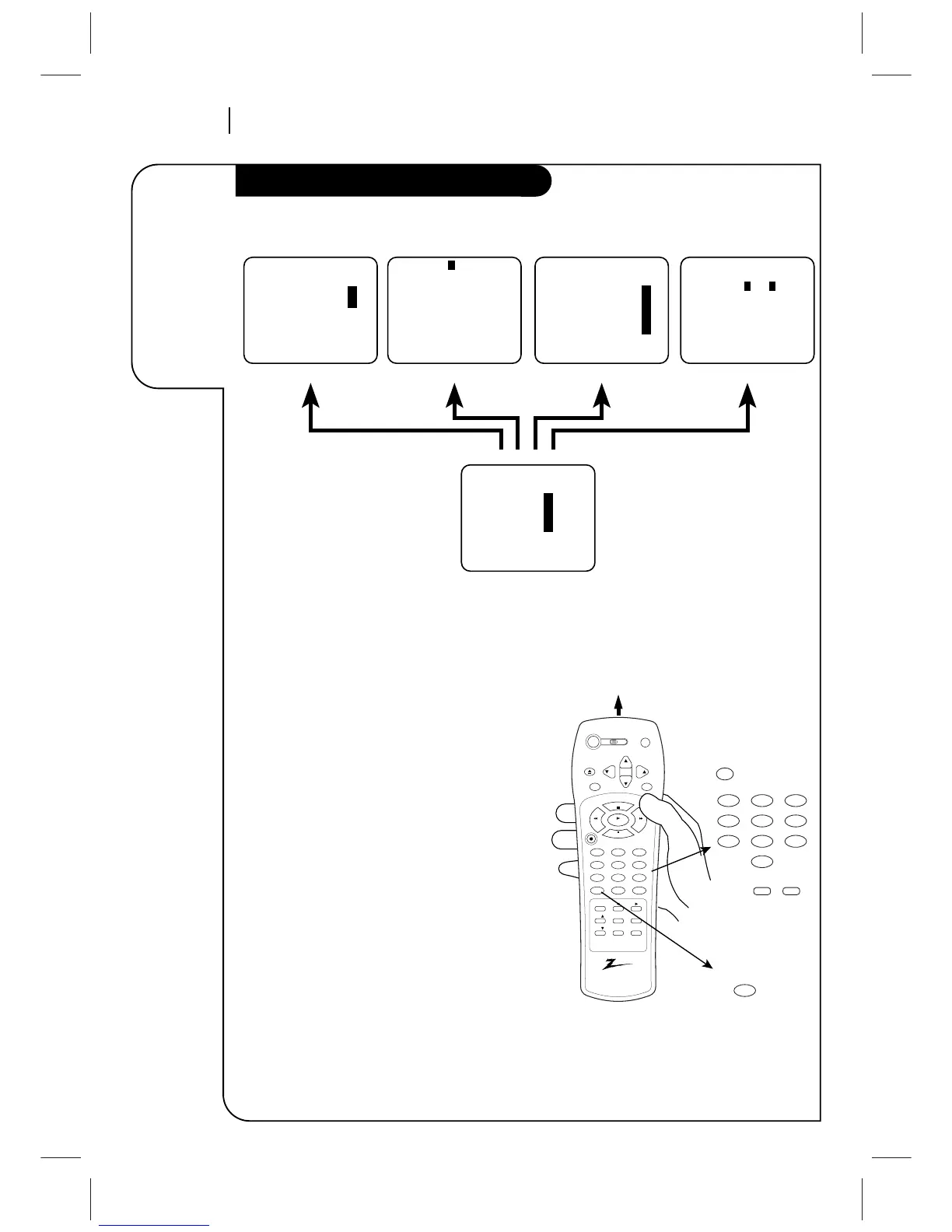
How to Access Menus
Menu operation is easy—just follow the instructions
shown at the bottom of the menu.
1. Press MENU to see main menu.
2. Press NUMBER (1, 2, 3, or 4) to see desired sub
menu to be used.
3. Press NUMBER to choose desired option to be
changed.
4. Press QUIT/CC to exit menu, or wait a few
minutes and the VCR returns to normal operation.
Note:
Perform menu operations with the VCR and TV on,
and tune the TV to channel 3 or 4. The VCR must
also be in the VCR mode of operation. Press TV/VCR
repeatedly until VCR indicator appears in the front
panel.



 To Next Page