EasyManua.ls Logo

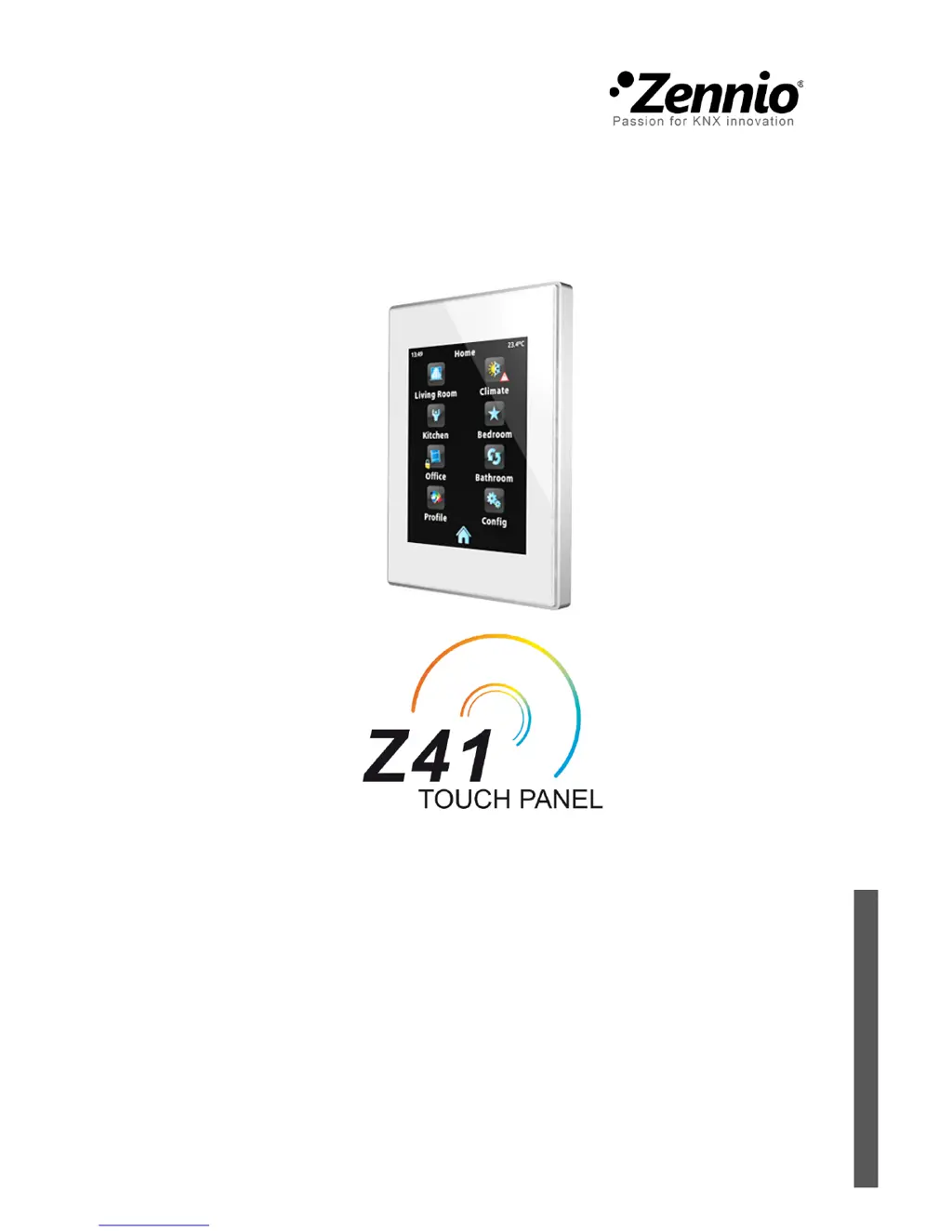
Zennio Z41 - User Manual

Zennio Z41
87 pages
Print Icon
To Next Page IconTo Next Page
Loading...
KNX Capacitive Colour Touch Panel
USER MANUAL
ZN1VI-TP41C
Application Program Version: [3.0]
User Manual Version: [3.0]_a
www.zennio.com

Other manuals for Zennio Z41

Questions and Answers

Summary

Zennio Z41 Touch Panel Introduction

InZennio Z41 Key Features

Lists the primary features of the Z41 touch panel, including its touch screen, UI, and control capabilities.

Installation and Firmware Updates

Device Installation Procedure

Details the connection outline, power supply, and element diagram for installing the Z41.

Firmware Update Methods

Explains the two-microcontroller architecture and the methods for updating the device firmware.

Device Configuration and User Interface

Menu Page and Navigation

Explains the user interface organisation into pages, accessed via the Menu page.

Page Management and Customisation

Covers general-purpose pages, profile pages, configuration pages, backlight, and page shaping.

Box and Control Setup

Details box parameters and various control types like Indicators, 1-Button, and 2-Button controls.

ETS Parameterisation

Core Configuration Settings

Covers Main Configuration, General, Security, Touch Lock, Internal Temp Sensor, Ethernet, Energy Monitor, and Firmware Update.

Specialised Controls

Describes Climate Control, Timers, Alarm, Special Modes, and RGB/RGBW controls.

Remote Operation and Communication

Remote Control via IP

Explains how to enable and configure remote control through IP networks and device pairing.

Communication Objects Reference

Lists and defines all communication objects used by the Z41 device.

Zennio Z41 Specifications

General IconGeneral
Resolution480x272 pixels
Operating Temperature0°C to +45°C
Display TypeLCD
Power Supply21-30V DC (KNX bus)
ConnectivityKNX
MountingWall-mounted
Screen Size4.1 inches

Related product manuals