Charging your headband
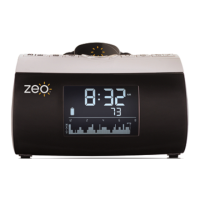
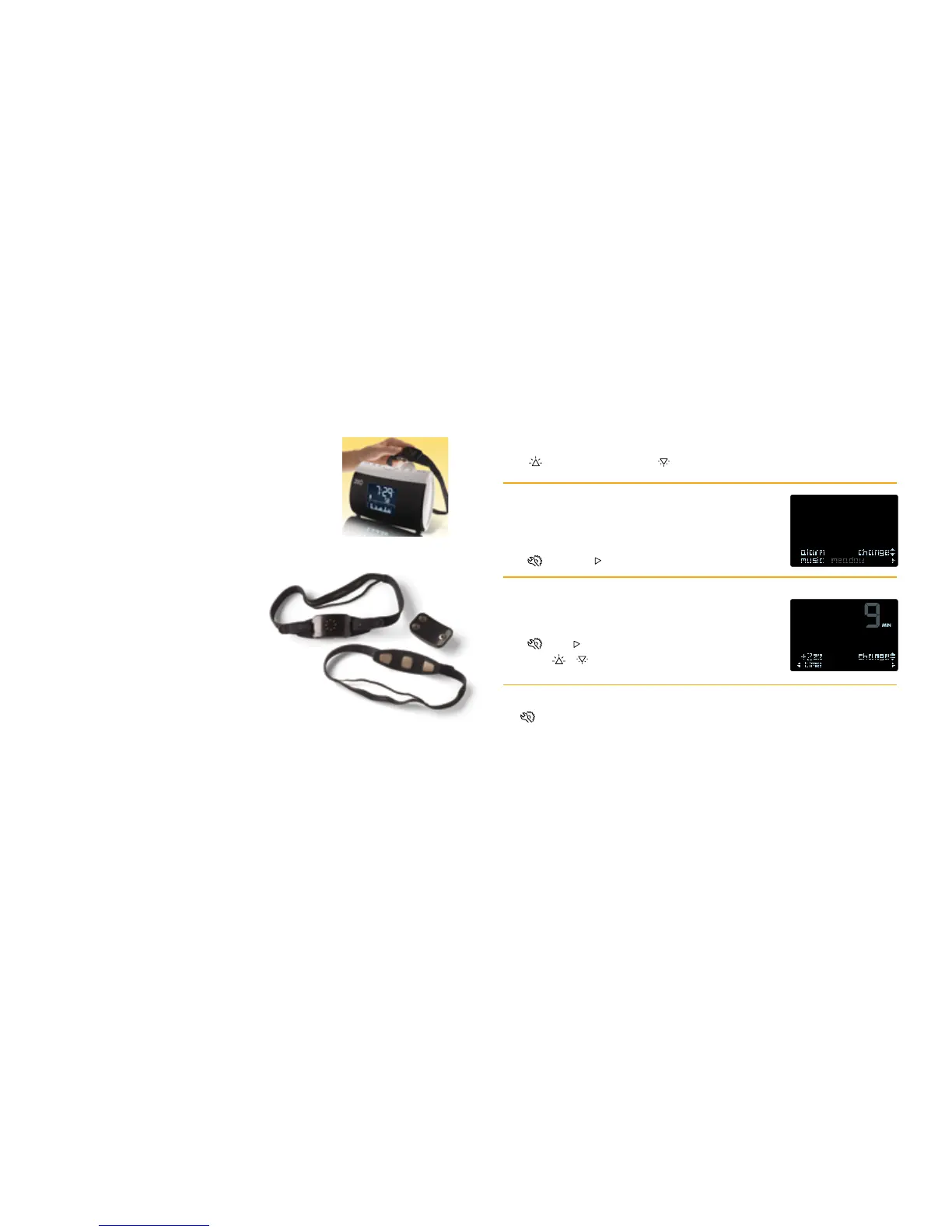
When not using the headband, keep it docked on the
bedside display so it can recharge.
ReplacingtheSoWave™sensorpad
The silver fabric in the sensor pad wears out from normal usage.
The headband should be replaced roughly every three months of
nightly use. Your bedside display will nofy you when the
sensor should be replaced.
Cleaning the headband
To wash the headband and sensor pad, unsnap the plasc pod and
hand wash the fabric with a delicate fabric cleaner and cold water.
Let the headband air dry thoroughly before using.
Headband safety
The Zeo Headband safely detects your sleep paerns; it is not
intended to alter your sleep in any way. It has been laboratory
tested and complies with consensus standards for digital and
wireless devices.
Screen brightness
Press to increase brightness, or to decrease brightness
Wakemusic
Choose from ve dierent wake tones to help sr you awake
gently and eecvely.
Press , then press to change music
Length of snooze
Adjust the length of snooze me, from 0 to 30 minutes.
Press , then to navigate to +Zzz Time screen.
Then press / to change snooze length.
Othersengs
The menu includes several other opons in addion to the ones below.
• Wake Mode – see next page for a full explanaon
• Sensor life – countdown unl recommended sensor pad replacement
• Erase sleep data – delete all sleep data on the bedside display
10
Headband Care
Addional sensor pads can
be purchased at www.myZeo.com
Customizing Your Zeo Sengs
11


 To Next Page
 Loading...