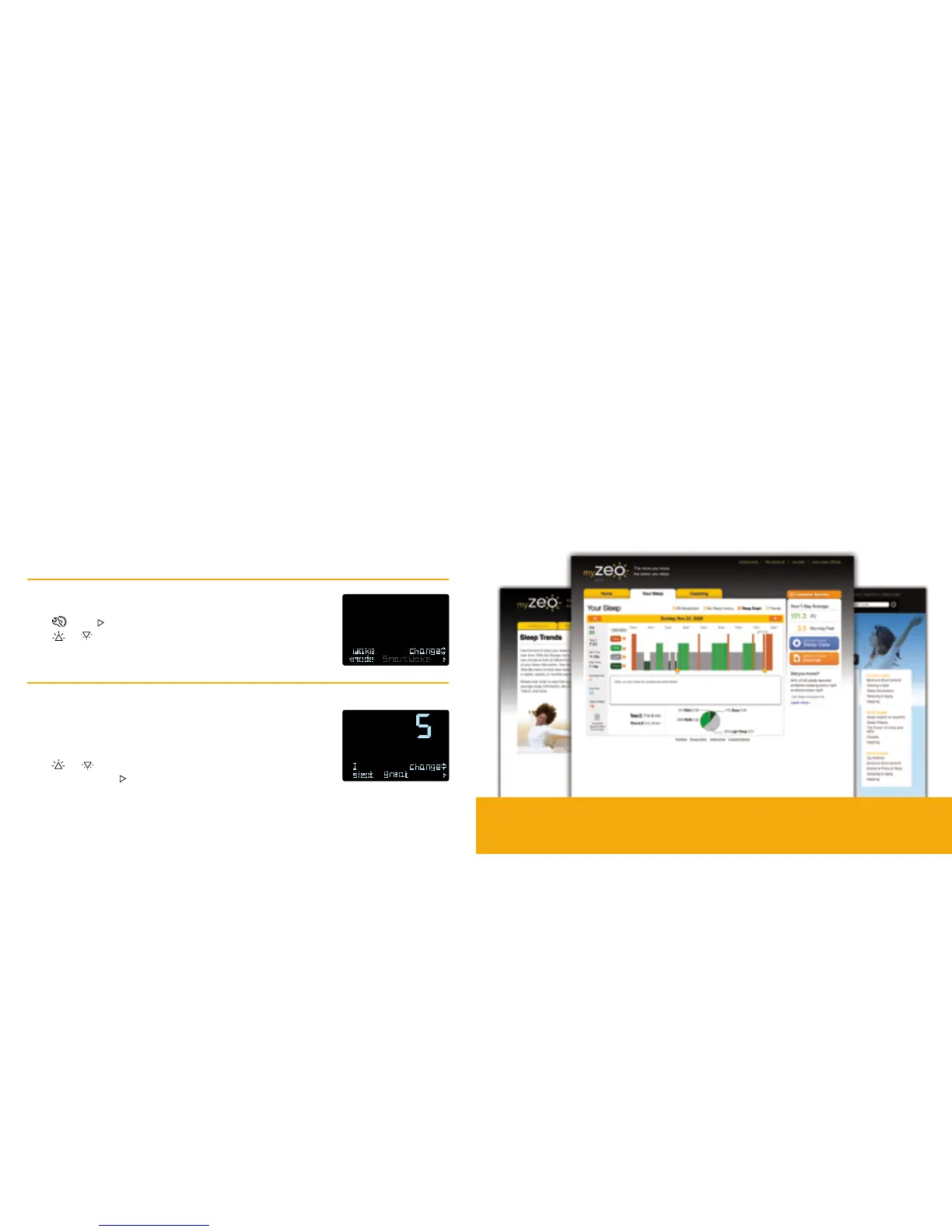
Explore your sleep in more depth
• Discover the factors that may be helping or hindering your sleep using
simple interacve tools
• Reveal trends in your sleep over days, weeks and months
• Input specic lifestyle factors to the online Sleep Journal
There are two ways to use the bedside display as an alarm clock:
Standard wake: the bedside display acts just like a tradional alarm clock with a gently rising volume.
SmartWake™alarm:the bedside display searches for what could be a “natural awakening point” –
a moment when it could be a lile easier to get out of bed in the morning.
When SmartWake is acvated, the alarm will sound within a half-hour before your set alarm me.
The alarm will never wake you later than the set alarm me.
Select wake mode
Press , then to navigate to the Wake Mode screen.
Press or to select the standard wake or SmartWake alarm.
Recordyourmorningfeel
When you dock your headband in the morning, indicate how you
think you slept, with 1 being the lowest and 5 being the highest.
Press or to change the 1-5 number score.
When nished, press
Note: You can also indicate your Morning Feel in the myZeo Sleep Journal.
12
Waking Up With Zeo myZeo
™
Online Tools
Turn the page to learn how to create your myZeo.com account today
13


 To Next Page