Super User
Introduction
In Super User mode, the unit provides
a number of functions for setting up,
loading and saving show data to disk,
clearing data etc.
Entering Super User
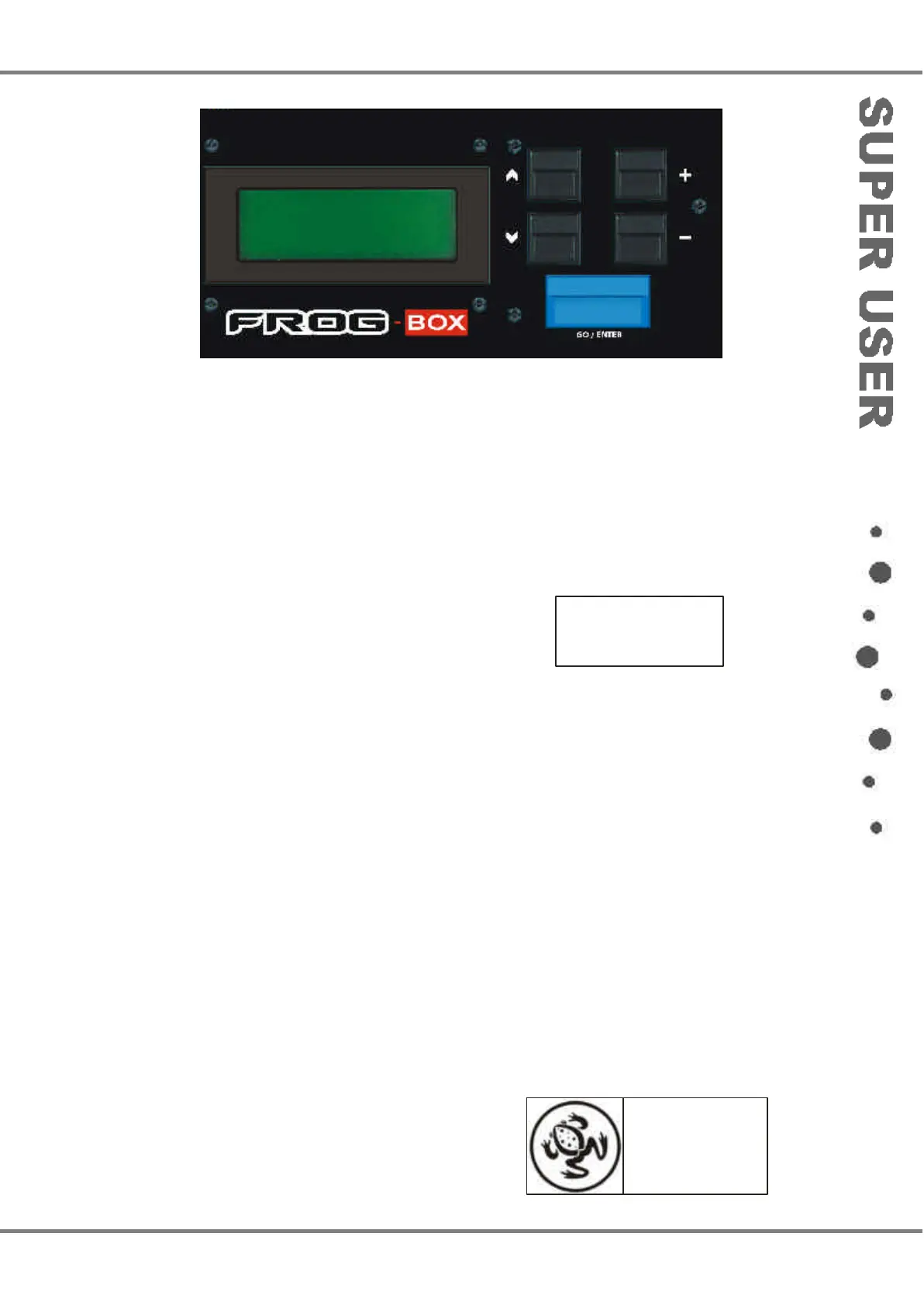
Press and hold down the + and - keys
on the front panel together, and then
press the GO/ENTER key. The LCD
shows the Super User screen:
**** SUPER USER ****
{Desk Setup}
{Floppy Disk}
{Clear/Reset} v
The Super User screen contains the
following options:
•
Desk Setup
•
Floppy Disk
•
Clear/Reset
• Illumination
•
Set Date & Time
• Desk Information
•
Reset DMX Outputs
• Set CAN Mode
• Exit Super User
Use the up and down arrow keys to
select an option, then press the
GO/ENTER key to display the screen
for that option.
Frog Box 73-749-00 Issue 4 4 - 1
Figure 4 - 1: Frog-Box Front Panel Controls
For news, views and
latest software visit
our dedicated Frog
web site at
www.frogsupport.com



 To Next Page