Other Features
Introduction
This chapter covers the following
features which are on the Frog-Box:
• Monitor Screens
• External Keyboard
• Lock Function
• Upgrading Software
Monitor Screens
The Frog-Box has a video output
socket fitted in the rear panel allowing
visual feedback of its operation via an
external monitor.
The monitor display is text only and
has a resolution of 80 characters wide
by 50 lines high.
The monitor is for the display of
information only; the operational
software is driven and controlled by the
controls on the front panel.
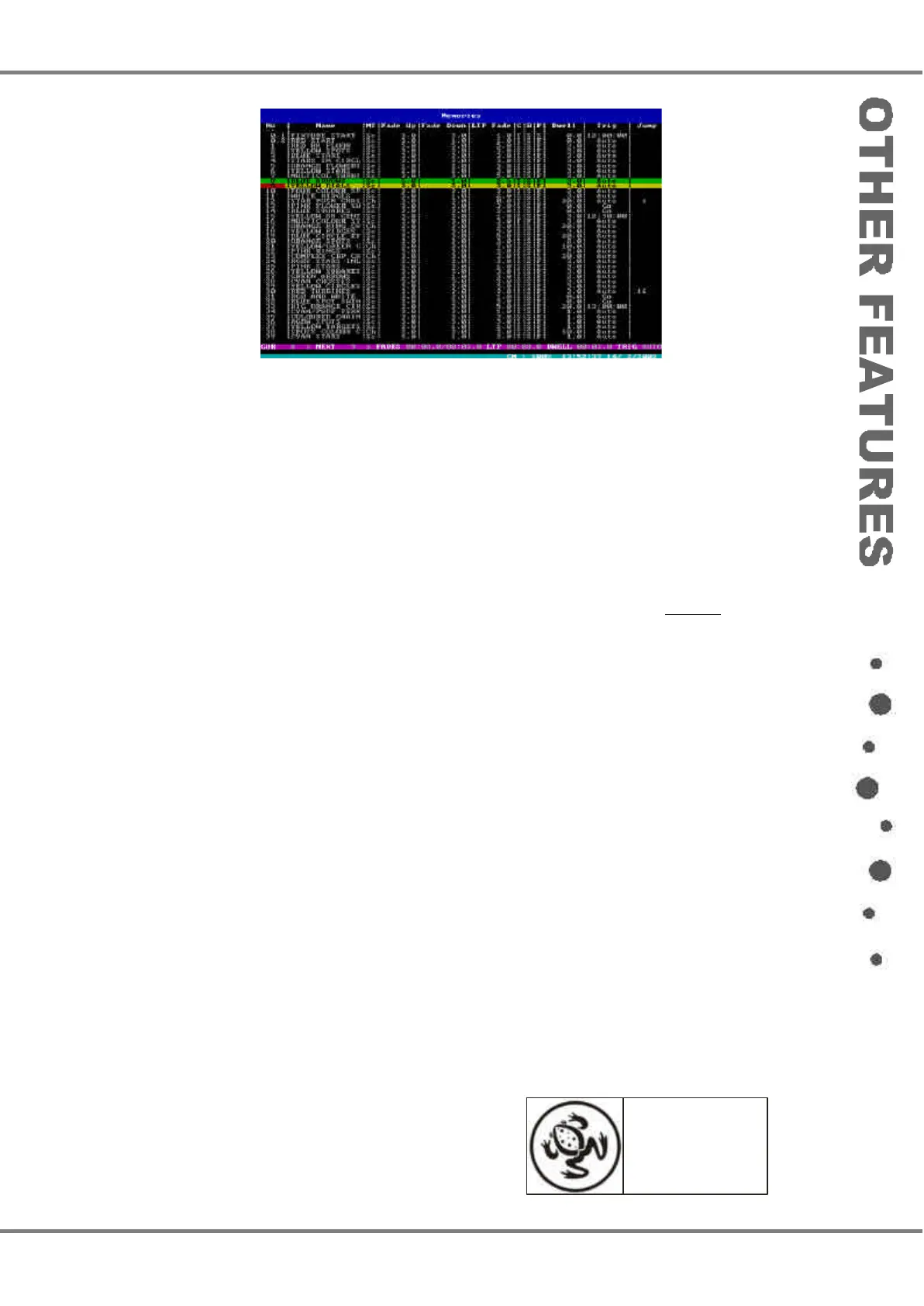
The default screen on the monitor
display is the Memories Screen.
Frog Box 73-749-00 Issue 4 5 - 1
Figure 5 - 1: Memories Screen (Monitor)
For news, views and
latest software visit
our dedicated Frog
web site at
www.frogsupport.com



 To Next Page