EasyManua.ls Logo

ZGR TOWER PRO 1 kVA - User Manual

Default Icon
38 pages
Print Icon
To Next Page IconTo Next Page
Loading...
Operation Manual
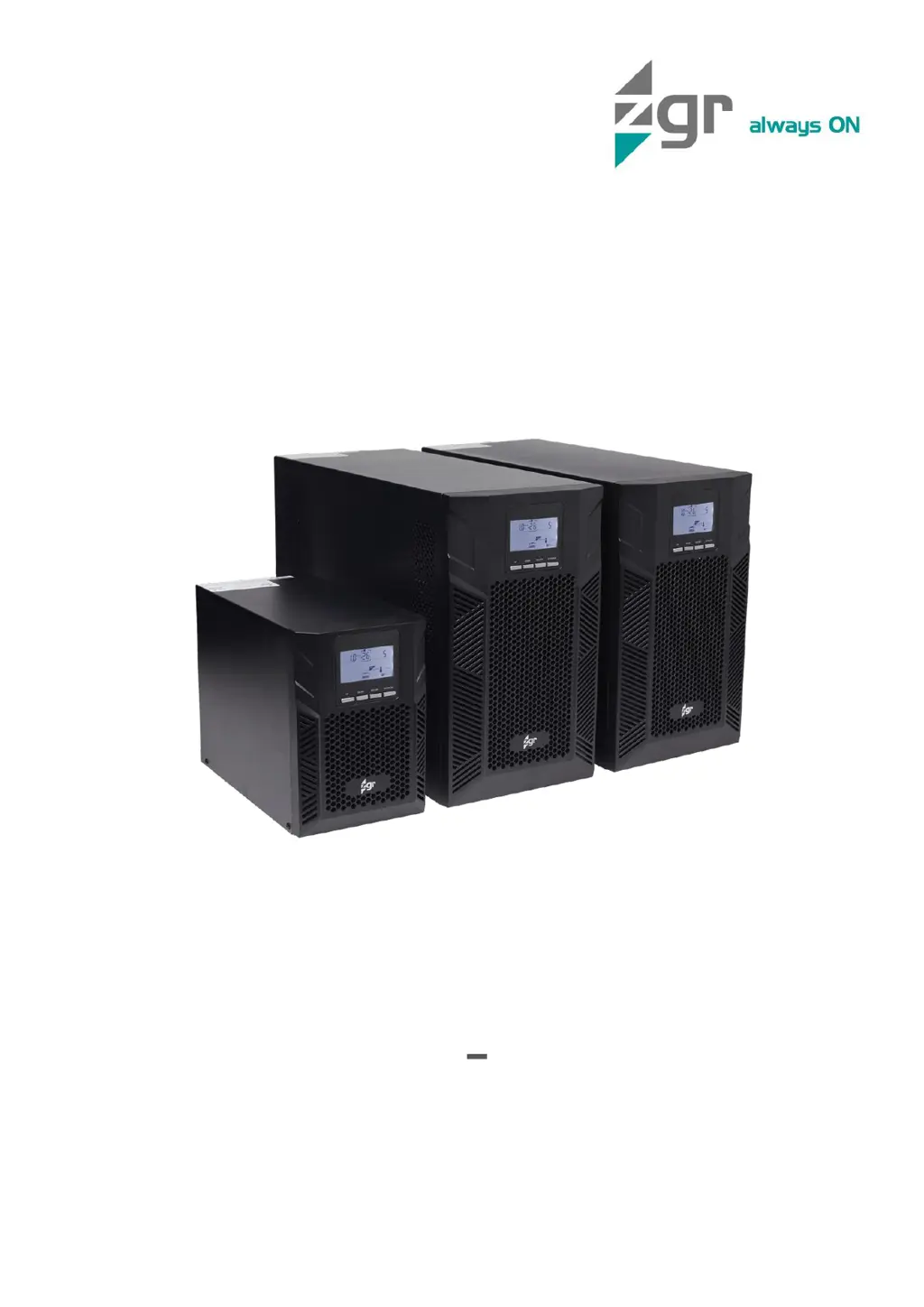
ZGR TOWER PRO 1 3 KVA
Online single-phase UPS
www.zigor.com

Questions and Answers

  • B
    brittanyrodriguezAug 6, 2025
    Why is the battery backup time shorter than nominal value for my ZGR UPS?
    • C
      Carolyn BauerAug 7, 2025
      The battery backup time might be shorter than expected because the batteries are not fully charged. To resolve this, charge the batteries for at least 6 hours and then check the capacity. Alternatively, the batteries may be defective.
  • A
    Amanda EdwardsAug 16, 2025
    What to do if the LED is blinking on my ZGR UPS?
    • J
      Julie LewisAug 16, 2025
      A blinking LED on your ZGR UPS can indicate several issues: the external or internal battery might not be connected properly, the UPS is overloaded, or the UPS shut down automatically because a short circuit occurred on the UPS output. Check if all batteries are well connected. Remove excess loads from the UPS output. Check output wiring and if connected devices are in short circuit status.
  • D
    derek60Aug 27, 2025
    How to fix no indication and alarm on my ZGR UPS even though the mains is normal?
    • M
      Mr. Tommy PetersonAug 28, 2025
      If your ZGR UPS shows no indication and alarm despite normal mains, it could be due to the AC input power not being connected well. Ensure the input power cord is firmly connected to the mains. Another possibility is that the AC input is incorrectly connected to the UPS output; in this case, plug the AC input power cord to the AC input correctly.

Summary

PRECAUTIONS

General Precautions

Safety guidelines for operating and handling the UPS unit.

Storage Precautions

Guidelines for storing the UPS to maintain its condition and battery life.

Environmental Precautions

Instructions for product disposal and environmental compliance.

Transportation Precautions

Procedures for safely transporting the UPS unit to prevent damage.

GENERAL DESCRIPTION

Introduction

Overview of the Uninterrupted Power Supply (UPS) System.

Main Characteristics

Key features and technical specifications of the ZGR TOWER PRO 1-3 KVA series.

Optional Characteristics and Unit Construction

Additional features, configuration options, and physical build of the UPS unit.

INSTALLATION

Reception of Material

Procedures for checking and verifying the UPS unit upon delivery.

Installation Conditions

Requirements for the environment where the UPS should be installed.

Connections

Details on how to physically connect the UPS to power sources and loads.

External Battery Connections

Instructions for connecting external battery cabinets to LBT models.

OPERATION

Control Panel Overview

Explanation of LEDs, LCD display, and buttons on the UPS control panel.

Operation Modes

Description of different operating modes like Normal, Battery, ECO, and Frequency Converter.

Operation Procedures

Step-by-step instructions for starting, stopping, testing, and managing UPS operations.

COMMUNICATIONS

USB Port

How to connect the UPS to a computer for monitoring via USB.

RS232 Port

How to connect the UPS to a computer for monitoring via RS232.

Intelligent Slot

Information on using the slot for optional communication cards.

TROUBLESHOOTING

Malfunctions and Solutions

Common problems, their causes, and recommended solutions for the UPS.

MAINTENANCE

Electronic System Maintenance

Recommended tasks for maintaining the UPS's electronic components.

Battery Maintenance

Procedures for battery care, testing, and ensuring longevity.

Battery Replacement

Safe procedures for replacing the UPS batteries.

TECHNICAL SPECIFICATIONS

STANDARDS

WARRANTY

ZGR TOWER PRO 1 kVA Specifications

General IconGeneral
TypeLine Interactive
Operating Temperature0-40°C
Capacity1 kVA
Output Voltage220/230/240 VAC
Frequency50/60 Hz
Transfer Time4-6 ms
Weight10.5 kg