1 - 10 MC1000 with Windows CE 4.2 User Guide
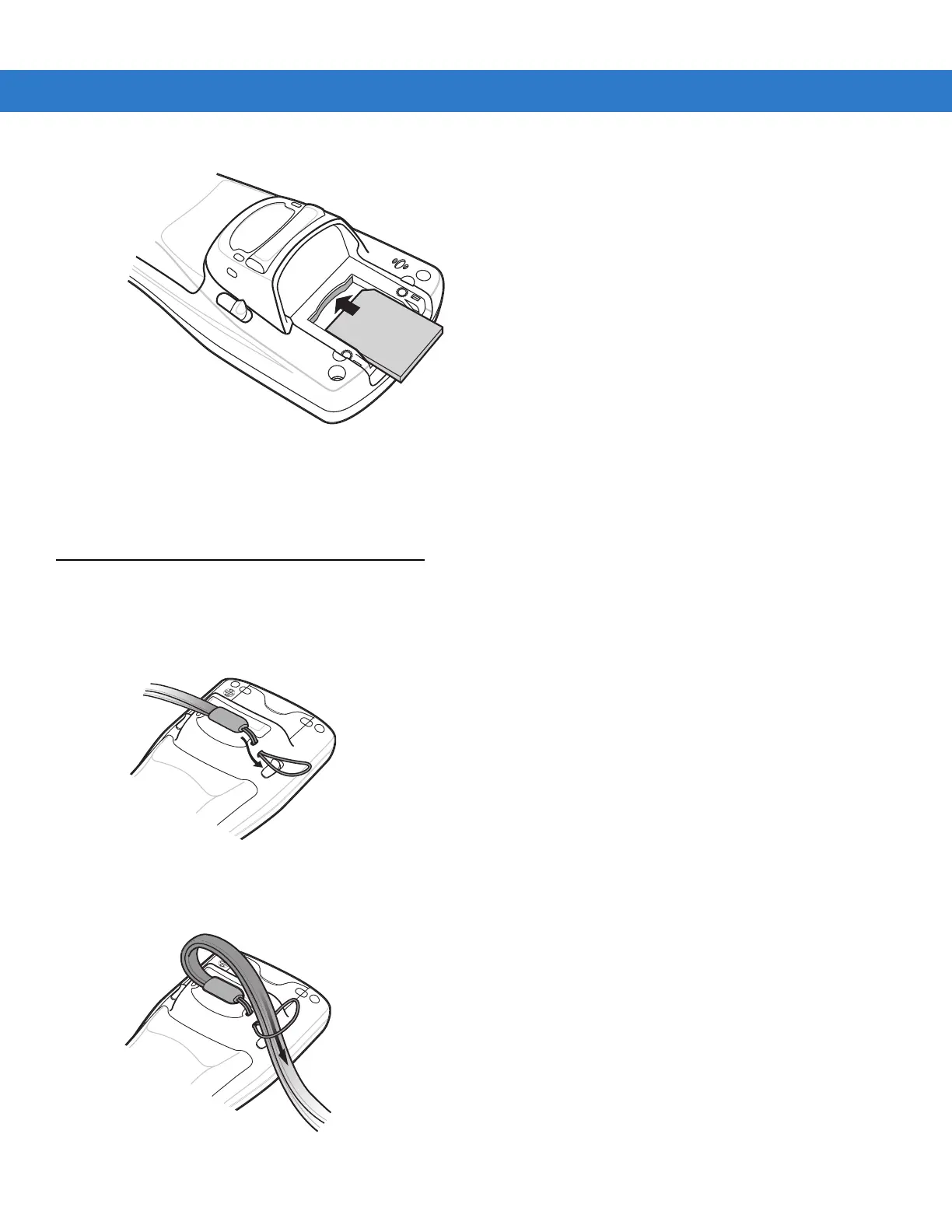
Figure 1-10
SD Card Installation
5. Replace the SD card cover.
6. Secure the two captive screws.
Wrist Strap
The wrist strap can be installed on either the right or left tether point. To install the wrist strap:
1. Thread the wrist strap loop through the tether point.
Figure 1-11
Insert Loop into Tether Point
2. Slip the end of the wrist strap through the loop and pull taught.
Figure 1-12
Slip Wrist Strap Through Loop



 To Next Page