19
806393 v1.08 09.19 Micro Install Instructions
Maintenance
9
Refit front
cover
Remove the filter flush hose, dry
it and return to storage.
7
While the LCD flashes “F”, press and hold the
button. Water will flow through the filter and out
the hose. The “F” displayed will stay on.
Continue holding the button. The button may be
released to temporarily stop water flow.
After 2 minutes (10 litres), water flow will
stop. The LCD shows “P” and filter life will be
reset to zero. Release the button.
10L bucket
8
Turn filter valve key
to FILTERED
Return filter valve
key to holder.
WARNING: Ensure flush valve
is rotated to “FILTERED” before
normal operation, to prevent
unwanted water flow.
10
!
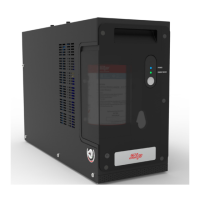
Turn power off to the command centre, wait 10
seconds, then power on again. Wait a further 30
seconds for the blue “POWER” light to illuminate.
Filter flush is
complete.


 To Next Page