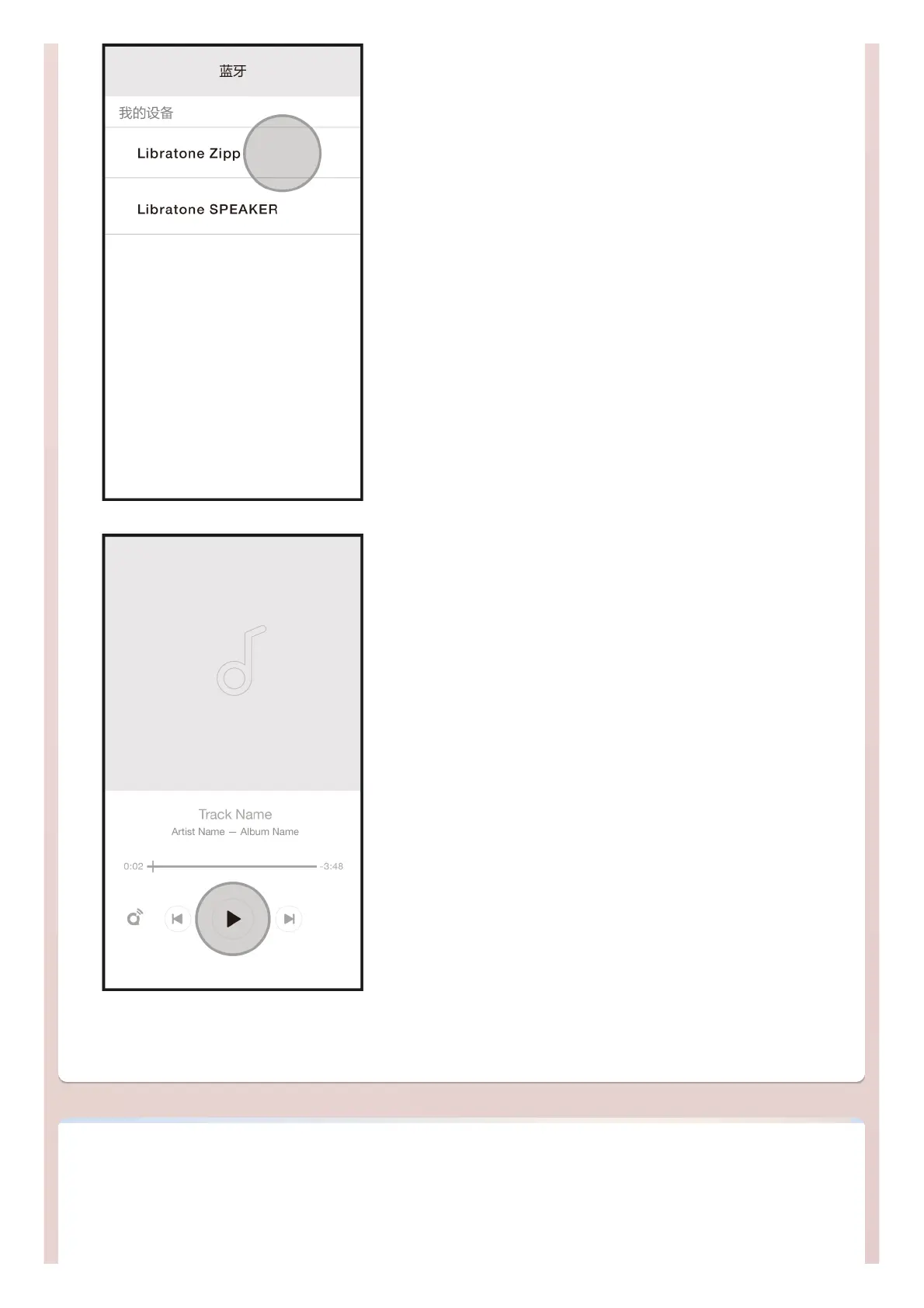
2. Open the Settings-Bluetooth menu in your phone and select the
Libratone speaker for pairing and connection
3. Open the music App and play, then enjoy your music
* Tap the Nightingale to answer/end a call when the phone and speaker are connected via Bluetooth. And use 'HUSH' to reject an
incoming call
OTHER PLAYBACK SOURCESOTHER PLAYBACK SOURCES



 To Next Page