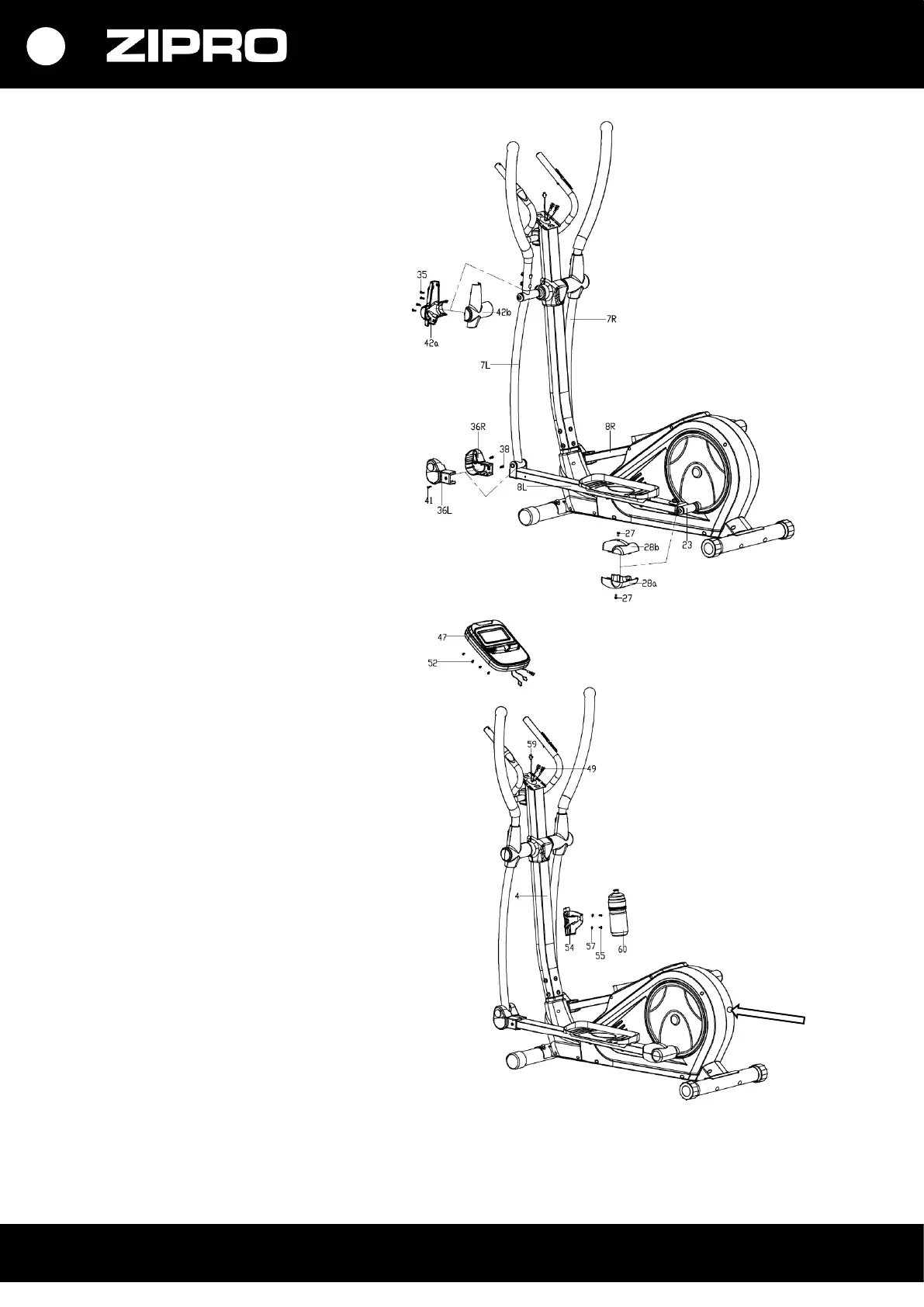
STEP 5.
Install and screw the handle arm cover
(42a/b) on with screws (35).
Install and screw the front cover of pedal
bases (36L/R) on with screws (41, 38).
Install and screw the rear cover of pedal
bases (28a/b) on with screws (27).
STEP 6.
a. Connect the computer connecting
cable from the upper part of the
handlebar post (59) and the heart rate
sensor cables (49) to the cables from the
computer (47).
Install the computer (47) on the
computer bracket in the upper part of
the handlebar post (4) with screws (52).
b. Install the water bottle holder (54) on
the handlebar post (4) using screws (57)
and flat washers (57). Make sure the
holder is secure and insert the bottle
(60).
c. Plug in the power supply unit (40) and
plug the cable into the power socket on
the front of the mainframe.
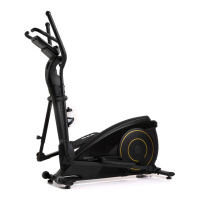
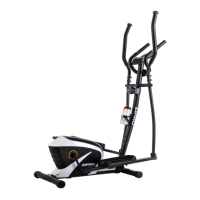
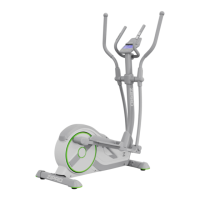
Congratulations! You have
assembled elliptical trainer!
Read the manual carefully before using
the elliptical trainer.


 To Next Page