32
COMPUTER MANUAL
START/STOP
The device starts five seconds after pressing the START/STOP button.
ENERGY SAVER
The treadmill computer automatically goes into the energy saving mode if no action is performed within
10 minutes. Press any button to wake the system up.
EMERGENCY STOP
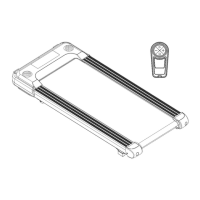
ATTENTION! Attach the safety key to your clothes for each training.
It should be used in emergencies only. Do not use it as a regular stop switch.
When placed incorrectly, the safety key prevents the treadmill from starting.
ATTENTION! Make sure that the emergency stop system is operational before using the treadmill.
Remove the safety key by pulling the cord. After the key is removed, the treadmill stops with a delay
depending on the operational speed. The running belt lift system is stopped as well (if present). The device
makes a short stopping sound. All fields of the display show ‘---’.
After the key is reconnected, the device is reset.
PROGRAMMES
The computer offers 3 custom programmes to be set manually, 12 automatic programmes saved in the
memory, 3 countdown modes (time, calories, distance), and a fat tissue measuring function (Body Fat).
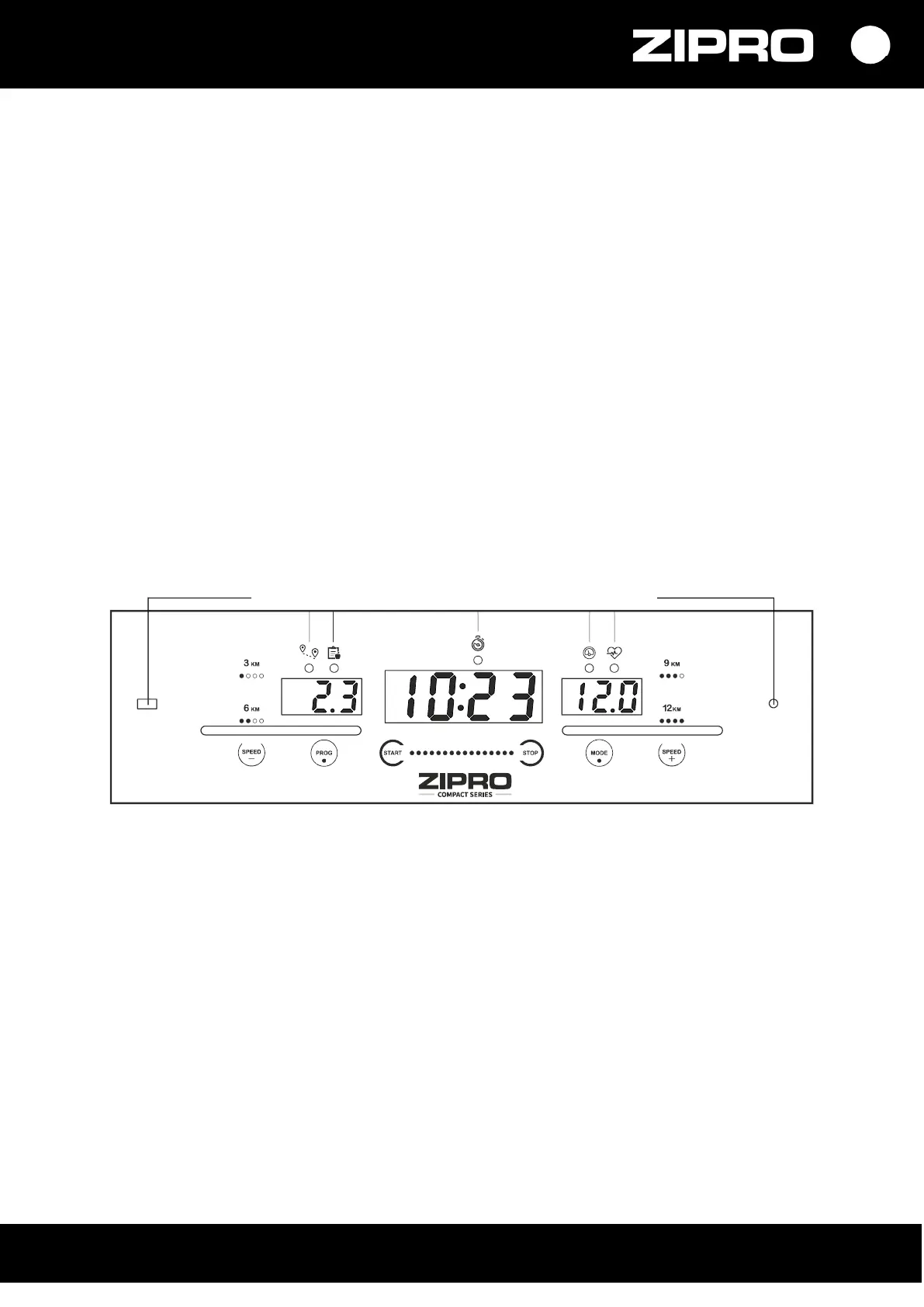
BUTTONS
START — it is used to start the treadmill in the manual mode or to start a selected programme.
STOP — stops a running treadmill. When it is pressed, settings are reset as well. After a restart, the
device is in the manual mode.
PROGRAM (PROG) — it is used to select a workout programme automatically (P1- P12) a user
programme (U1-U3) or the Body Fat function before the treadmill is started.
MODE – can be used to select the countdown mode: time, distance, or calories.
SPEED + / - – it is used to adjust (increase and decrease ) the speed in 0.1 km/h steps.
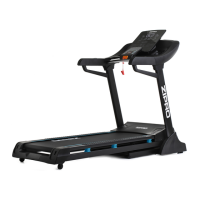
The buttons are located on the computer and handrails.
QUICK SPEED SET BUTTONS – they are used to set the speed directly (3, 6, 9, 12 km/h).
MUSIC PLAYBACK BUTTONS
The treadmill can play music from speakers or via headphones.
3.5 mm jack can be used to connect devices.


 To Next Page