13
Total distance from the start to
the end of the exercise.
MANUAL PROGRAMME
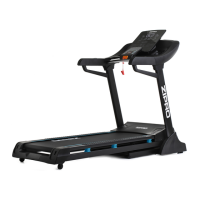
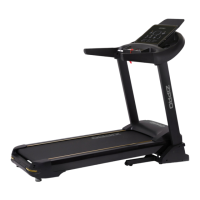
The manual programme is a default operating mode of the device. The
treadmill starts operating in it once you press START and no other
workout plan is selected.
• The default mode in the manual mode is 1 km/h.
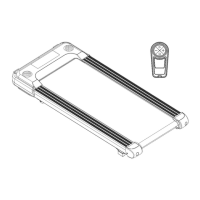
• The speed and inclination angle can be changed using buttons
on the remote.
MP3 MUSIC PLAYBACK
The treadmill computer allows music to be played from the speakers.
Once the treadmill is switched on, turn on Bluetooth in your phone
settings and click the search button. Select RZ to connect to the
treadmill and play music.
TRAINING AND PHASES
The use of the device is very beneficial. It will improve your physical
condition, strengthen your muscles, and when combined with the
right diet, it will help burn excess fat tissue.
1. WARM-UP
This phase improves blood circulation in the whole body and prepares
the muscles for intensive work. It reduces the risk of cramps and
injuries. It is advisable to do some stretching exercises as shown
below. If you feel pain, stop exercising or reduce the extent of the
move.
STRETCHING INNER THIGH MUSCLES
Sit on a flat surface with your legs bent and knees pointing outwards.
Put feet soles together and get them as close to you as possible.
Slightly push the knees downwards and hold for 15 seconds.
THIGH STRETCHING
Sit on a flat surface. Straighten the right leg and press the sole of the
left foot against the tight. Stretch your right arm towards the toes of
the right leg as far as possible. Hold for 15 seconds. Repeat for the left
leg.
HEAD SIDE-TO-SIDE
Keep your head straight looking forwards. Keep your shoulders still,
and rotate the head right. Return your head so that you are looking
straight. Next, rotate it left and back to the starting point.
SHOULDERS UP-AND-DOWN
Lift the left hand as high as possible and hold for a few seconds.
Repeat for the right hand.
ACHILLES TENDON STRETCHING
Stand facing a wall. Extend the left foot forward and bend the knee a
little. Keep your right leg straight and back, with the heel on the
ground. Keep both heels flat on the ground and push your hips
towards the wall. Hold for 30 seconds. Repeat with the right leg
extended. Remember not to arch your back during the exercise.
BENDS
Stand up with your legs together. Bend forwards trying to get your
chest as close to the knees as possible. Hold for 15 seconds.
Remember not to bend the knees.
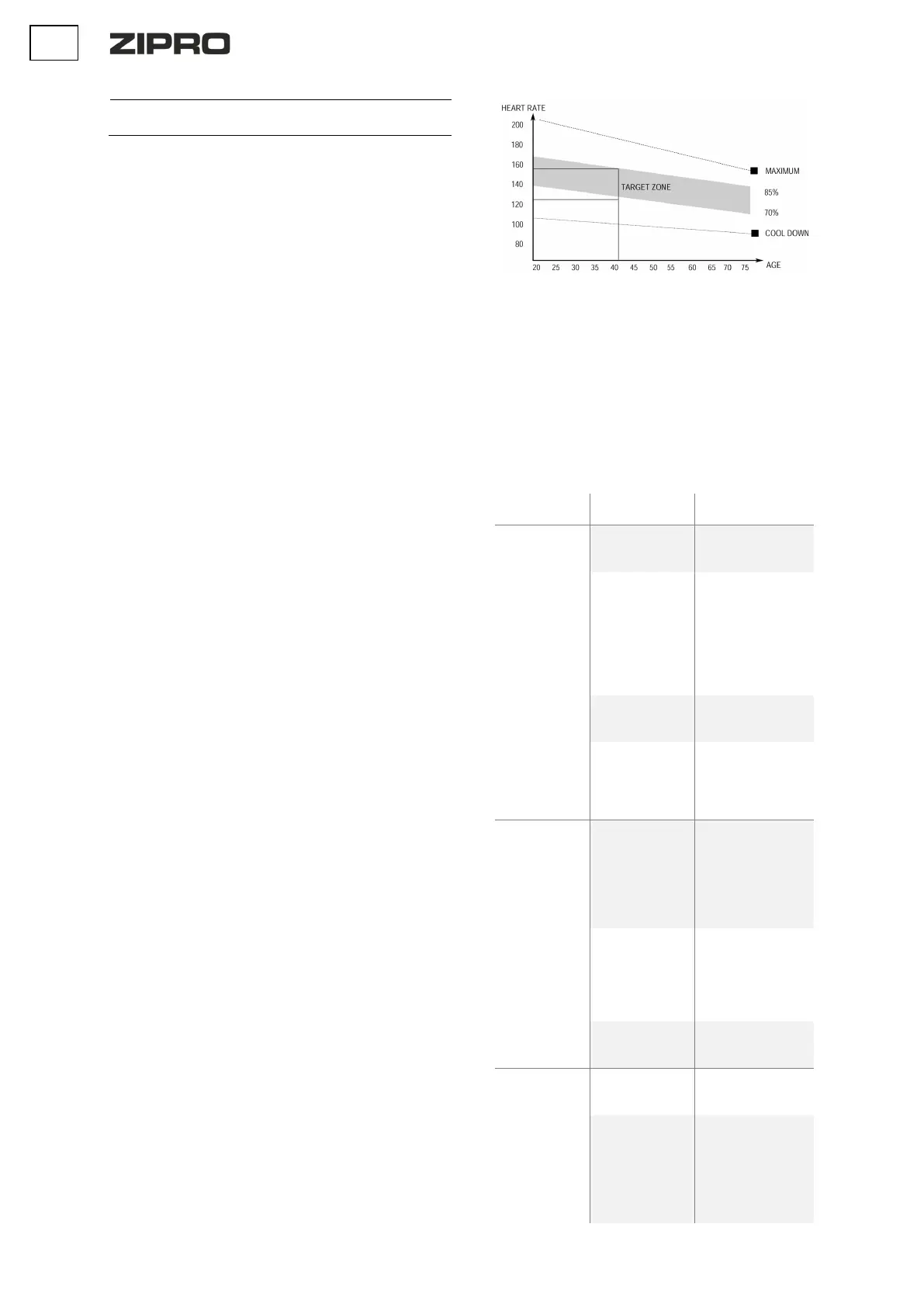
2. EXERCISE PHASE
This is the exercise proper. Maintain your own pace to reach the heart
rate appropriate for your age as shown in the chart below.
3. RELAXATION PHASE
This phase helps steady the circulation and relax the muscles. It is
identical to the warm-up phase. Remember not to strain your
muscles.
TROUBLESHOOTING
CAUTION! Opening the housing of the device without a prior contact
with a manufacturer’s service voids the warranty. If you suspect a
failure that requires the housing to be opened, contact
manufacturer’s service.
The computer
does not work
incorrectly
of computer cables.
broken or
insulation is worn
connections. If it is
correct and the
problem persists,
contact the customer
service of the
manufacturer’s
damaged
manufacturer’s
between the
control board and
the computer is
manufacturer’s
service.
The motor does
not operate
voltage
is correct. If the
problem persists,
contact the customer
service of the
manufacturer’s
connection of the
motor cable
and connect it again.
If the problem
persists, contact
manufacturer’s
damaged
manufacturer’s
The computer
failed to detect
speed sensor
signal for 15
seconds
incorrect
manufacturer’s
connection
incorrect
connections. If it is
correct and the
problem persists,
contact
manufacturer’s


 To Next Page