___ ZipSpin
2. Making a Copy with different Burn Speed (with AutoStart Off)
This operation will guide you to make a copy from the Master Source Disc to a Blank CD/DVD disc
by setting your own burn speed. Choose lower burn speed usually can provide better quality copies.
A. Follow the below steps to disable AutoStart function:
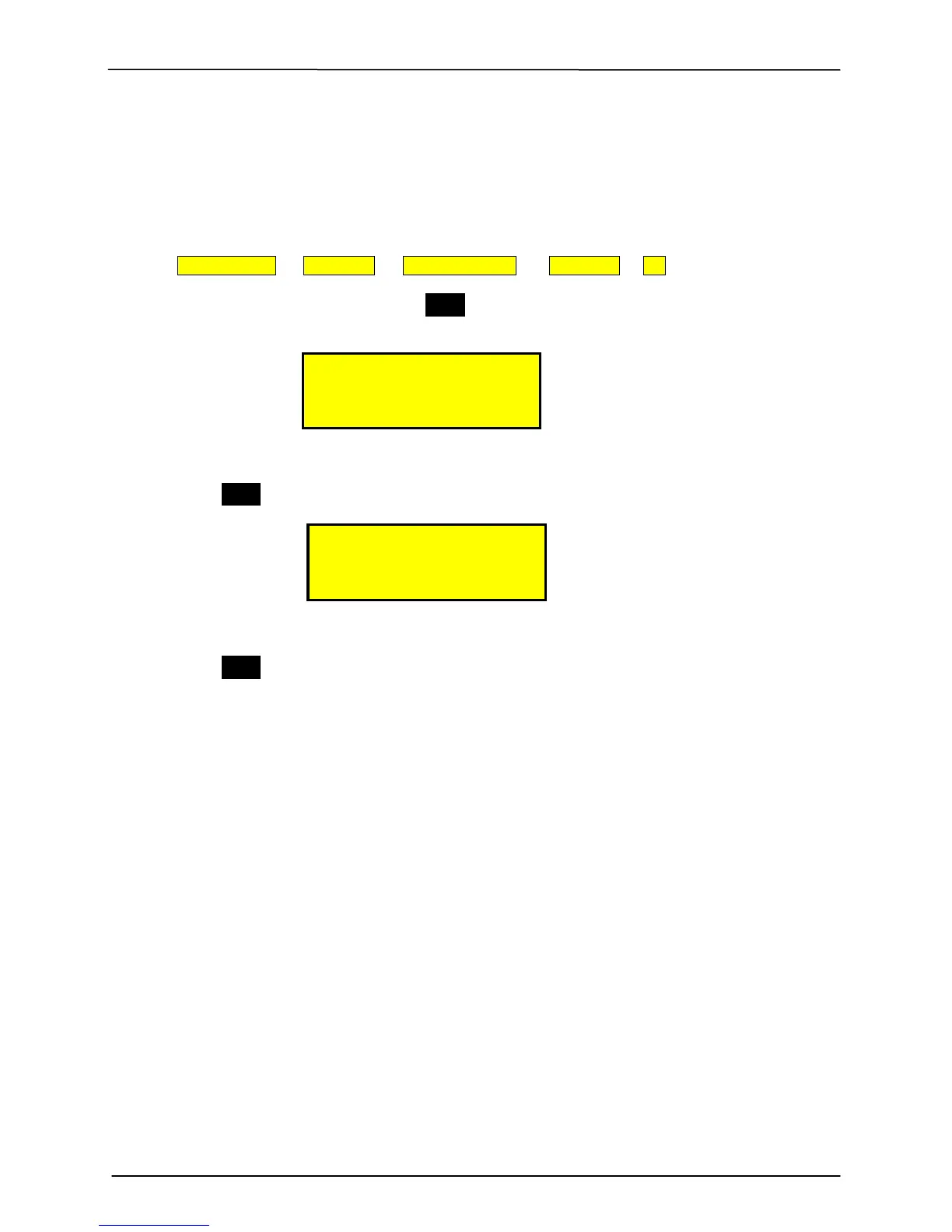
1. Copy Disc 7. System 7.5 Setup Para AutoStart Off
B. Return to copy function by pressing ESC and Insert the master disc in the top drive and blank
disc in the lower drive.
<<< ZIPSPIN >>>
1. Copy Disc
C. Press ENT to select the different burn speed options:
Write Speed =
CD
40 36 32 24 20 16
DVD
16 12 8 4 2 1
D. Press ENT and the system will analyze the discs and then begin copying. During the copying,
the LCD screen will display Master Source Disc’s data size and copying progress.
E. After completion, the system will synchronize the copied disc and eject the bottom tray
automatically. Insert another blank disc for additional copy or replace the master disc for a new
copy.
F. To activate the AutoStart function again, follow Step A and set AutoStart to 5 seconds.


 To Next Page