___ ZipSpin
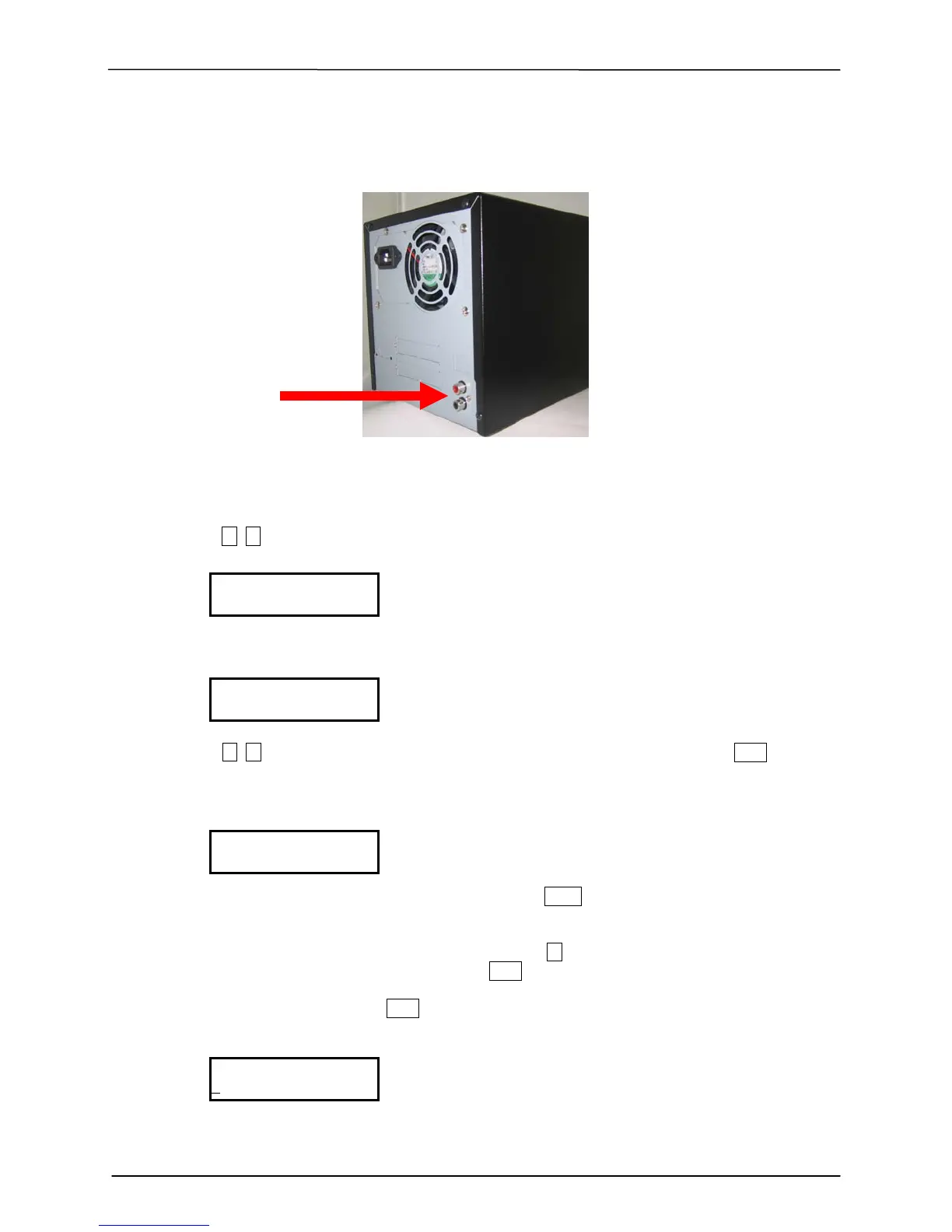
4. MUSIC PLAYER (with Amplified Speakers Plugged in to the rear audio Jacks)
A. Place the audio CD into the Reader Drive.
B. Move , to 8. Music Player and Press ENT
C. The LCD will show
D. Move , to select all tracks or move to each track number you like and press ENT. Select on
each track you would like to play.
E. The selected track will be marked a b c … above the track number.
F. If you would like to de-select the tracks just press ENT again on that track.
G. When you have finished selection, please move to the right end of LCD screen. You
will see OK on the end of all tracks. Press ENT to finish your selection.
H. Select Play Mode and press ENT to start playing music
All
1 2 3 4 5 6 7
8. Music Player


 To Next Page