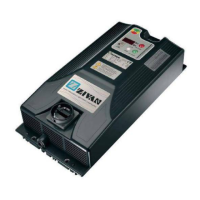
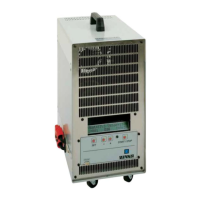
BG 9 Battery Charger English
D01972-02
11
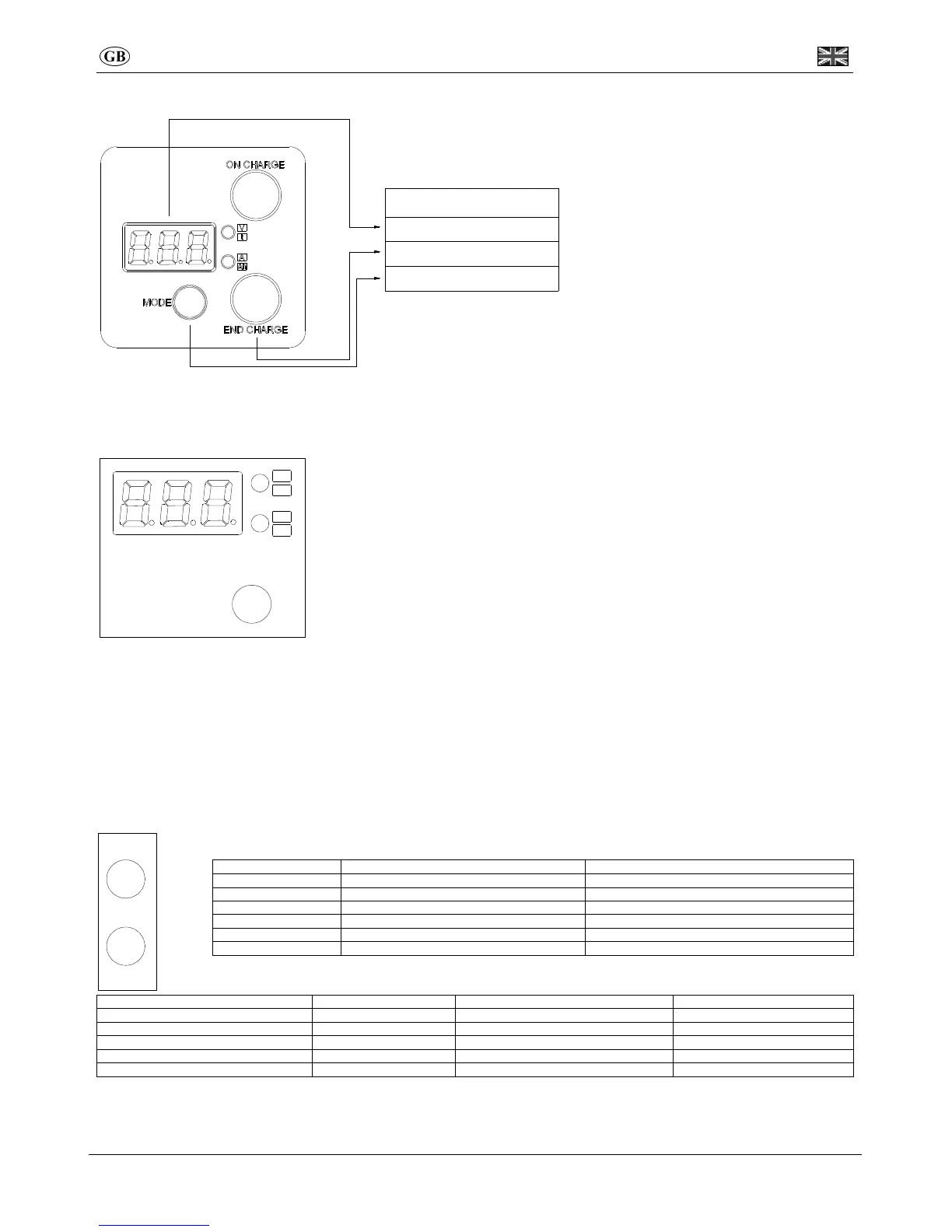
Visualization
Description
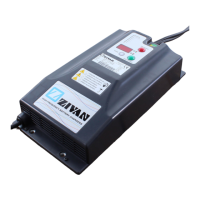
Digital Instrument
Ready Light
Digital adjustement mode
Digital Instrument
To set the compensation value made by the charger to balance the voltage drop on the cables please follow the procedure
“Compensation setting of the voltage drop on output cables.
From the starting the digital instrument will display the string of the following parameters:
• BATTERY VOLTAGE (two-tone red upper led).
• CURRENT provided by the charger (two-tone red lower led).
• TIME in hours lacking to the end of charge (two-tone green upper led).
• Ah supplied (two-tone green lower led).
• CONNECTED GADGETS (no two-tone led on – only on a MASTER battery charge).
By pressing once the MODE button, the parameters’ sequence is blocked and it will be kept the
last value displayed. By pressing again on the MODE button the sequence of parameters
restarts.
Compensation setting of the voltage drop on output cables.
While charging, with a long pressure of Mode Button, you can program the voltage cables drop. Please execute the following operations
while charger is at maximum current.
1. Gauge the voltage drop at the ends of the output bars of the battery charger (close to the cover).
2. Gauge the voltage on the battery poles.
3. Make the difference between the two values to get the voltage drop compensate.
4. Press shortly the MODE button (ROLL) until reaching the nearest voltage value to the desired one: it is possible to ROLL
parameters between 0,0V e 1,5V with steps of 0,1V.
5. Press long the MODE button (ENTER) to confirm.
Ready Light
Charging status and current phase of charge of the equipment is indicated through the light station:
Phase 1 On Off
Phase 2 On with short flashing Off
Phase 3 On (firmware CB: off) On with short flashing
Phase 4 On with short flashing (firmware CB: off) On with short flashing (firmware CB: on)
Phase5-Phase6 6 Off On with short flashing (firmware CB: on)
End of charge Off On
When using the remote visualisation through two-tone LED (AUX F – Pin 1 e 2), the following signals are valid:
Phase 1 On Off Off
Phase 2 On with short flashing Off Off
Phase 3 Off Off On
Phases 4-5-6 & End charge Off On Off
S/S or alarm Off Off (firmware CB: On with short flashing) Off
IMPORTANT: according to the charging curve used maybe some phases are lacking.
IMPORTANT: the above description complies only with the standard CB firmware. For different firmware please refer curve spec sheet or contact the
retailer/producer.
END CHARGE
ON CHARGE
MODE
Ah
A
t
V


 To Next Page