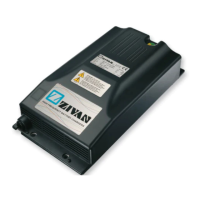
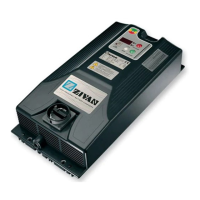
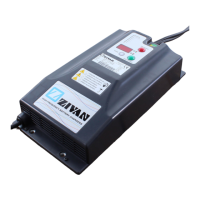
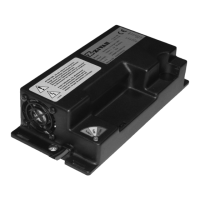
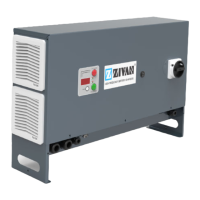
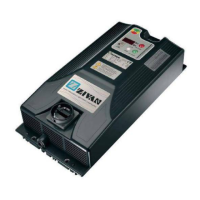
English BATTERY DISCHARGER at constant current
18 D01470-03
Employing directions
1) Ignition of the discharger
Connect the equipment to the current socket and operate the switch found on the back panel.
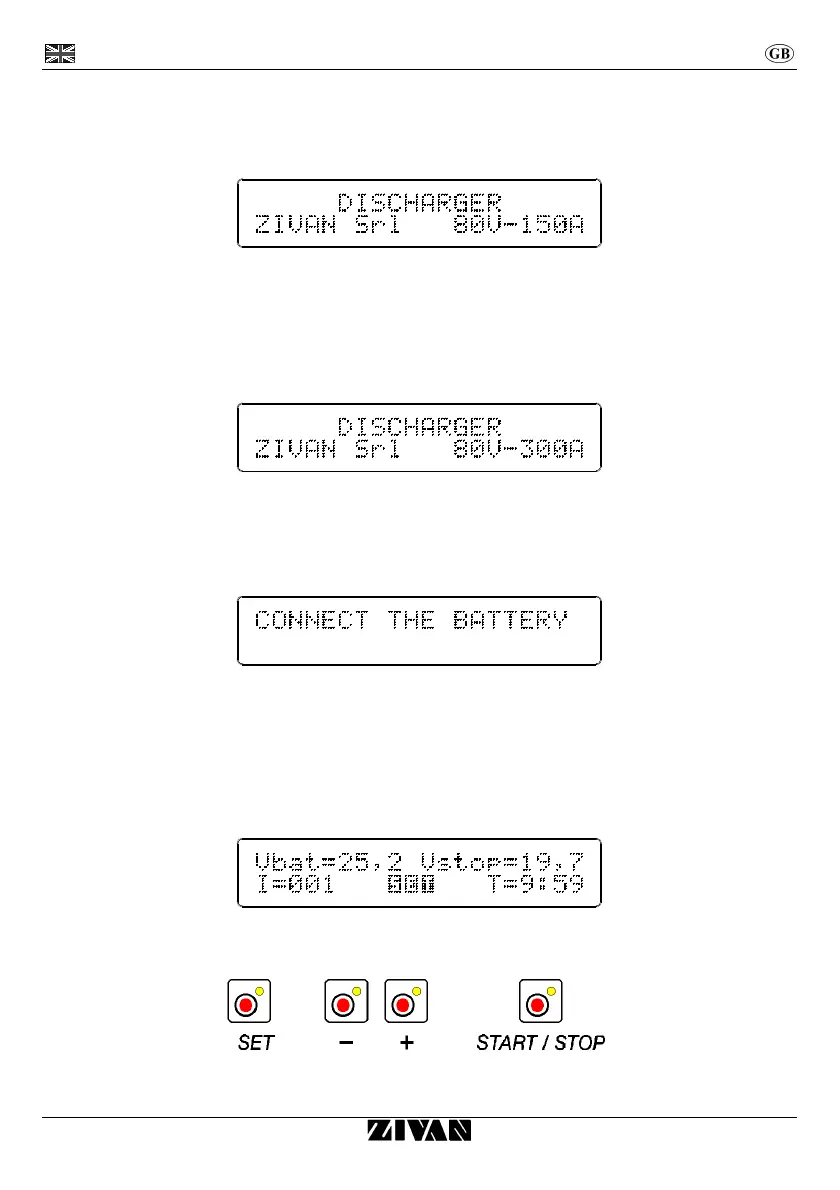
On the display it appears for few instant:
In case of employ of the model with the two units:
a) Make sure that the two units are switched off.
b) Connect the linkage cable to the sockets of parallel interface.
c) Switch on the second unit (the one without display).
d) Switch on the main unit.
If this procedure is followed, the display shows double the current compared to the one of the single unit:
It is recommended to switch on first the second unit and then the main unit, because on the contrary the
equipment would discharge twice the current set and shown on the display. If the current desired is within
the working range of the main unit, it is not necessary to use the second unit.
After the introduction the display communicates to connect the battery:
2) Connection to the battery
Connect the battery respecting the polarity (in case of reversal the display inform about the mistake).
In case you want to determine the capacity, ensure that the battery has first been fully charged.
3) Setting out of parameters
In this phase, characterized by the SET writing appearing on the display, it is possible to set out the
discharging parameters I, Vstop and T, while Vbat shows the voltage value read at the time of
connection to the battery.
Select the flashing discharge parameter by means of the button SET (through which you change from a
parameter to the other) and set out the required value by means of the two button - and +.


 To Next Page