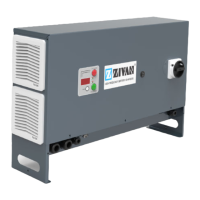
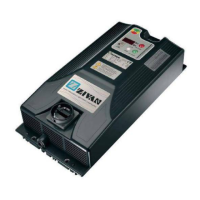
English BATTERY DISCHARGER at constant current
24 D01470-03
MENÙ "View"
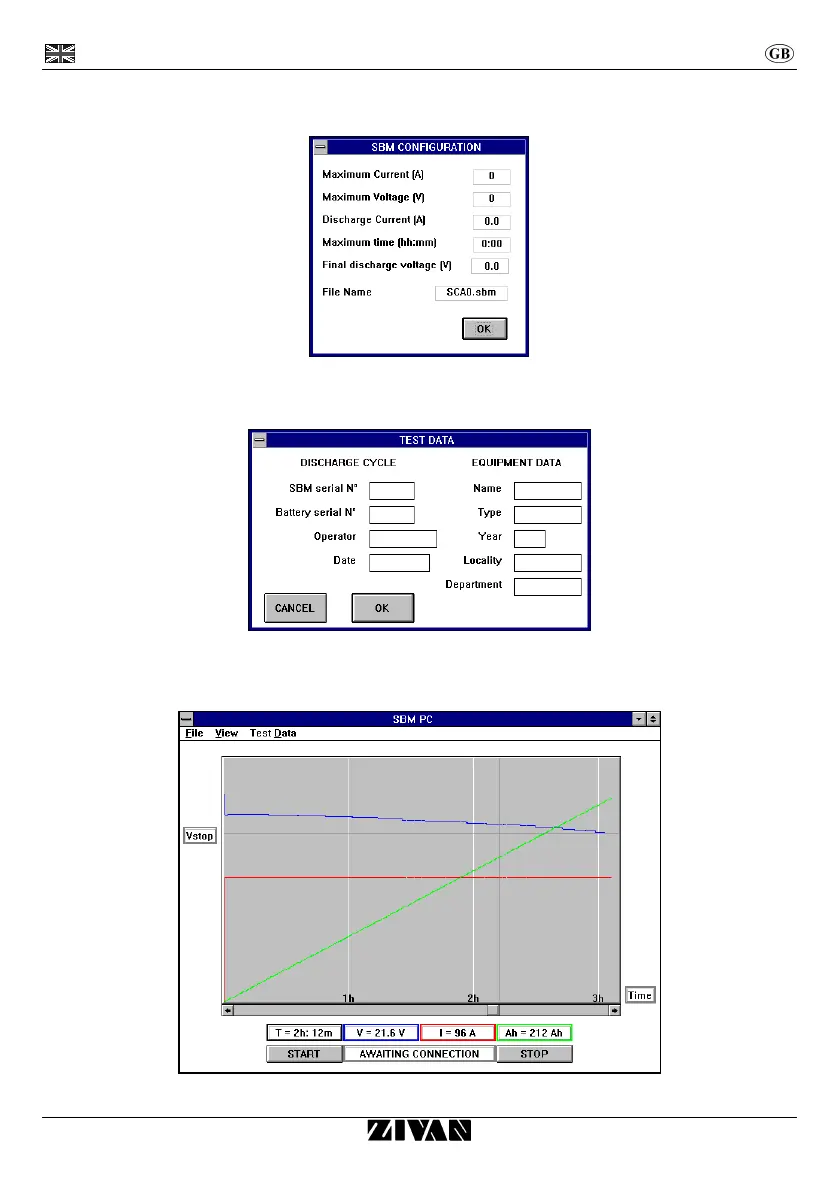
A table is viewed with all the configured values for the connected discharger and also the fixed name of
the file, where the discharge is automatically saved.
MENU "Test Data"
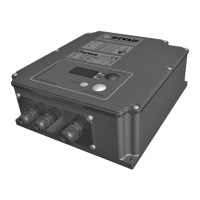
A table is viewed to fill in with the battery and equipment data that you are testing together with some
square to identify the user. These data are related into the print.
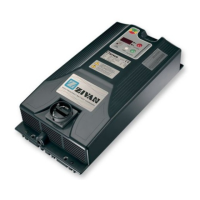
DIAGRAM
The diagram viewed the voltage outlines (blue colour), current (red colour) and amperhour (green colour)
according to the time.
The constant horizontal line shows the programmed voltage for the end of the discharge (Vstop).


 To Next Page