VR10 Pro User Manual
Page | 21 Copyright©2021 ZKTECO CO., LTD. All rights reserved.
Display of Target Information 8.5
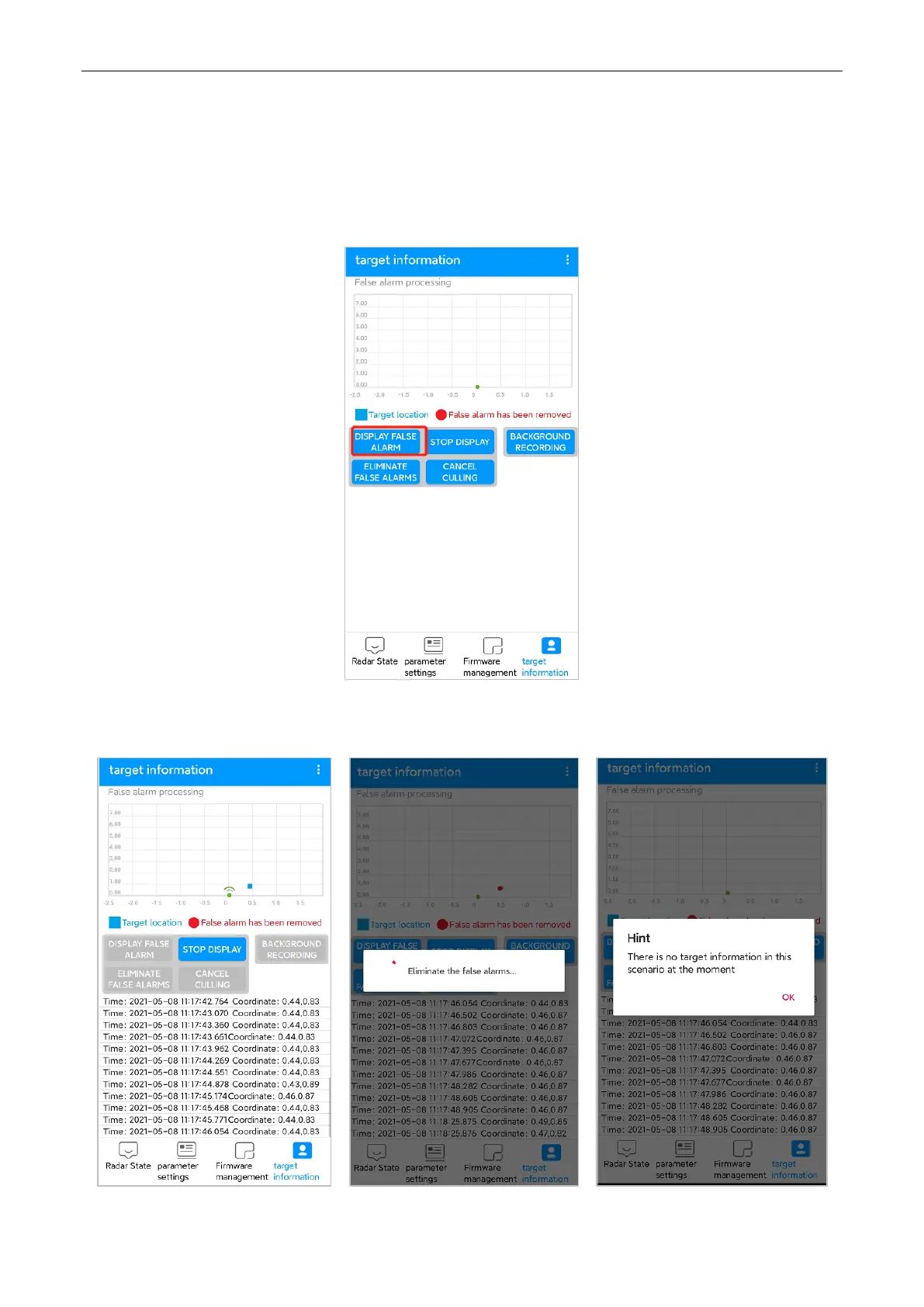
1. After the background learning is completed, you can click to display the target information. During
this process, please do not perform other operations except stop the display.
2. If there is false alarm on the interface, click [STOP DISPLAY] and then click [ELIMINATE FALSE
ALARM]. After Eliminate false alarm, it can be used normally.



 To Next Page