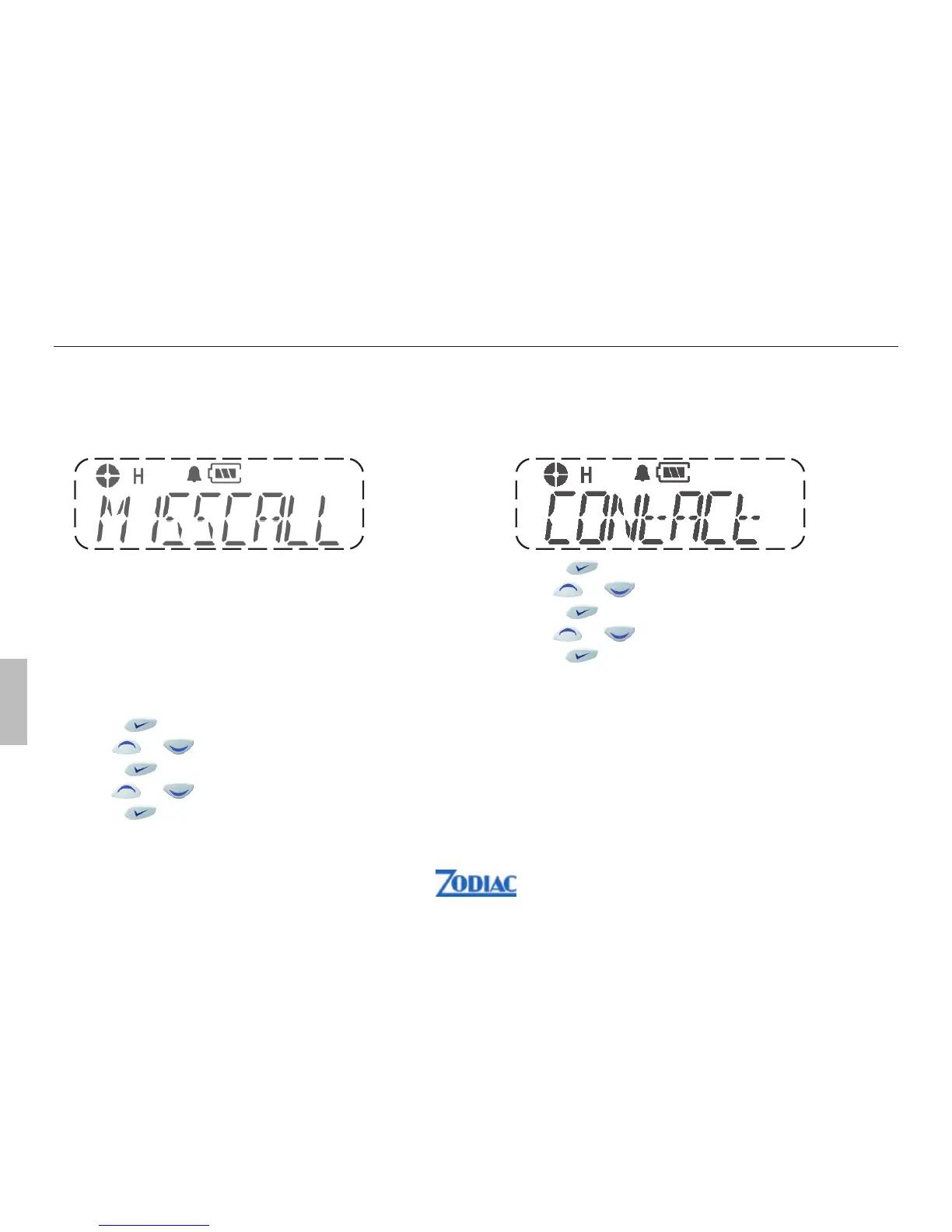
Contact list
During a call, the contact list may be used to give
access to up to 16 preprogrammed numbers accessed
via the menu.
1. Press to enter menu mode.
2. Use
or to scroll list until Contact list
3. Press to select Contact List
4. Use or to scroll list
5. Press
to select
Missed call list
If a call remains unanswered, the call will be stored by
the radio, provided that missed calls has been
programmed into your radio.
Up to 16 calls can be stored. If the same radio calls
more than once, only the most recent call is stored.
When fifteen calls have been stored by the radio,
depending on the radio programming, the sixteenth
may overwrite the first or not be stored by the radio.
If the displays shows S there is a status message
associated with the call.
1. Press to enter menu mode.
2. Use
or to scroll list until Missed Call list
3. Press to select Missed Call List
4. Use or to scroll list
5. Press
to select
50 Zodiac Proline W
English


 To Next Page