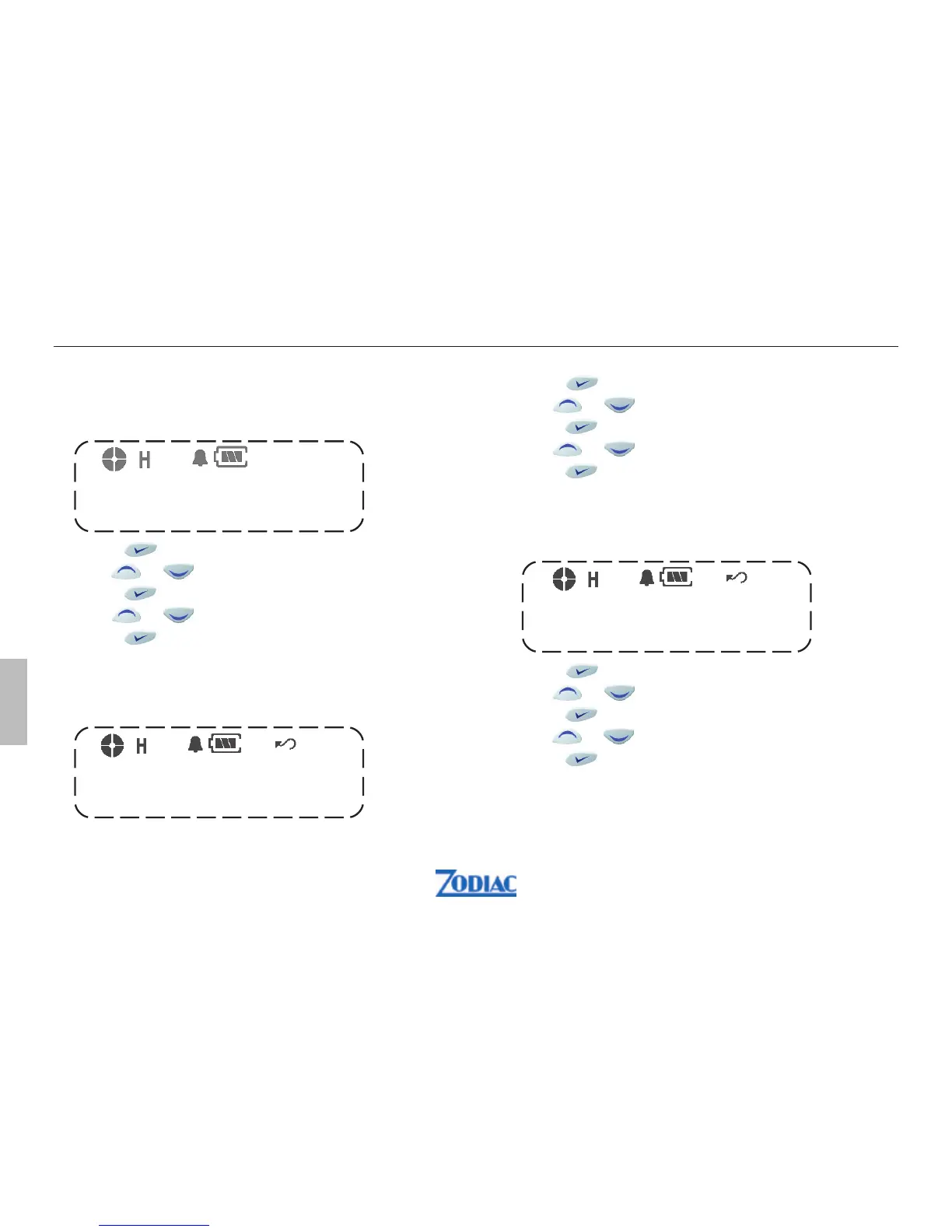
1. Press to enter menu mode.
2. Use
or to scroll list until P-Scan
3. Press to select
4. Use
or to turn On/Off
5. Press to select
Priority Scan Channel
This function is used to select a priority channel for
scanning.
1. Press
to enter menu mode.
2. Use or to scroll list until P-scan channel
3. Press
to select
4. Use or to select desired channel
5. Press
to select
Auto VOX
This function is used to automatically adapt the
sensitivity of the voice control
1. Press
to enter menu mode.
2. Use
or to scroll list until Auto VOX
3. Press to select
4. Use or to turn On/Offl
5. Press
to select
Priority Scan
This function is used to select scanning of a priority
channel.
AUTO-VOX
P-SCAN
P-SCANCH
56 Zodiac Proline W
English


 To Next Page