Operating 16
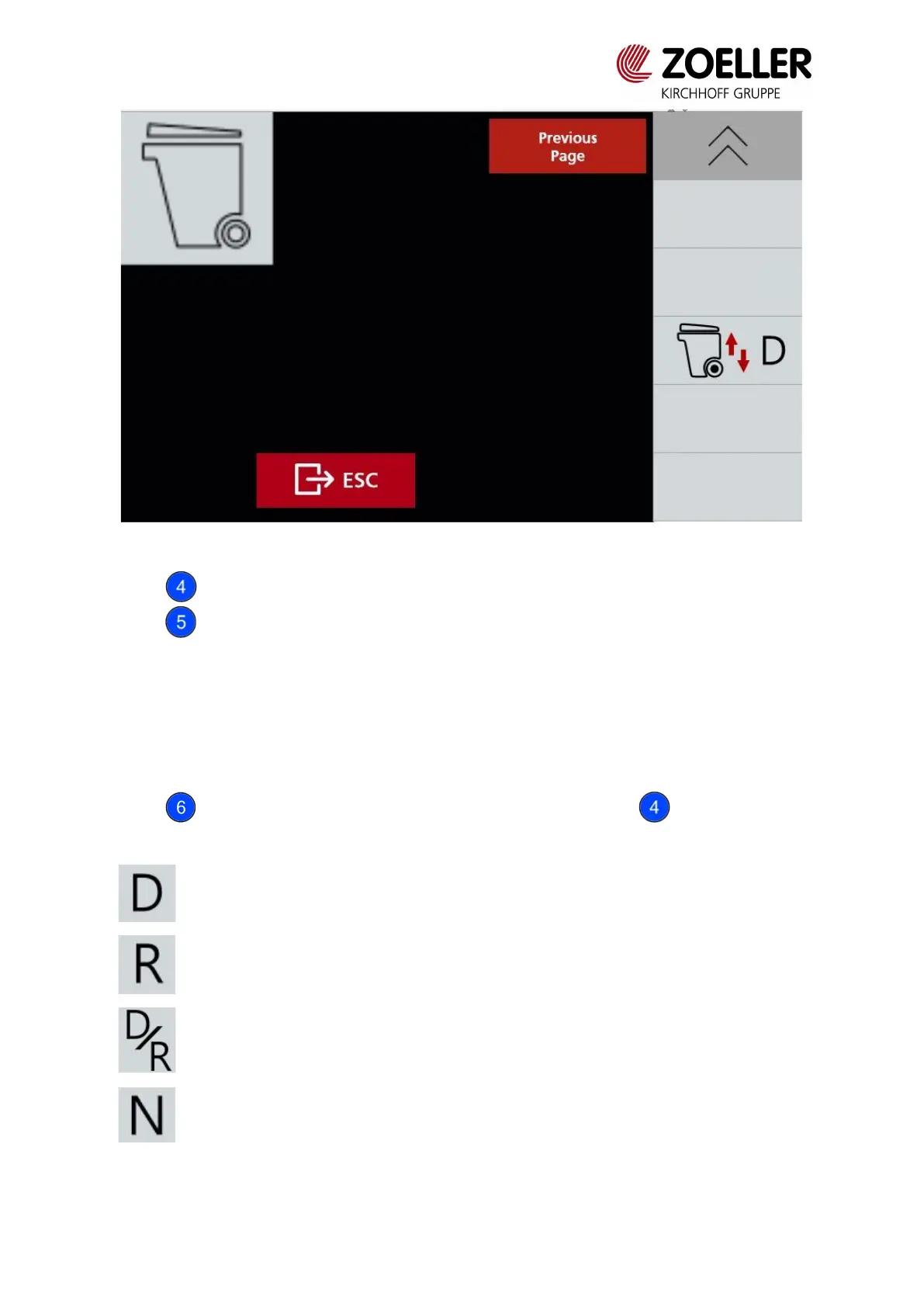
Fig. 3.11 Lifter configuration – small containers
Button allows to set after how many lifter cycles the press will activate.
Button allows to decide which part of the compaction mechanism will be stopped during
the lifter operation (to avoid collision):
0. Press is not stopped
1. Slider is stopped
2. Slider and scraper are stopped
Button allows to see second page of a menu, where using button it is possible to
set when lifter positions to transport position.
Lifter moves to transport position when vehicle reaches a speed of 6 km/h or
when reverse gear is engaged
Lifter moves to transport position when reverse gear is engaged or when stop
conditions are not met (neutral gear is not engaged and no brake is pressed)



 To Next Page