Operating 7
Main screen displays all error messages and information e.g. information about weighted
footboards or opened tailgate. List of icons and error messages are shown in chapters 4 and 5.
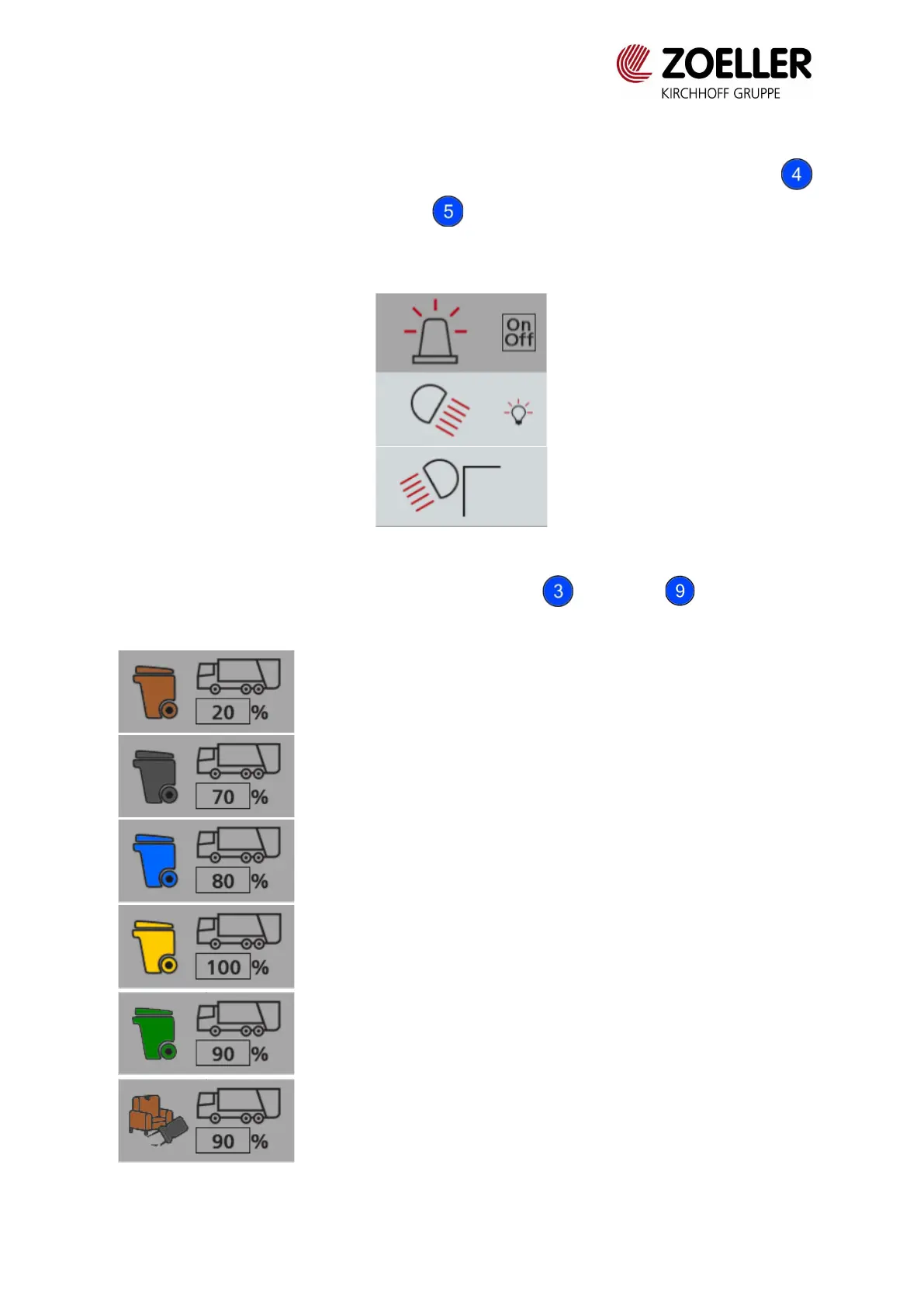
On the background of the main screen video from CCTV is displayed. Using buttons
warning lights can be switched on. Button turns on working lights (back and side, if they
are installed). Pressing the button turns on or turns off the light. Activating the button is
signaled by the icon changing to dark gray.
Fig. 3.2 Turned on warning lights
It is possible to choose waste fraction using button and knob . Fractions are
represented by icons:



 To Next Page