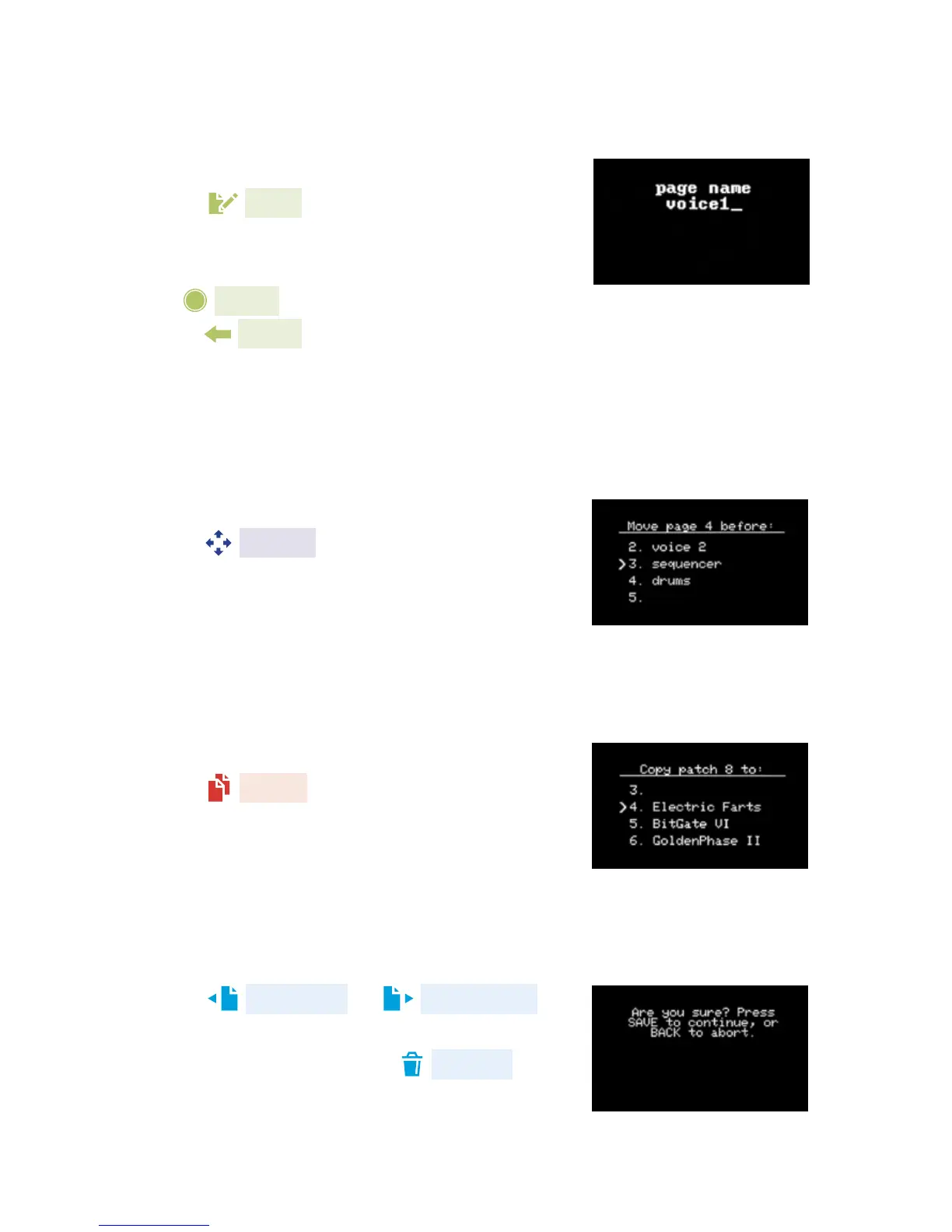
NAME A PAGE
Scroll to a page in the page list and
press edit. From here, you can type
in your desired page name. See Typing
Text page 27 for more information. Click
the knob to conrm the name or
press back to cancel. Make sure
to save your patch or the name will
not be saved.
MOVE A PAGE
Scroll to the page you want to move.
Press move. Now select another
page. The page that you are moving
will be inserted in front of the 2nd page
that you select.
COPY A PAGE
Scroll to the page you want to copy.
Press copy. Now select another
page. The page that you are copying will
be inserted in front of the 2nd page that
you select.
DELETING A PAGE
Press page left or page right to
enter the page list, scroll to the page you
wish to delete and press delete.
You will be asked to conrm the deletion.
21


 To Next Page