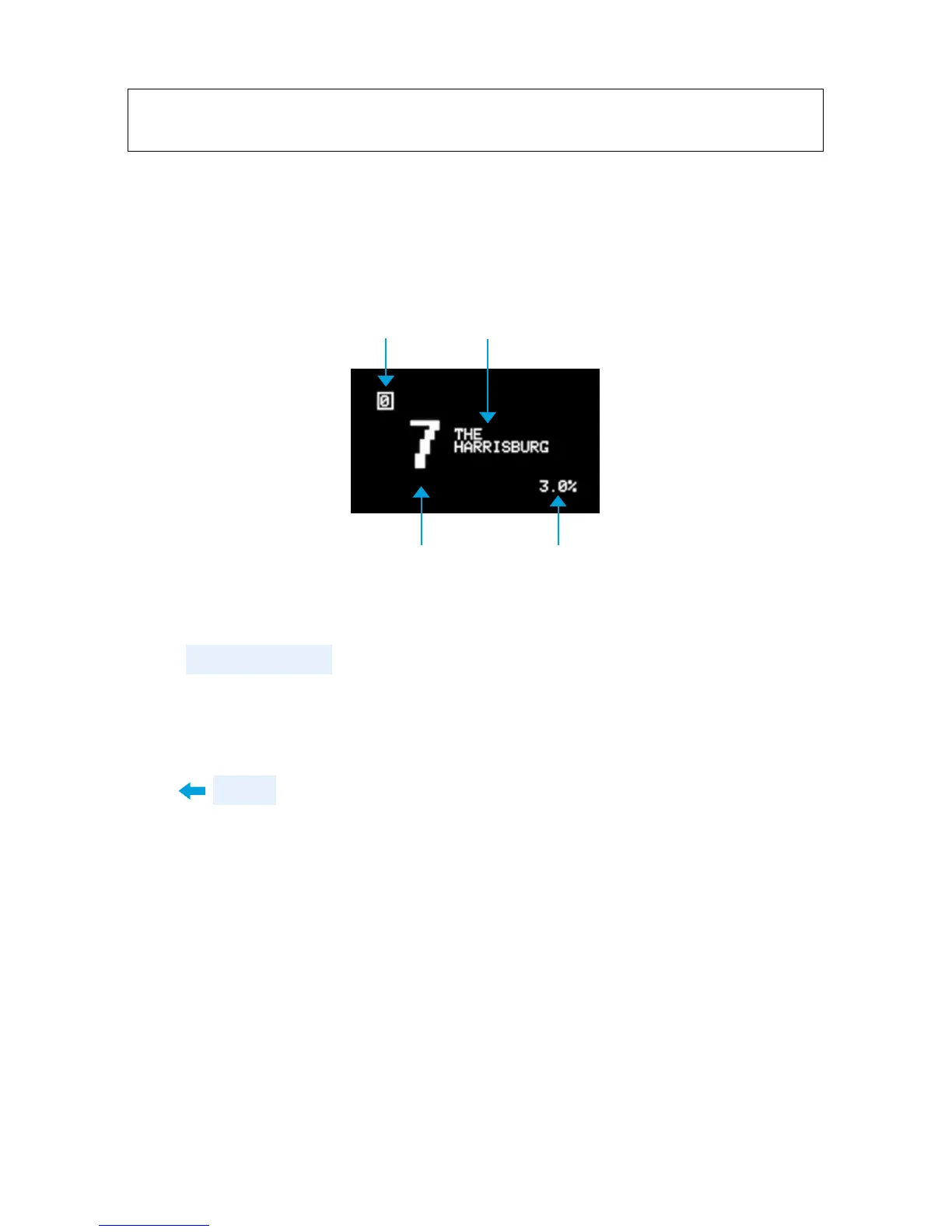
SCREEN LAYOUT
There are many ways ZOIA displays information on the screen.
Here are two of the most common views.
The patch screen (above) is visible when no module, list,
or connection is selected. It gives you general information at
a glance as to the patch you’re on and the performance of the
ZOIA. You can always get to the patch screen by pressing
the back button several times.
CPU USAGE
PAGE #
PATCH #
PATCH NAME
7


 To Next Page