POWERING THE ZOIA
Go to www.empresseects.com/power for a full list of
compatible power supplies.
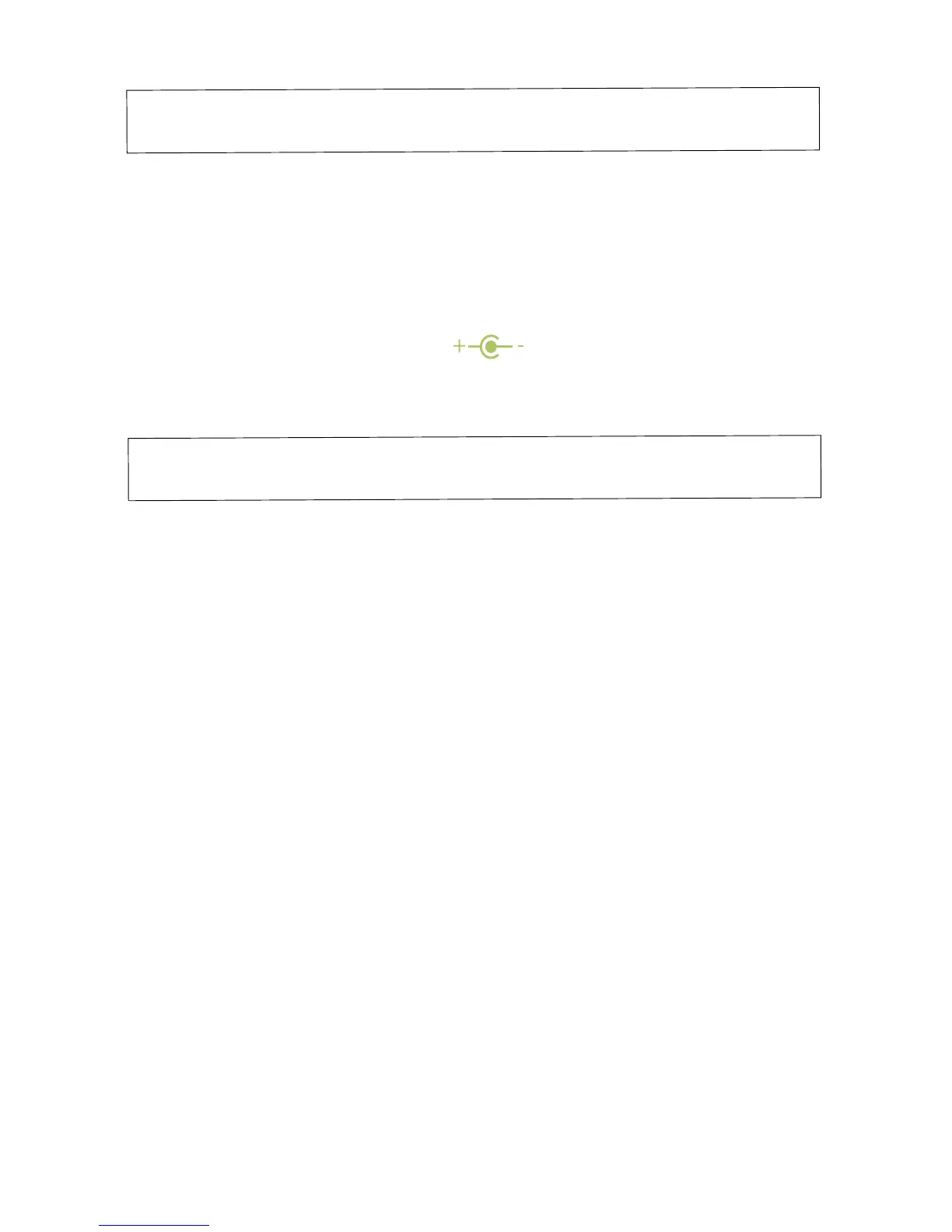
Please Note: The ZOIA requires at least 300mA of current
to function properly. Any power supply rated at 9V DC,
supplying negative tip polarity and at least 300mA
of current should work.
FIRMWARE UPDATES
PERFORM A FIRMWARE UPDATE
1. Download the rmware le o the website
www.empresseects.com/zoia-rmware
2. Copy the .bin le to the root directory of the microSD card.
The card must be specically be SDHC or SDXC, and it must
be formatted FAT32, with a single partition.
3. Insert the microSD card then power on the pedal. Make sure
that the orientation of the card is such that the pins are facing
upward, or else the ZOIA won’t see the card.
4. The ZOIA will boot, load, and verify the rmware le.
There are two processors on the ZOIA. It will take
approximately 40 seconds for the 2nd processor
to be programmed.
31


 To Next Page