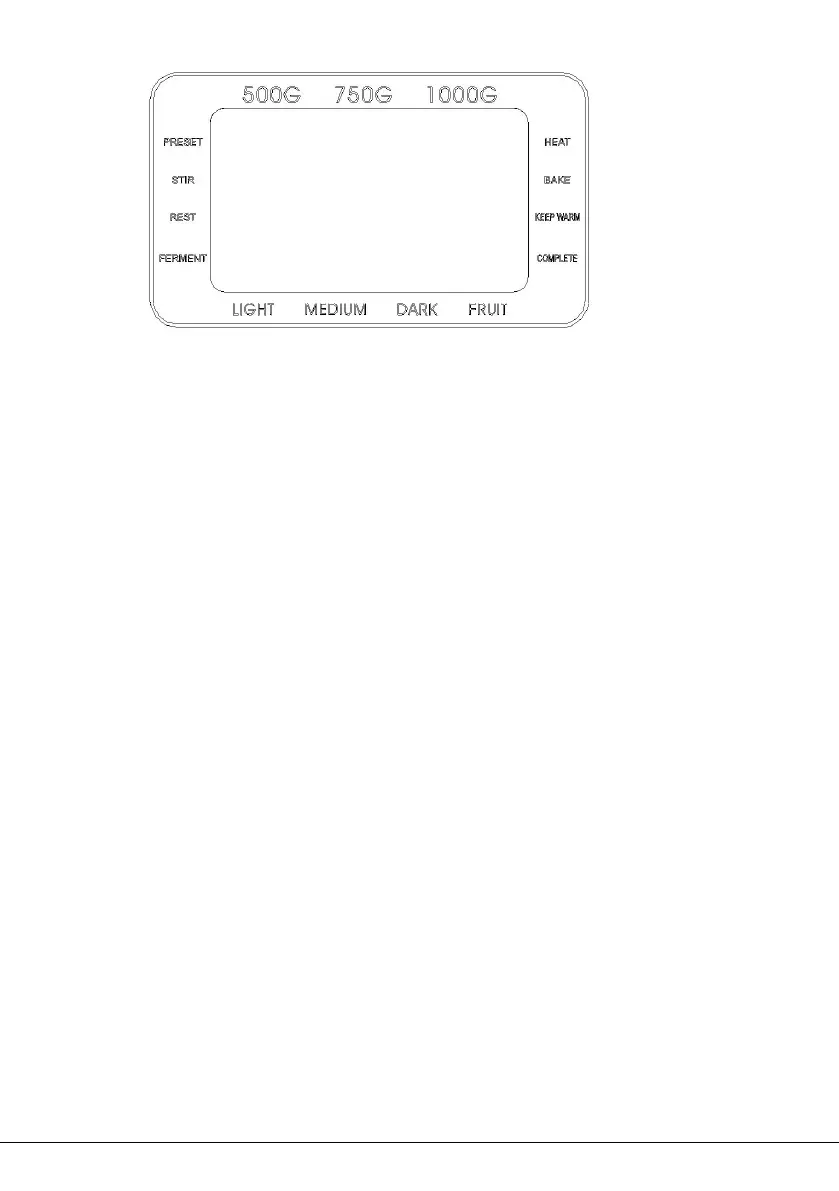
AFTER POWER ON
Plug the bread maker into power supply, a beep will be heard and
“3:00” will be displayed. But the colon between the “3” and “00”
don’t flash constantly. And “1” is the default program. The arrows
point to “750g” and “MEDIUM” as they are default settings.
START/STOP BUTTON
Press the START/STOP button once to start a program. The
indicator will light up, and the colon in the time display begin to flash
and the program will start. Any other button is inactivated except the
START/STOP button after a program has begun.
Press the START/STOP button for 0.5 seconds and shift to pause
state ,if no operation in 3 minutes, the program will continue
processing unit the setting program completed.
Press the START/STOP button for 3 seconds to cancel a program,
then a beep will be heard, it means that the program has been


 To Next Page