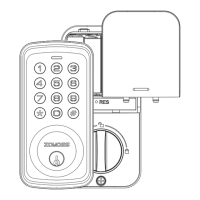
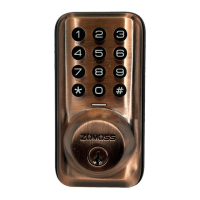
ZOMOSS DZS02 Installation Guide
Detect door orientation
(Step 8-9)
Install the physical lock
(Step 1-7)
Change the default master code
(See Quick Set Up)
Customize setting
(See Quick Set Up)
Installation Overview
1
2
3
4
Read this manual carefully before installing and operating!
Important tips to ensure a successful installation:
* Always reset the lock after installation.
* Change the default master code before programming.
* Do not load batteries until lock is completely installed.

 Need help?
 General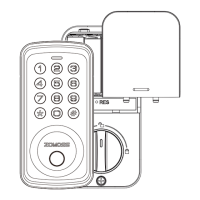

 To Next Page