INDEX of FUNCTIONS
TO: THEN:
Activate the RFID tags so they can be read Position the Zonar 2010’s spotlights within 2
inches of tag; press READ/ENTER
Add incremental values of 1 Press the UP arrow
Add incremental values of 10 Press the RIGHT arrow
Accelerate adding/decreasing values Hold the (UP/RIGHT/DOWN/LEFT) arrow
after pressing
Answer “No” to questions Press the red N (no) button
Answer “Yes” to questions Press the green Y (yes) button
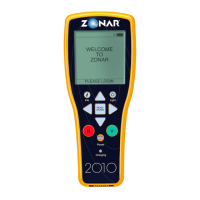
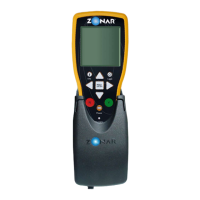
Charge the batteries Place the Zonar 2010 into its vehicle mount,
10x charger or RDS
Darken the text on screens • Highlight SET CONTRAST from main menu
by scrolling the cursor with the DOWN arrow;
press the RIGHT arrow
• Press the UP arrow to increase the percentage
• Press READ/ENTER to set contrast
Decrease incremental values by 1 Press the DOWN arrow
Decrease incremental values by 10 Press the LEFT arrow
Delete text Use the “<” character
Determine the battery level of the main menu Locate the drawing of a battery on the title line
Note: Completely black = fully charged
Determine operator who stored previous report • Press the RIGHT arrow after REPORT
HISTORY on the main menu
• Press the RIGHT arrow after the first report in
the list on the REPORT HISTORY screen (to
go to the next screen)
• Highlight OPERATOR
Enter a “Green” condition
(for components that are OK) Press the green Y (yes) button
Enter mileage • Position the Zonar 2010’s spotlights within 2
inches of Asset tag; press READ/ENTER button
• Use the UP/RIGHT arrows to add increments;
hold to accelerate adding increments
• Press READ/ENTER
11


 To Next Page