5
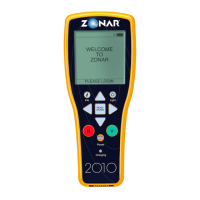
KEYPAD & NAVIGATION
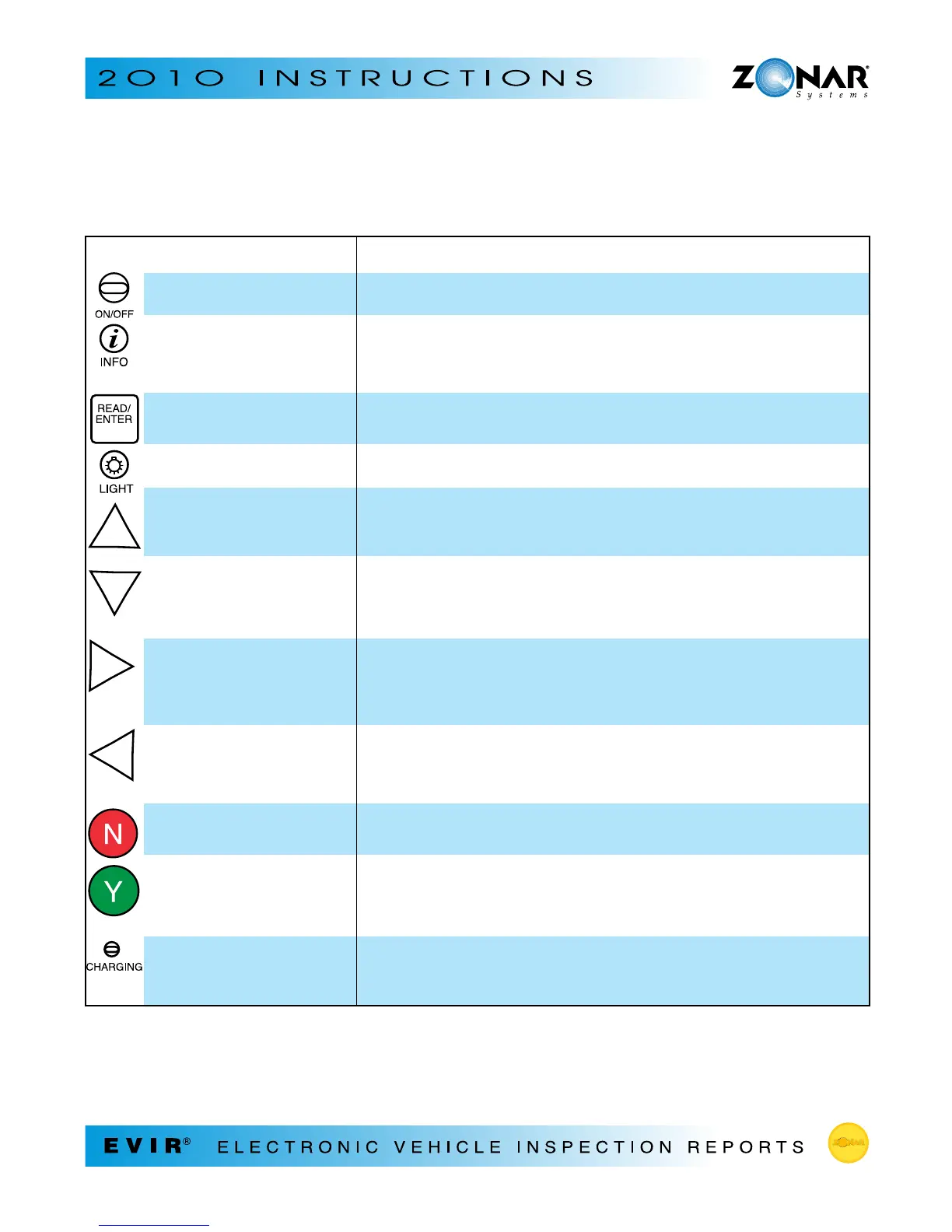
USE: TO:
Power button • Turn the Zonar 2010 on/off
Info button • Return to the main menu at any time (except
when you’re being prompted to enter a value or answer a
question)
READ/ENTER button • Read a card or tag
• Enter mileage/hours
Light button • Turn the spotlights on/off
UP arrow • Scroll up
• Add by increments of 1 (e.g. for mileage or screen contrast)
• Accelerate adding increments up to 10,000: hold after pressing
DOWN arrow • Scroll down
• Decrease by increments of 1
• Accelerate decreasing increments: hold after pressing
RIGHT arrow • View the next screen for an item that has the cursor character
> displayed
• Add by increments of 10
• Accelerate adding increments up to 10,000: hold after pressing
LEFT arrow • Go back to previous screen
• Decrease by increments of 10
• Accelerate decreasing increments: hold after pressing
Red N (no button) • Answer “No” to questions
• Enter a “Red” condition (for components that are BAD)
Green Y (yes button) • Answer “Yes” to questions
• Enter a “Green” condition (for components that
are OK)
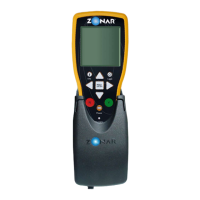
Charging indicator light • Check for a steady green light when the battery is charging
• Check for a flashing green light when the batteries are fully
charged


 To Next Page