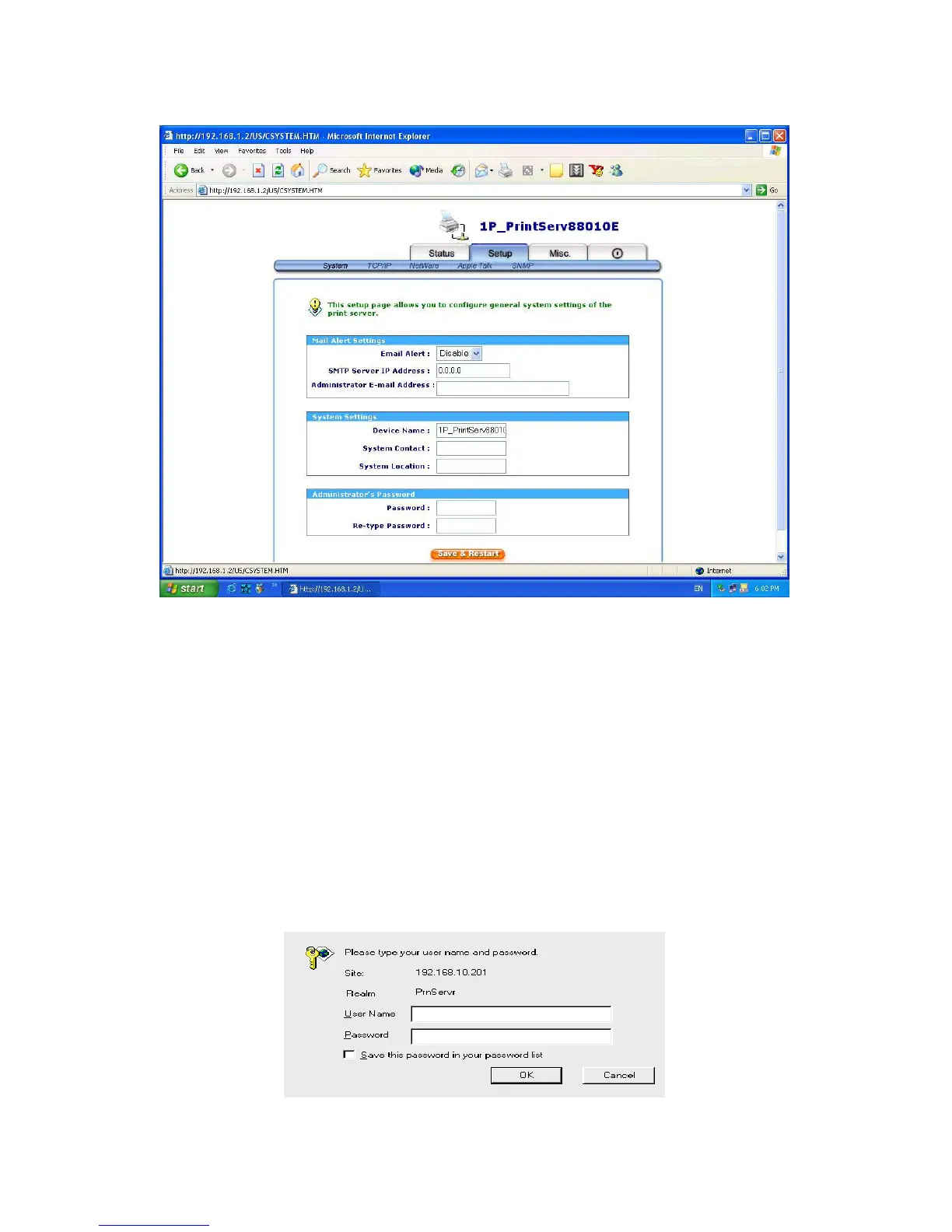
Email Alert: This option allows the wireless to send e-mail to the administrator when the
printer is ready or offline.
Device Name: This option allows you to input device name of the print server. To correct the
print server’s device name.
System Contact: This option allows you to input contact name of the print server. To check
the print server’s contact name who in charge of this device.
System Location: This option allows you to input Location name of the print server. To
confirm the print server’s location name where the print server is located
in the office’s LAN.
Password: This option allows you to input setup password of the print server. When you
select setup menu of web configuration from the print server, it then as shown in
the following picture.
Re-type Password.
35



 To Next Page