DDNS: Select one button to enable or disable the DDNS service.
Service Provider: Select one from the drop-down menu and press Sign
up for registration.
User Name: Enter the same user name as the registration name.
Password: Enter the password you set.
Domain Name: Enter the domain name which is optional.
Backup/Restore
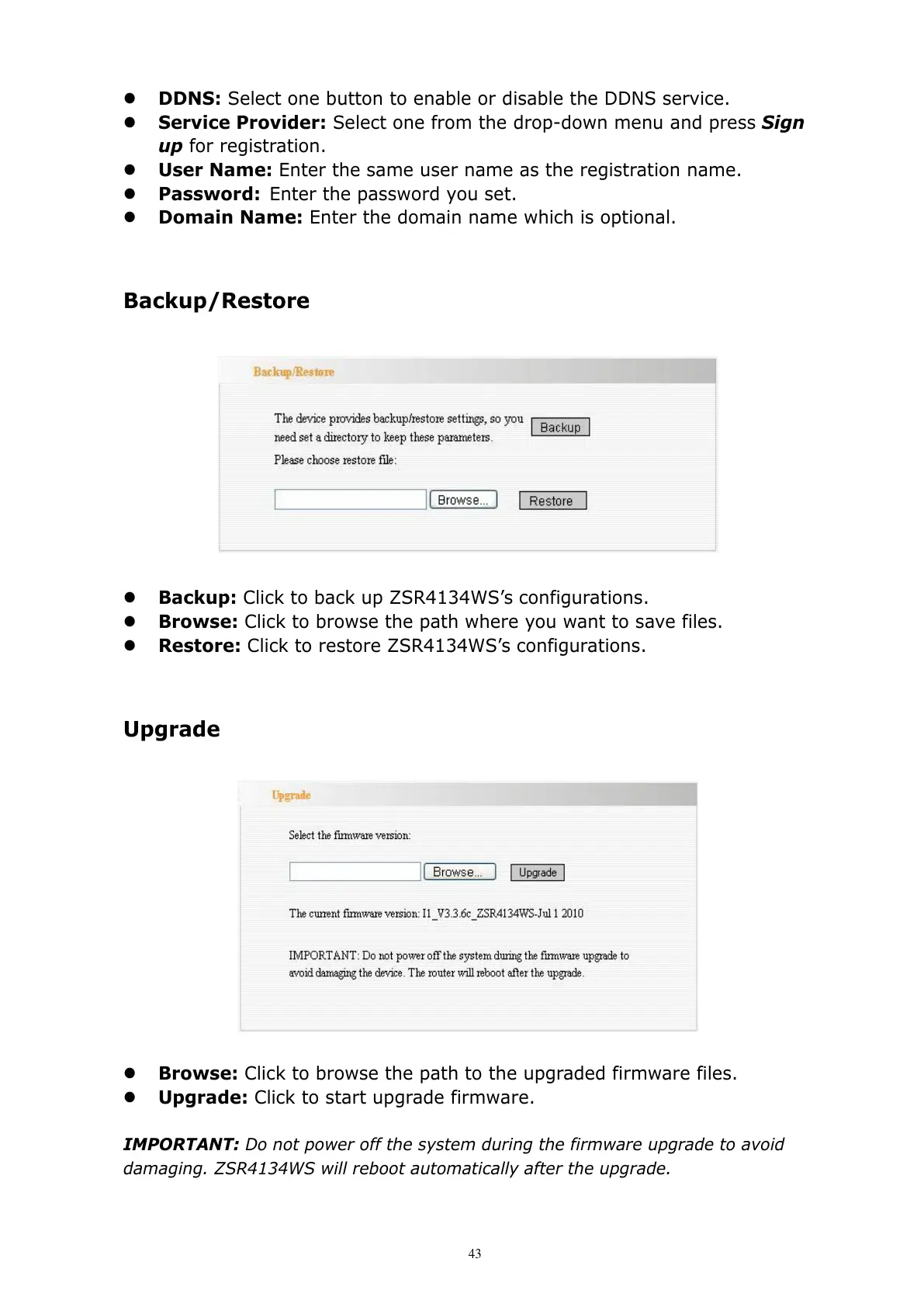
Backup: Click to back up ZSR4134WS’s configurations.
Browse: Click to browse the path where you want to save files.
Restore: Click to restore ZSR4134WS’s configurations.
Upgrade
Browse: Click to browse the path to the upgraded firmware files.
Upgrade: Click to start upgrade firmware.
IMPORTANT: Do not power off the system during the firmware upgrade to avoid
damaging. ZSR4134WS will reboot automatically after the upgrade.



 To Next Page