EasyManua.ls Logo

Zonet ZSR4134WS - Getting to Know Your ZSR4134 WS

Zonet ZSR4134WS
53 pages
Print Icon
To Next Page IconTo Next Page
To Previous Page IconTo Previous Page
Loading...
2
Getting to Know Your ZSR4134WS
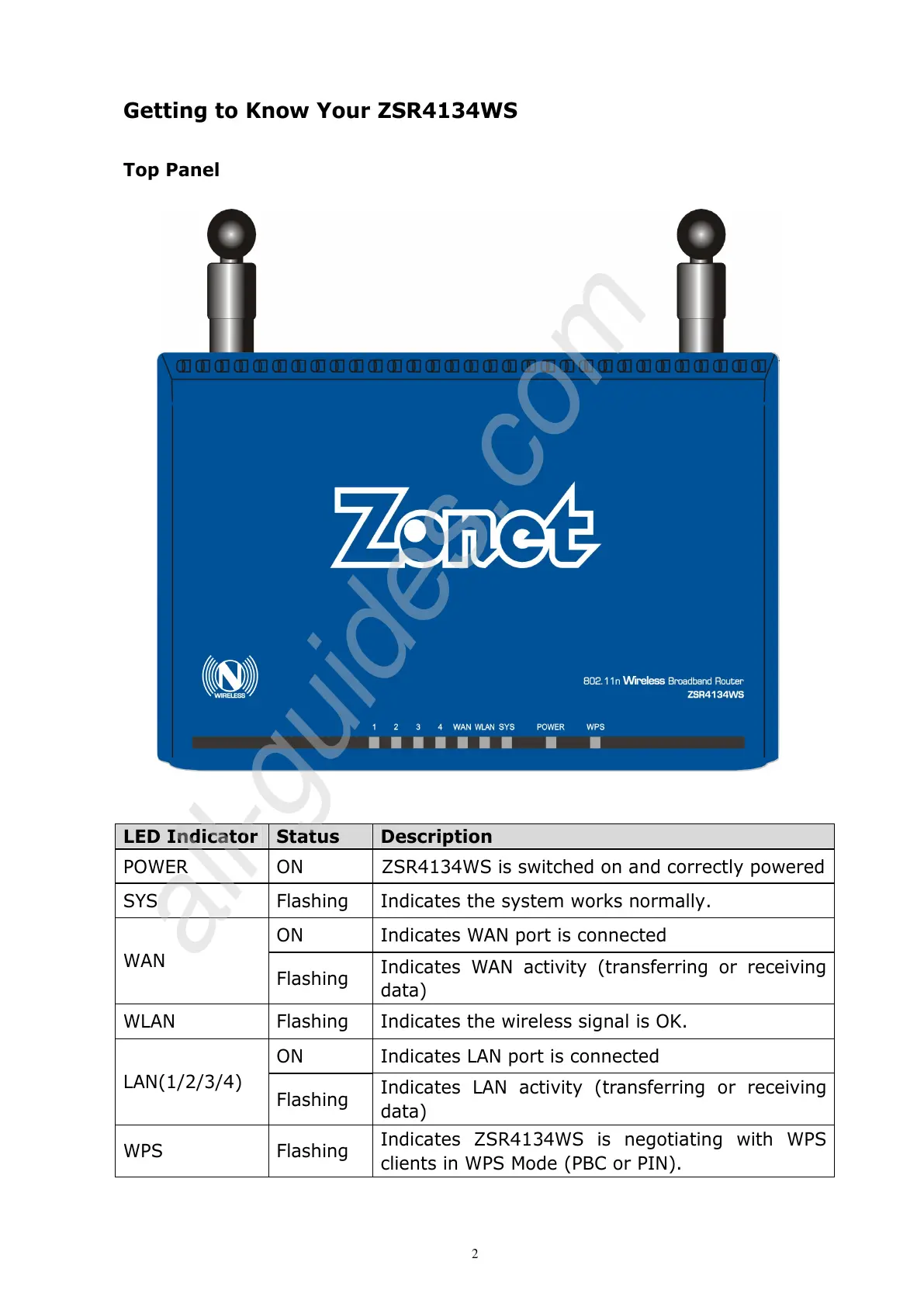
Top Panel
LED Indicator
Status Description
POWER ON ZSR4134WS is switched on and correctly powered
SYS Flashing Indicates the system works normally.
ON Indicates WAN port is connected
WAN
Flashing
Indicates WAN activity (transferring or receiving
data)
WLAN Flashing Indicates the wireless signal is OK.
ON Indicates LAN port is connected
LAN(1/2/3/4)
Flashing
Indicates LAN activity (transferring or receiving
data)
WPS Flashing
Indicates ZSR4134WS is negotiating with WPS
clients in WPS Mode (PBC or PIN).

All manuals and user guides at all-guides.com
all-guides.com

Related product manuals