26
Changing Various Settings
Changing Various Settings
t "EKVTUUIFEJTQMBZ
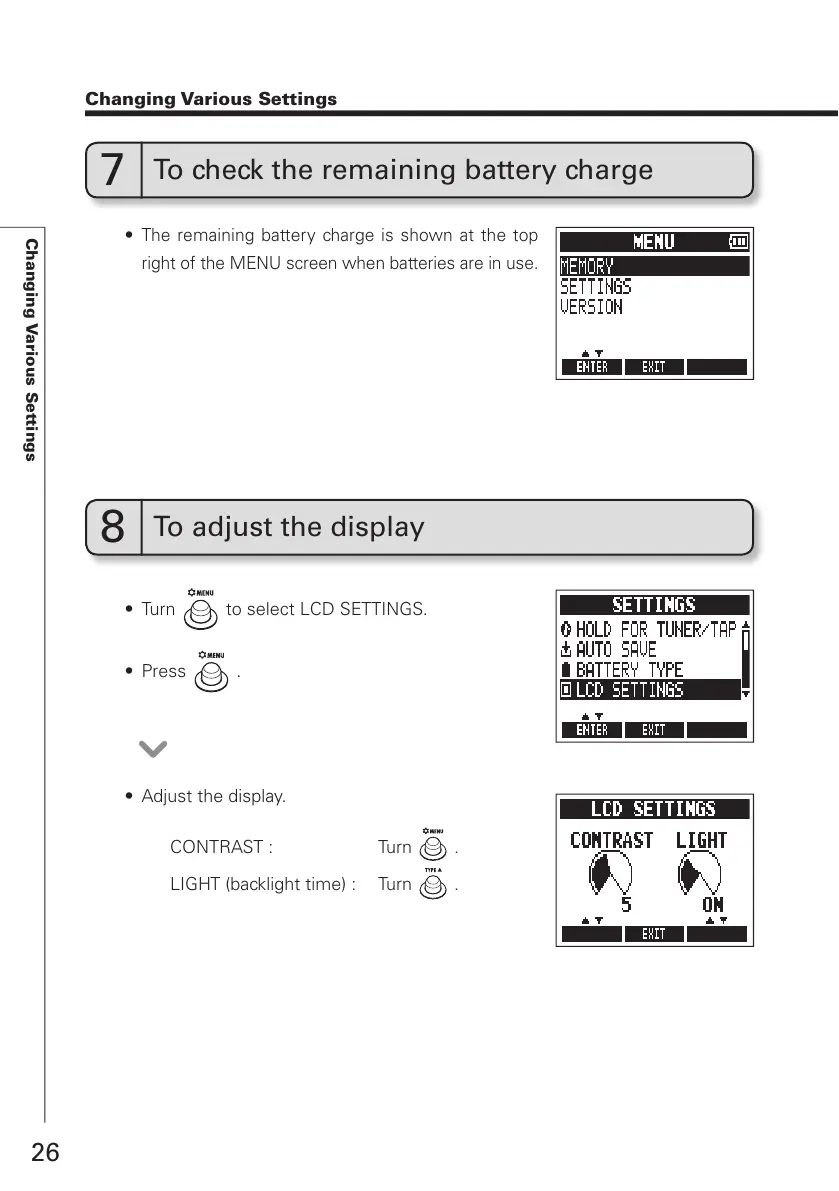
CONTRAST : Turn
.
LIGHT (backlight time) : Turn
.
7
To check the remaining battery charge
t
The remaining battery charge is shown at the top
right of the MENU screen when batteries are in use.
8
To adjust the display
t 5VSO to select LCD SETTINGS.
t 1SFTT
.



 To Next Page