Using the FIRE-30
14
ZOOM FIRE-30
◆ Storing a patch
N
OTE
When you store a patch, any patch currently stored under the same number will be overwritten (erased and
replaced with the new settings). Take care not to accidentally erase a patch that you want to keep.
1.
Use the knobs and keys on the panel to establish the desired sound.
2.
Press the [STORE] key in the patch section.
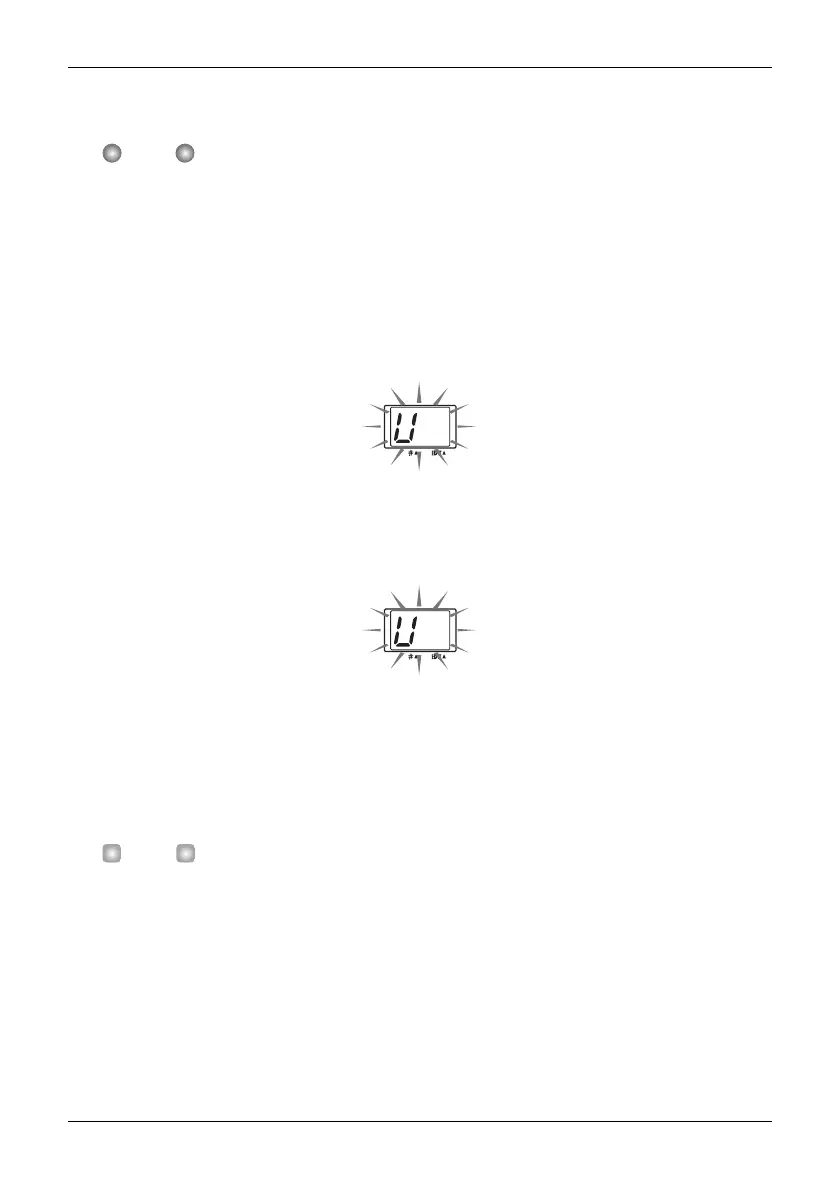
The indication "U" (for user bank) and the patch number (0 - 9) are shown on the display. In this
condition, storing the settings as a user patch is possible.
3.
Use the [
Q
]/[
W
] keys to select the desired user patch (U0 - U9).
The preset patches (A0 - A9, b0 - b9) are read-only and cannot be selected as store targets.
4.
To store the patch, press the [STORE] key once more.
The store process is carried out, and the unit goes into program mode.
To cancel the process and return to the condition of step 1, press the [EXIT] key instead of the
[STORE] key.
H
INT
By calling up an existing patch and then selecting another destination for the store process, copying a patch
is possible.
0
1



 To Next Page