34
Using rhythms
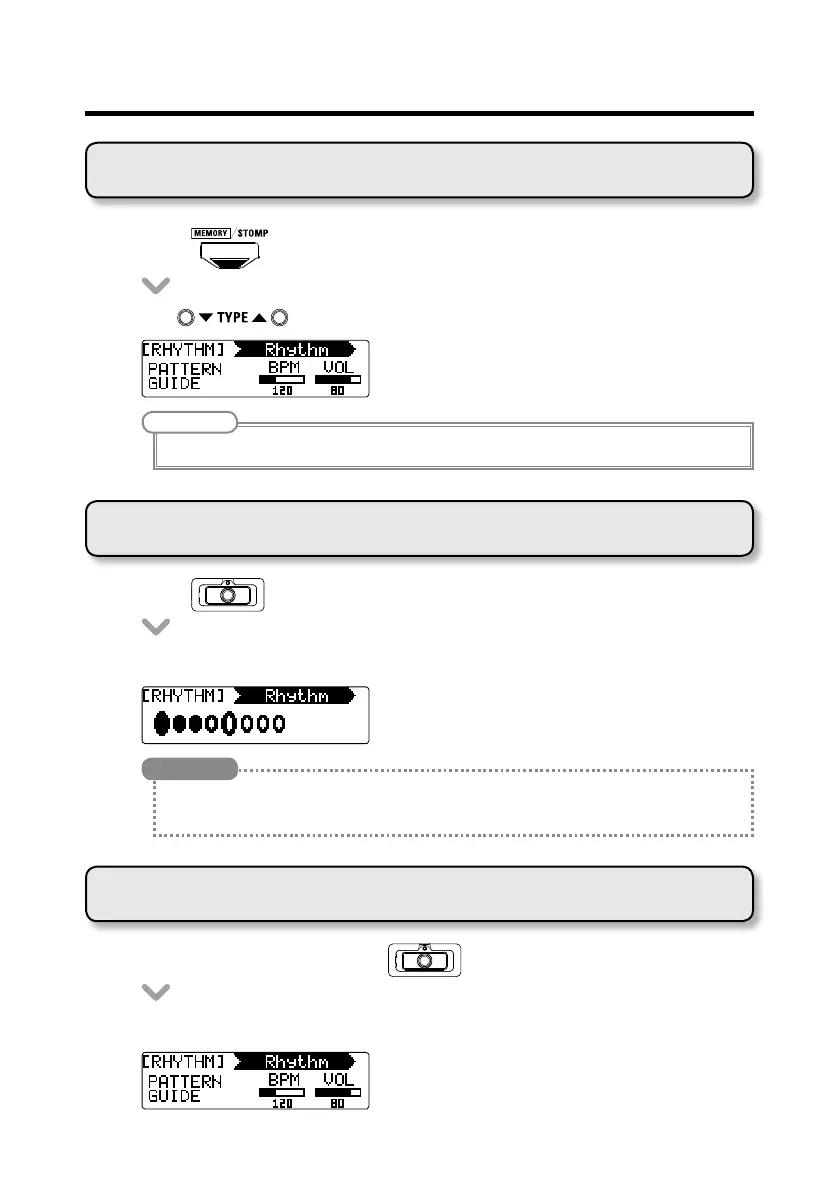
Selecting a rhythm
• Press to change to STOMP mode.
• Use to select RHYTHM for the desired unit.
NOTE
One RHYTHM can be selected per patch.
Playing a rhythm
• Press
for the unit using the rhythm effect.
• Therhythmstartsplaying.
HINT
• Duringrhythmplayback,youcanswitchbetweenSTOMPandMEMORYmodes.
• Ifyouchangeapatchduringrhythmplayback,therhythmwillstop.
Stopping a rhythm
• Duringrhythmplayback,press
for the unit using the rhythm.
• Therhythmstops.



 To Next Page