40
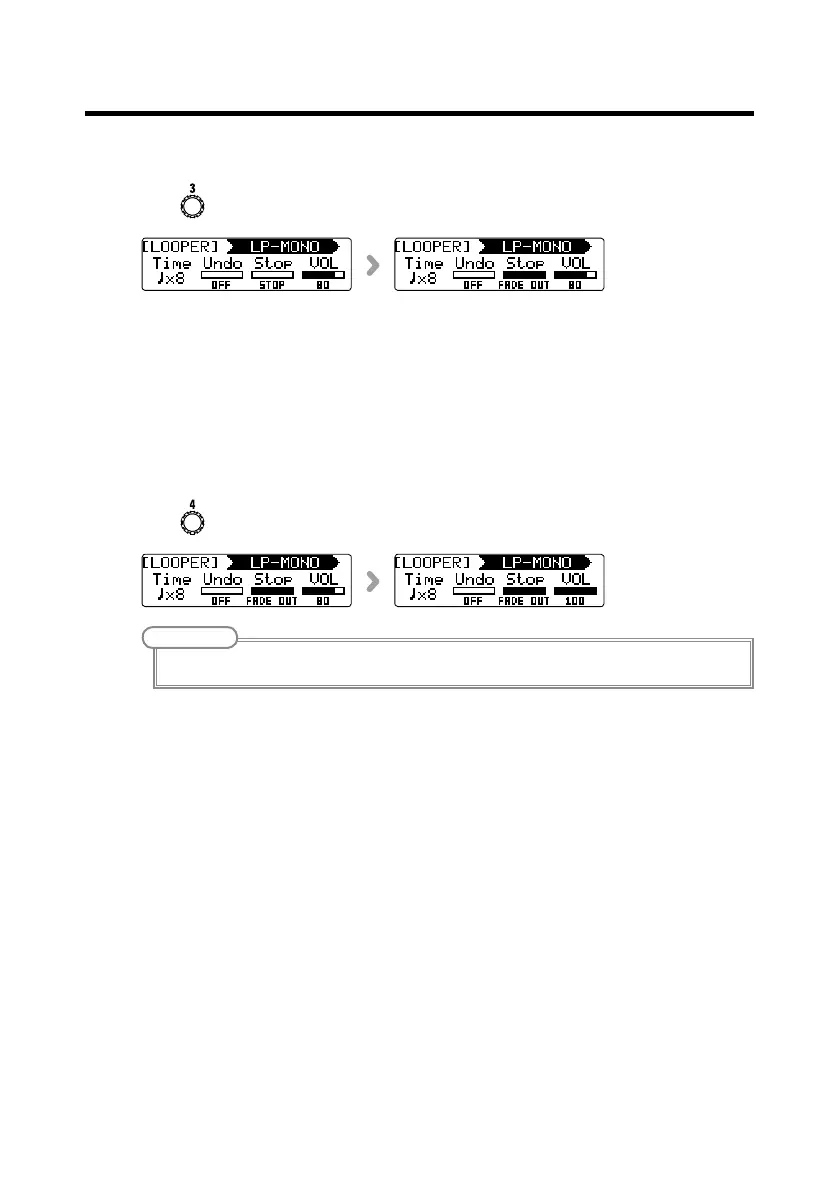
■ Setting how loop playback stops
• Turn for the unit using the looper.
STOP
Stop playback immediately.
FINISH
Play to the end and then stop.
FADE OUT
Stop after fading out.
■ Adjusting the looper volume
• Turn for the unit using the looper.
NOTE
The setting range is 0–100.
Using the looper



 To Next Page