12
Adding effects
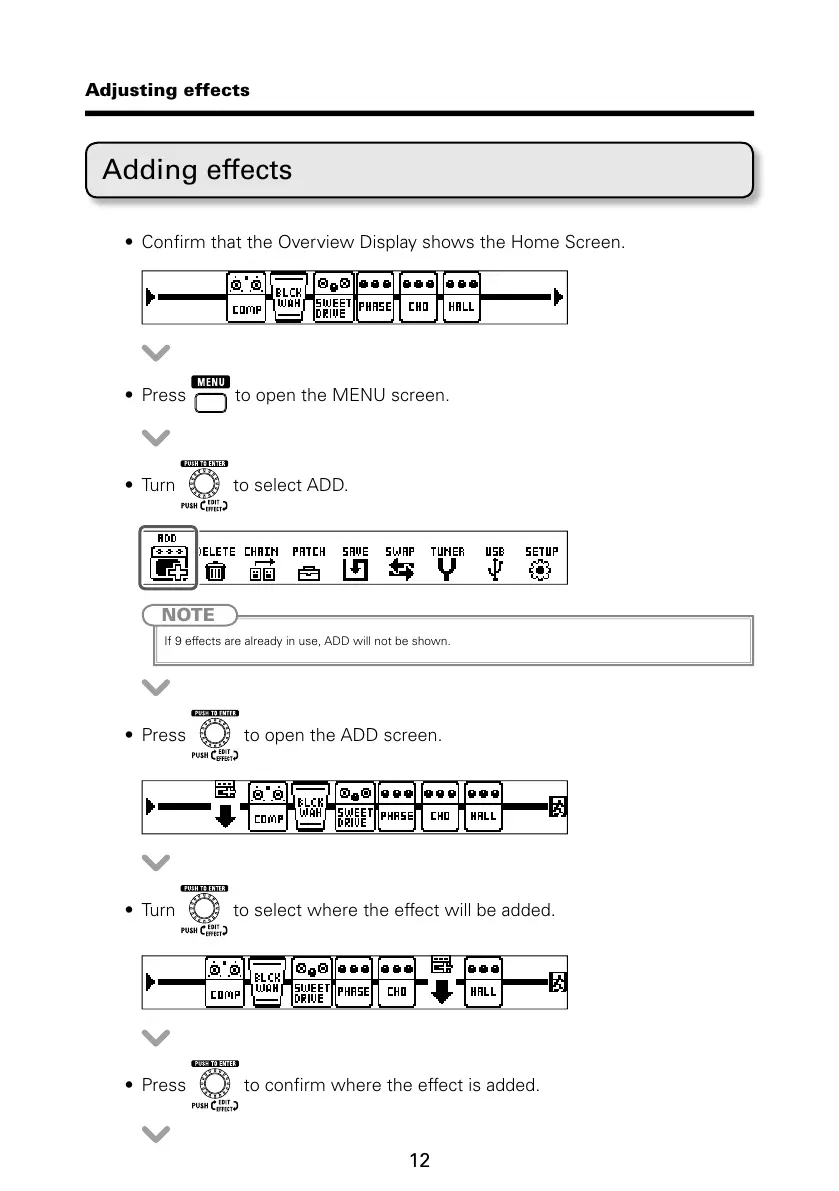
t $POmSNUIBUUIF0WFSWJFX%JTQMBZTIPXTUIF)PNF4DSFFO
t 1SFTT UPPQFOUIF.&/6TDSFFO
t 5VSO to select ADD.
NOTE
If 9 effects are already in use, ADD will not be shown.
t 1SFTT to open the ADD screen.
t 5VSO to select where the effect will be added.
t 1SFTT UPDPOmSNXIFSFUIFFGGFDUJTBEEFE
Adjusting effects



 To Next Page