31
Setting the eco mode
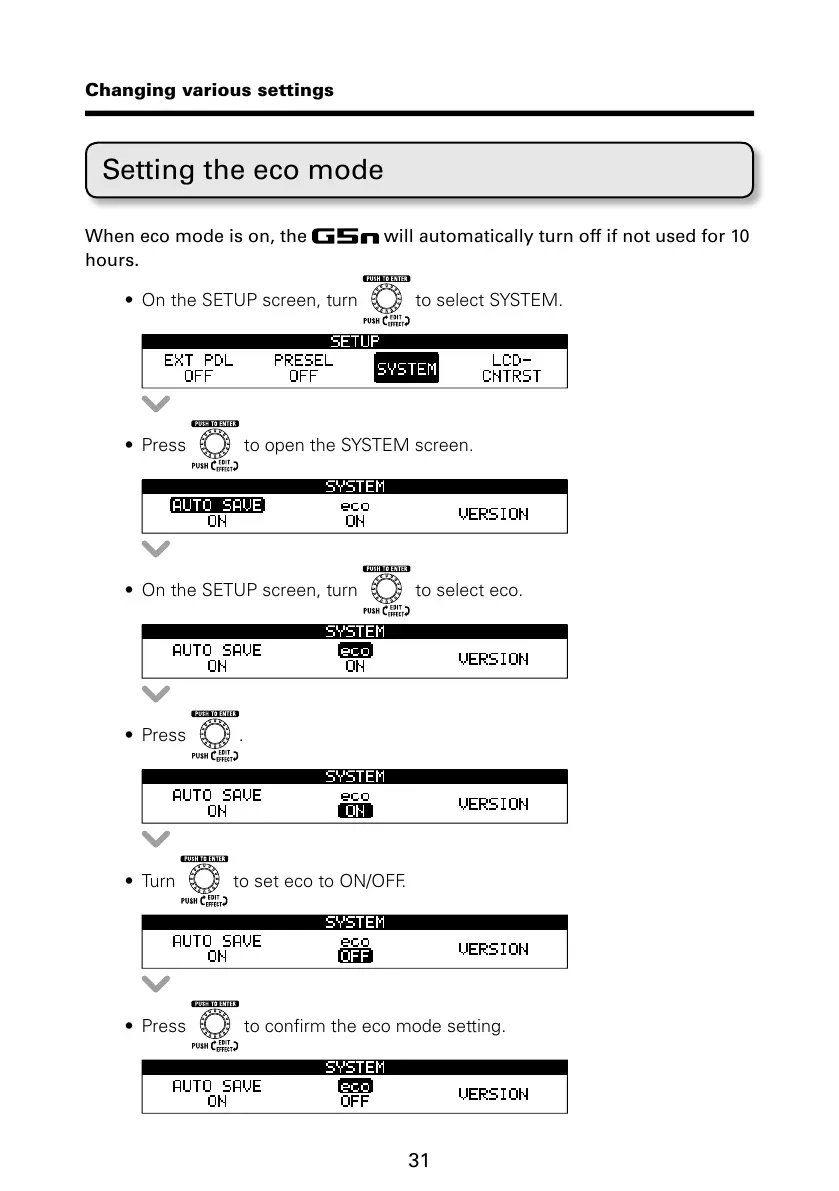
When eco mode is on, the will automatically turn off if not used for 10
hours.
t 0OUIF4&561TDSFFOUVSO
UPTFMFDU4:45&.
t 1SFTT UPPQFOUIF4:45&.TDSFFO
t 0OUIF4&561TDSFFOUVSO to select eco.
t 1SFTT .
t 5VSO UPTFUFDPUP0/0''
t 1SFTT UPDPOmSNUIFFDPNPEFTFUUJOH
Changing various settings



 To Next Page