EasyManua.ls Logo

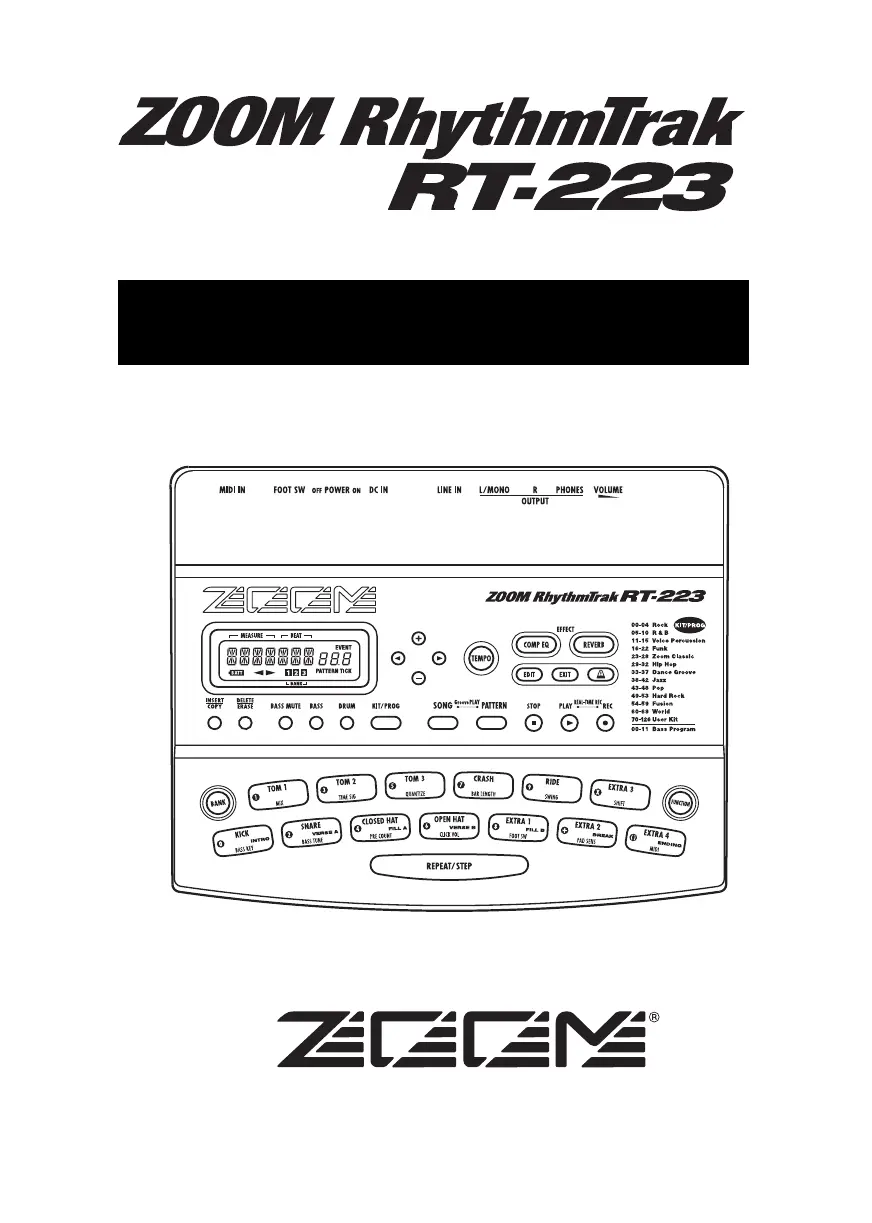
Zoom RhythmTrak RT-223 - User Manual

Zoom RhythmTrak RT-223
88 pages
Print Icon
To Next Page IconTo Next Page
Loading...
Operation Manual
© ZOOM Corporation
Reproduction of this manual, in whole or in part, by
any means, is prohibited.
RT223(E).fm 1 ページ 2005年5月26日 木曜日 午後12時3分

Table of Contents

Questions and Answers

Summary

Safety Precautions

Warning and Caution Symbols

Explains symbols indicating dangerous matters, potential injury, and equipment damage.

Power and Environment Guidelines

Covers power requirements, battery use, and environmental considerations for safe operation.

Handling and Device Precautions

Details on handling, connecting/disconnecting cables, alterations, and volume use.

Usage Precautions

Electrical Interference and Cleaning

Discusses electrical interference, safe cleaning methods, and device placement.

Getting Connected

Quick Guide 3: Playing a Pattern

Quick Guide 4: Assembling a Song by Hitting the Pads

Song Mode Pad Assignment

How to select songs and use pads to trigger patterns in real-time for song assembly.

Pattern Playback in Song Mode

Details on how pads 1-9, [+], [x] trigger patterns, including fill-ins and breaks.

Quick Guide 5: Using Groove Play

Playing the Pads (Manual Play)

Playing the Patterns (Pattern Mode)

Entering Patterns in Real Time

Real-time Drum Track Recording

Step-by-step guide to recording drum tracks by playing pads in real time.

Real-time Bass Track Recording

Instructions for recording bass tracks in real time, including bass key and duration settings.

Entering Patterns Using Step Input

Step Recording Overview

Explanation of step recording for creating complex drum and bass patterns without real-time playing.

Step Recording Drum Track

Detailed steps for recording drum tracks using step input, quantize, and pads.

Step Recording Bass Track

Guide to recording bass tracks using step input, including duration and pitch settings.

Editing a Pattern

Copying Patterns

How to copy patterns to other positions or restore factory defaults.

Erasing Patterns

Procedure for erasing user patterns to free up memory space.

Creating Songs (Song Mode)

Understanding Song Structure

Explanation of what a song is on the RT-223 and the three input methods.

Creating Songs via Step Input

Guide to creating songs by lining up patterns sequentially using step input.

Song Step Input Details

Inserting Patterns into Songs

How to insert patterns, specify measures, and navigate within song step input.

Editing Song Events

How to edit event information like tempo, volume, and drum/bass kit numbers within a song.

Assigning Patterns to Pads in Song Mode

Pad Assignment for Songs

How to assign patterns to specific pads for song playback and control.

Changing Pattern Playback Method

Song Mode Pad Settings

Details on parameters like PATTERN, ROOT, and NEXT for controlling pattern playback.

Creating a Song Using FAST Input

FAST Input Formula Symbols

Explanation of the symbols used for FAST input, including pad functions for formulas.

FAST Input Procedure

Entering FAST Input Formulas

Guide to entering formulas for song creation using FAST input, including error correction.

Entering Event Information

Adding Event Data to Songs

How to input event data like tempo, beat, and volume changes into a song.

Playing a Song

Selecting and Playing Songs

Steps to select and play created songs using the SONG key and PLAY button.

Editing a Song

Song Copying and Erasing

Using Pads to Play Patterns (Groove Play Mode)

Groove Play Mode Operation

Guide to activating Groove Play mode and playing patterns by tapping pads like a DJ.

Pattern Assignment and Looping

How to change pad pattern assignments and loop patterns using REPEAT/STEP.

Various Drum Kit Functions (Kit Mode)

Drum Kit Copying and Restoration

Using Effects (Effect Mode)

Effect Mode Operations

Editing Effect Patches

Editing COMP EQ and REVERB Parameters

Detailed steps for editing effect types, parameters, and checking sounds.

Managing Effect Patches

Storing, Swapping, and Initializing Patches

How to store, swap, or restore effect patches to factory defaults.

Naming Effect Patches

Using the Metronome (Metronome Mode)

Metronome Functionality

Other Functions: Using the Jam Function

Synchronizing with External MIDI Equipment

MIDI Integration

System Maintenance and Utilities

Factory Default Initialization

Procedure to reset the RT-223 to its factory default settings.

Troubleshooting

Common Issues and Solutions

Table listing common symptoms, checks, and remedies for RT-223 problems.

Reverb Module

COMP EQ Module

PRESET SONG PAD PARAMETER

MIDI Implementation

MIDI Implementation Chart

Zoom RhythmTrak RT-223 Specifications

General IconGeneral
TypeDrum Machine
Polyphony32 Voices
Songs20
DisplayLCD
MIDI In/OutYes
Sounds233 PCM sounds
EffectsReverb, Delay, Distortion, EQ, Compression, Flanger, Chorus
ConnectivityMIDI
Audio OutputsStereo Out
Power SupplyAC adapter
MIDIMIDI
Power9V DC
Patterns128 patterns
SequencerRealtime and steptime

Related product manuals