Chapter 2: Advanced Setup Options 21
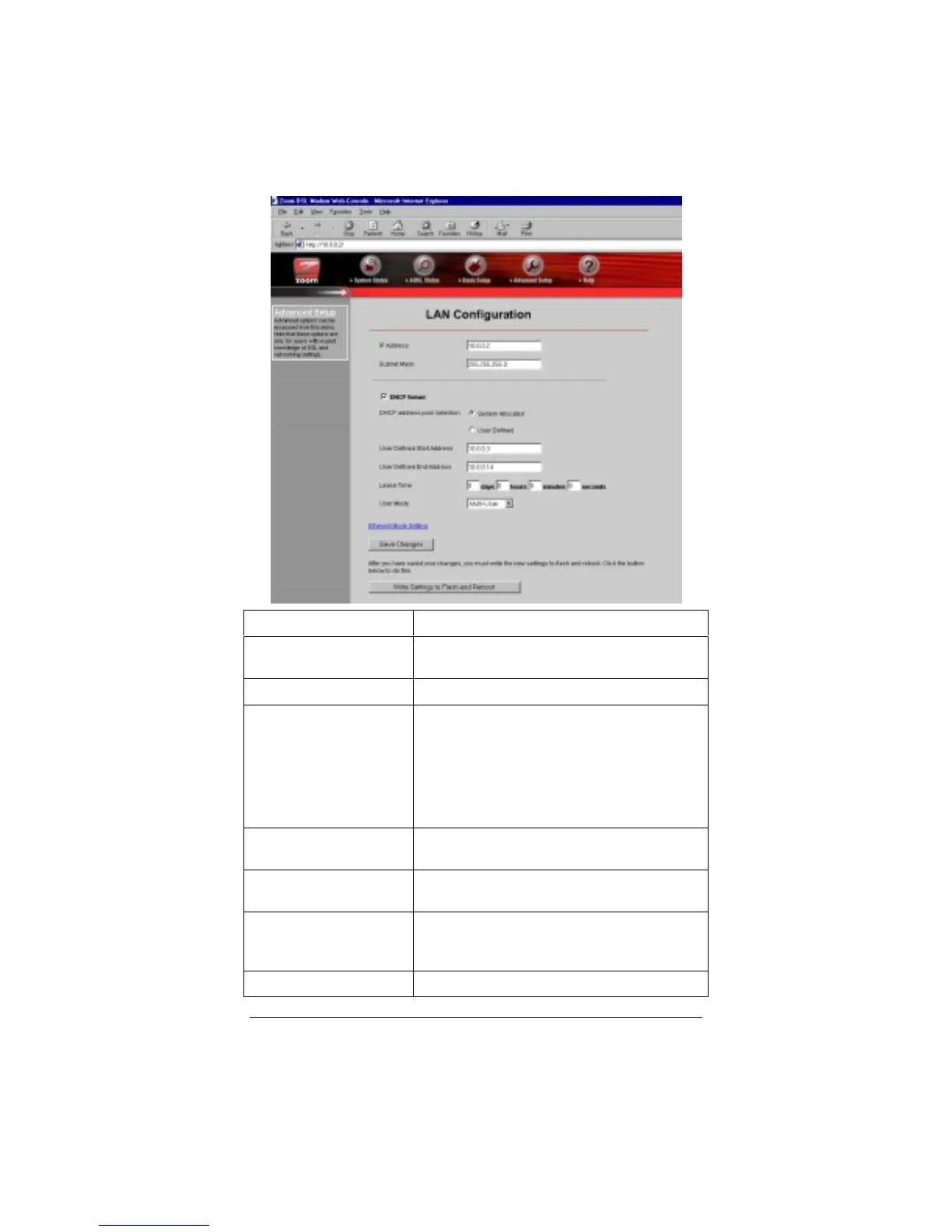
IP Address
X4’s IP address. Default is 10.0.0.2.
Subnet Mask
X4’s subnet mask address. Default is
255.255.255.0.
DHCP Server
Enabled by default.
DHCP Address Pool
Selection
The DHCP Address Pool is based on the
X4’s IP address plus 12 IP addresses; for
ex., the X4’s default IP address is 10.0.0.2;
so the DHCP Address Pool is 10.0.0.3-
10.0.0.14. Default is System Allocated. A
pool of 253 (max.) User-Defined addresses
is optional.
User Defined Start
Address
Starting address of IP address pool.
User Defined End
Address
Ending address of IP address pool.
Lease Time
Measured in days, hours, minutes, and
seconds. Default is 0—lease time will never
run out.
User Mode
Default is Multi-User.



 To Next Page