38 X4 ADSL Modem User’s Manual
4
Removing the X4 Modem
If you ever want to remove your ADSL modem—for instance, if
you move your computer to a location without ADSL service—
you should remove the software before disconnecting the
hardware. Follow the steps below.
1
11
1
From the desktop, select
Start | Programs | Zoom ADSL
Modem | Uninstall
.
2
22
2
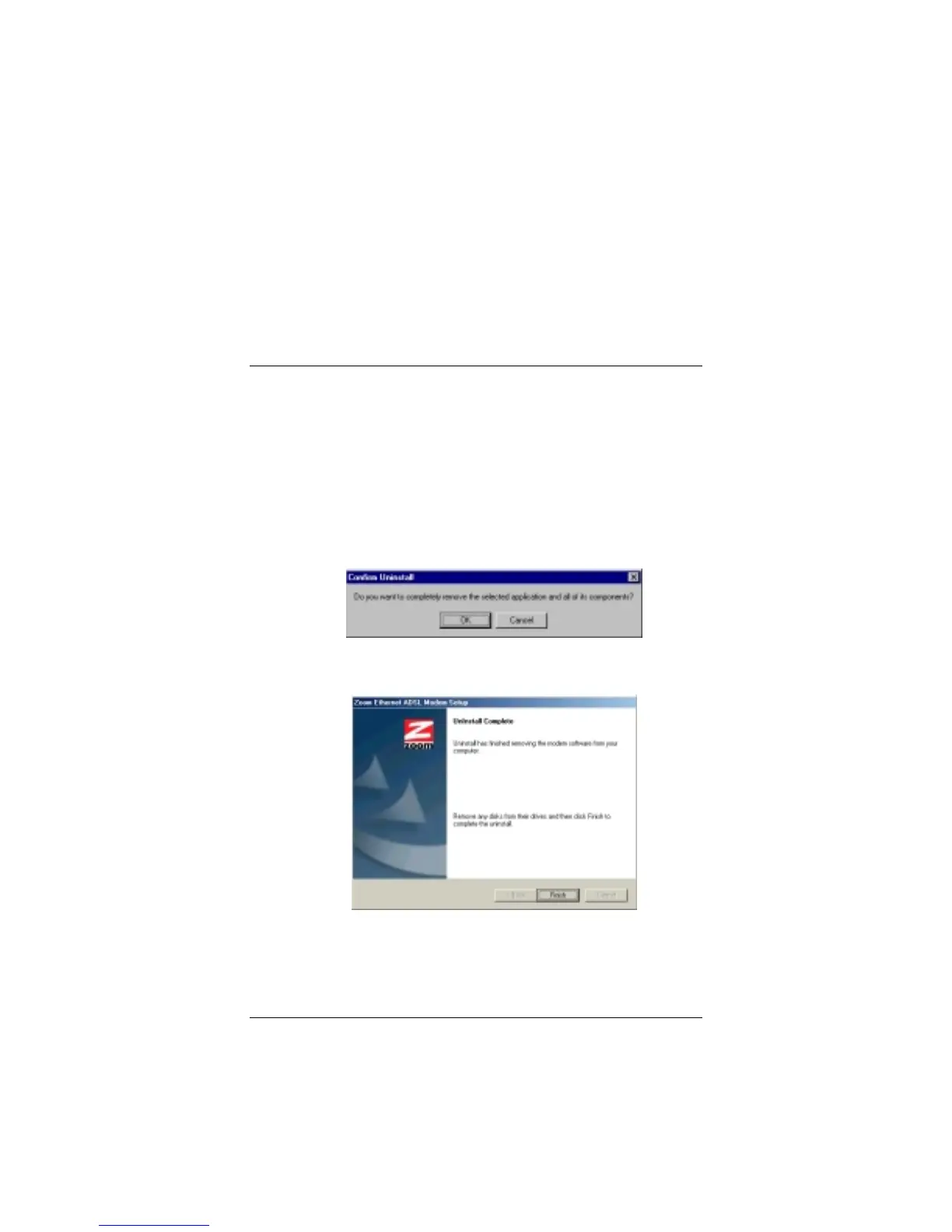
When prompted to confirm your choice, click
Yes
.
3
33
3
When the process is complete, you will be prompted to click
Finish
.
4
44
4
Unplug your modem hardware.



 To Next Page