Appendix C: Windows 95, Macintosh, and Linux Users 49
3
33
3
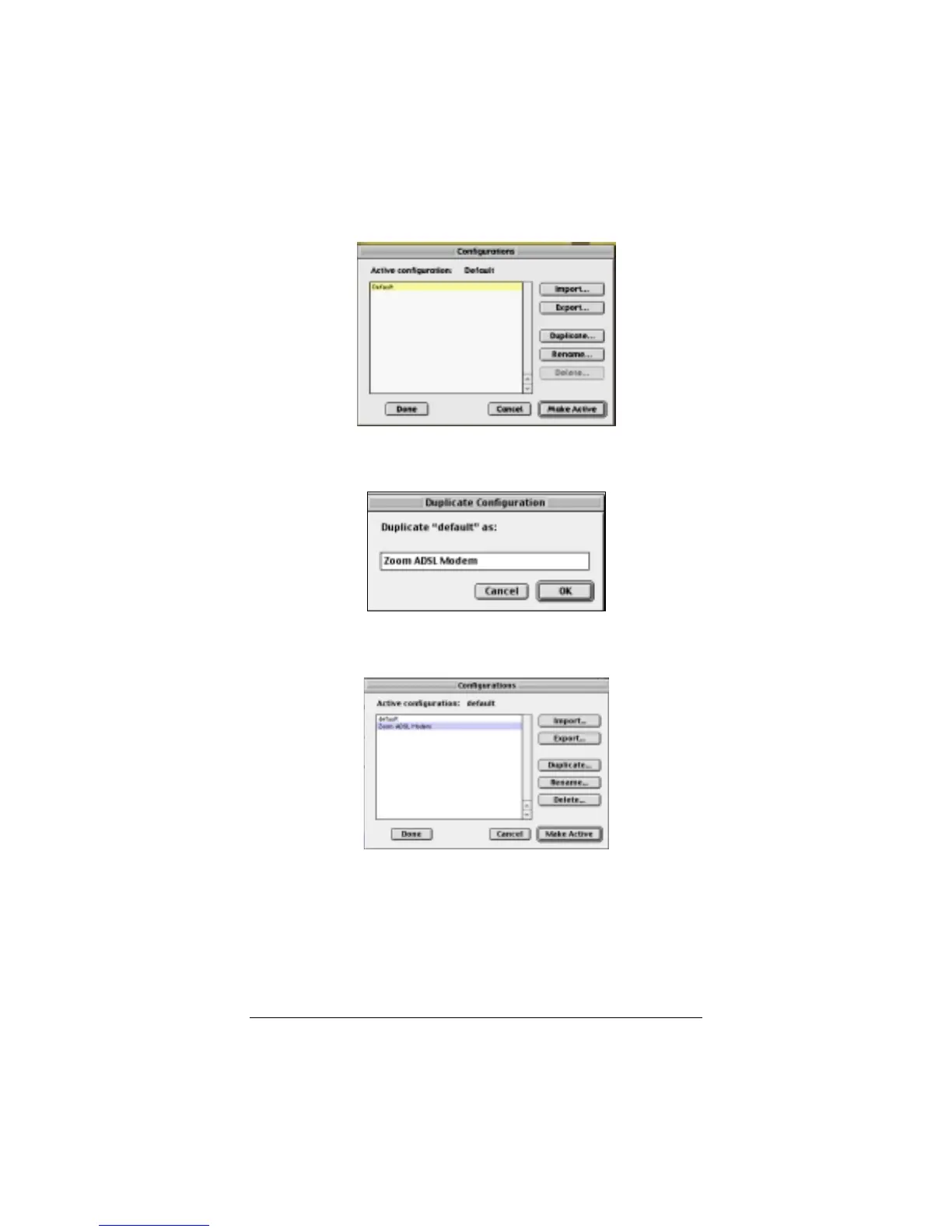
In the
Configurations
dialog box, click
Duplicate
.
4
44
4
The
Duplicate Configuration
dialog box appears. Type a
name, such as “
Zoom ADSL Modem
,” and click
OK
.
5
55
5
The
Configurations
dialog box appears again. Highlight
your new configuration—in our example,
Zoom ADSL
Modem
—and click
Make Active
.
6
66
6
In the
TCP/IP
dialog box, under
Connect via:
, select
Ethernet
. Under
Configure:
, select
Using DHCP Server
.
Do not enter anything in the
DHCP Client ID
field.
Note:
If you want to use a static IP address—for example, if
you were setting up a virtual server (page 23) or a DMZ (page
26)—you would highlight
Manually
from the
Configure:
list
and then enter the static IP address, subnet mask, etc.



 To Next Page