Chapter 1: Installation Instructions 7
b
bb
b
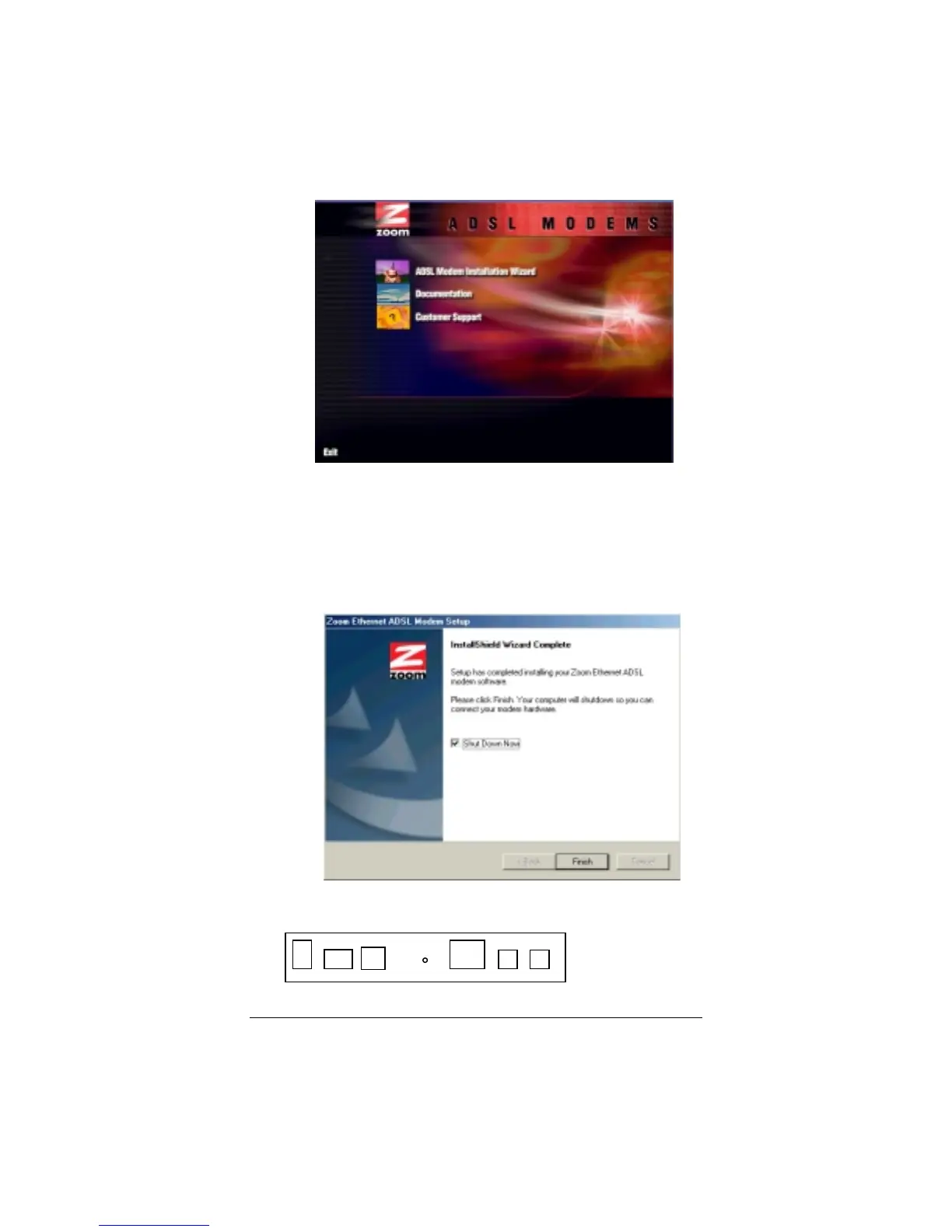
Click the
ADSL Modem Installation Wizard
button,
and then click the
Ethernet
option. The software
installation proceeds automatically.
c
cc
c
When the process is complete, you will be prompted to
click
Finish
. Your computer will shut down so you can
connect the hardware.
2
22
2
All hardware connections originate from the modem’s back
panel.
PWR ON OFF RESET ETHERNET PHONE ADSLUSB



 To Next Page