Zoomax
®
Snow - User Manual Page 12 of 18
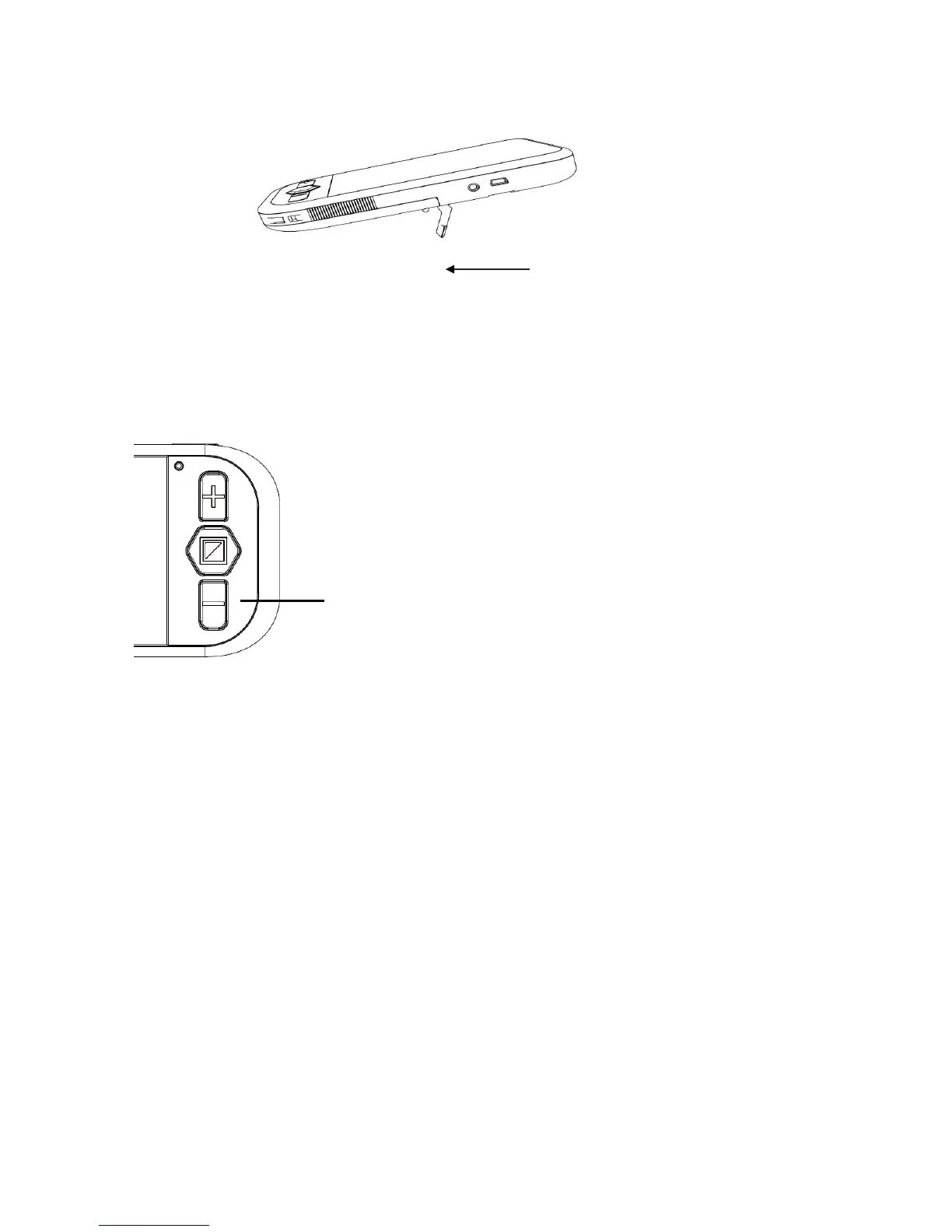
Writing Stand
Open the Writing Stand to allow you to write underneath the
camera easily.
Turning the beeps on or off.
By default, the button sounds are off.
To turn it on, press and hold the “Zoom Out” button for 5
seconds until you hear two BEEPS.
To turn it off again, press and hold the “Zoom Out” button
for 5 seconds until you hear a BEEP.


 To Next Page