Zoomax
®
Snow - User Manual Page 13 of 18
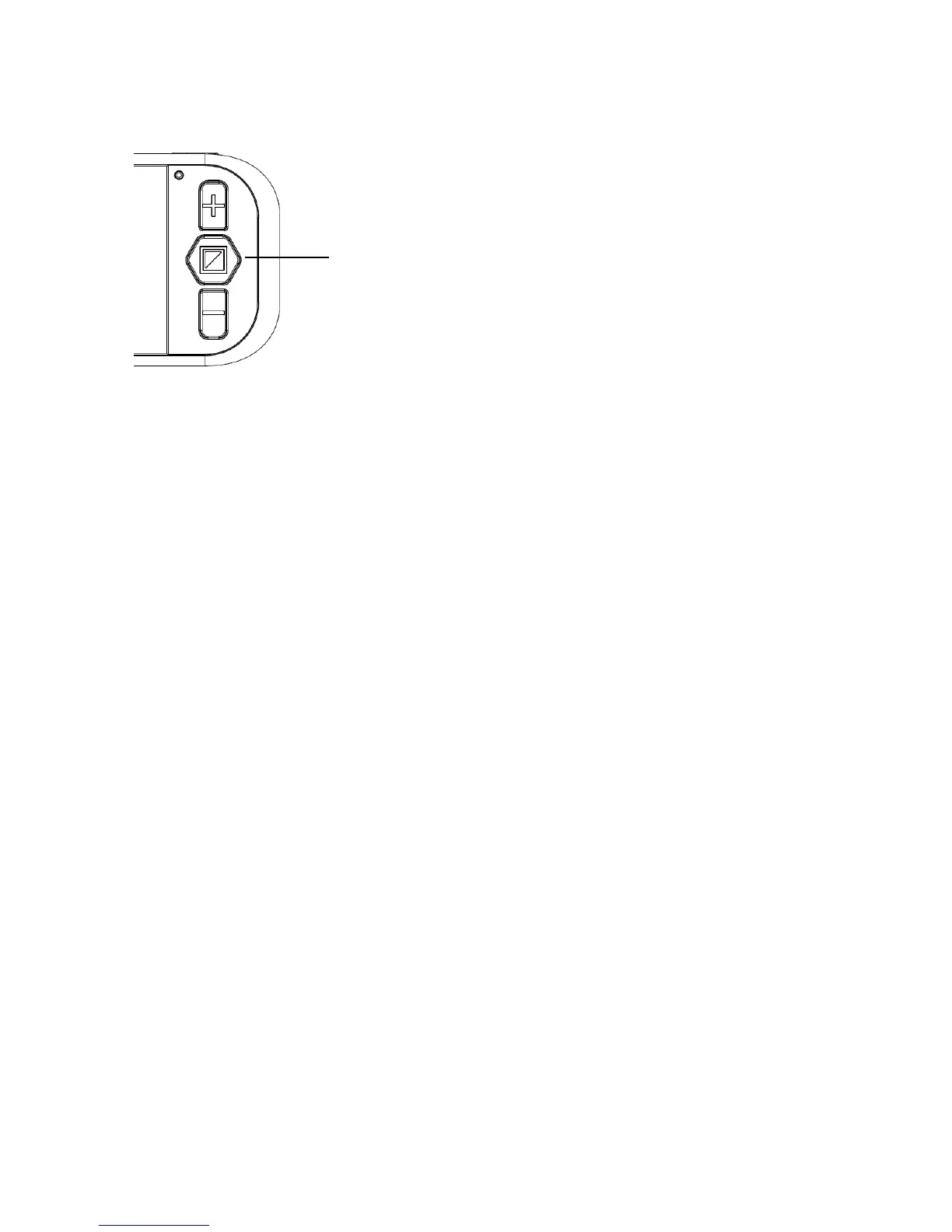
Turning the Camera Light on and off
The Camera Light is on by default.
To turn the light off, press and hold the Mode Button for 5
seconds until you hear two BEEPS. Note (keep holding if
you just hear one beep).
To turn the light on, press and hold the Mode Button for 5
seconds until you hear two BEEPS. Note (keep holding if
you just hear one beep).
Adjusting the Brightness
Hold the Freeze Button and the Zoom in Button together to
enter into Brightness Adjustment Mode. A brightness bar
will appear, press the Zoom in Button to increase
brightness and the Zoom out Button to decrease it again.
Press the Mode Button to confirm the brightness and exit.
Note that under this setting, if you don’t use the unit for 5
seconds, it will exit automatically.


 To Next Page