EasyManua.ls Logo

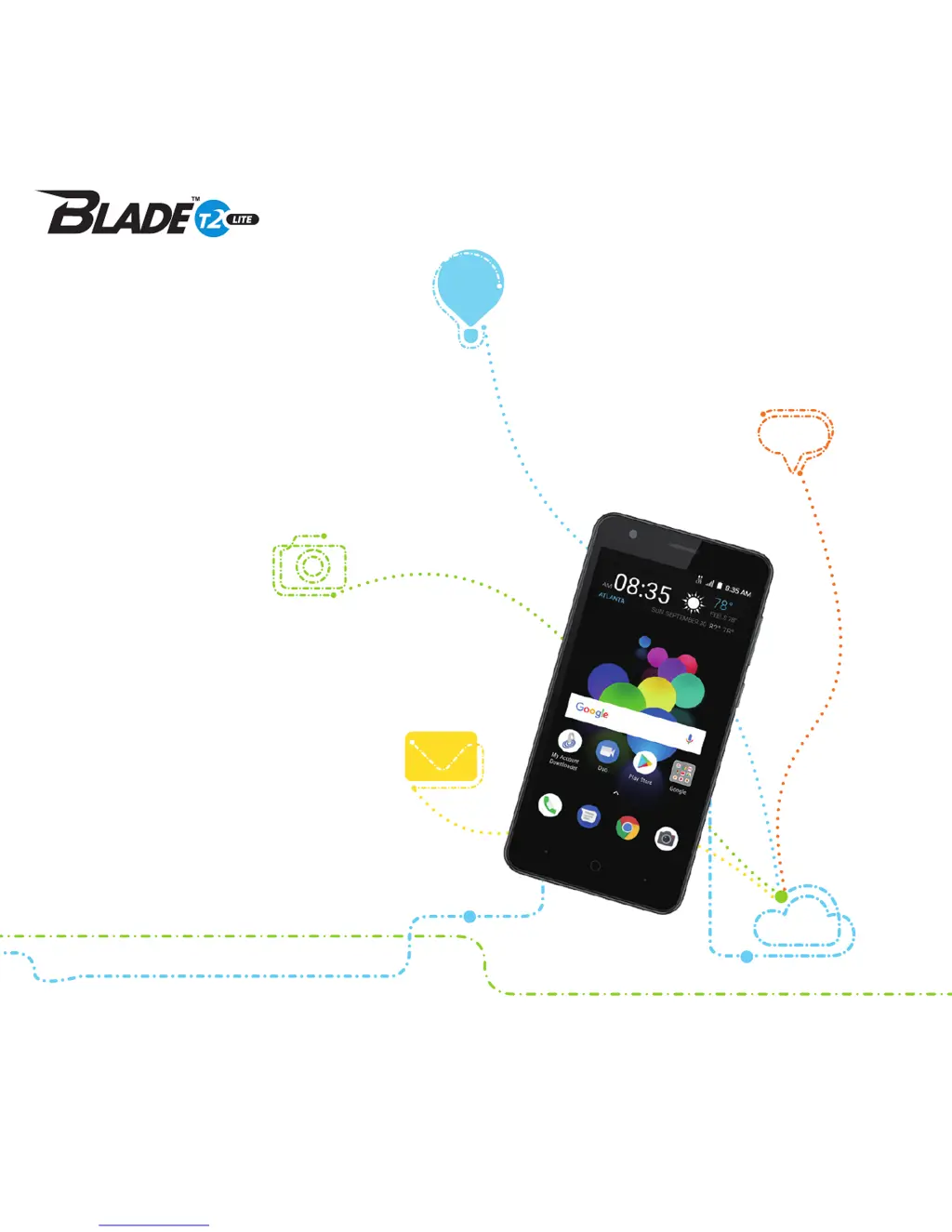
Zte BLADE T2 Lite - User Manual

Zte BLADE T2 Lite
66 pages
Print Icon
To Next Page IconTo Next Page
Loading...
1
Z079584509774
ZTEUSA.COM
Z559DL
CREATE
YOUR
OWN PATH
USER
MANUAL

Table of Contents

Questions and Answers

  • D
    Donna SantiagoJul 27, 2025
    What to do if my Zte BLADE T2 Lite shows a nano-SIM card error?
    • D
      Daniel BrewerJul 27, 2025
      If your Zte Cell Phone displays a nano-SIM card error, the card may be malfunctioning or damaged. Take it to your service provider for testing. Ensure the card is properly inserted. Clean the nano-SIM card contacts with a soft, dry cloth to remove any debris.
  • J
    Julie KellerAug 1, 2025
    Why does my Zte BLADE T2 Lite Cell Phone have poor reception?
    • I
      imirandaAug 1, 2025
      Poor reception on your Zte Cell Phone can occur if the network signal is weak at your location. This can happen in basements or near tall buildings. Move to a location where the network signal can be properly received. Also, heavy network traffic during peak times can cause this. Try using the phone later. If you are too far from a base station, request a service area map from your provider.
  • D
    Diane GreenAug 6, 2025
    What to do if my Zte Cell Phone cannot charge the battery?
    • A
      acarrollAug 6, 2025
      If your Zte Cell Phone battery isn't charging, the battery or charger might be damaged. Contact the dealer. It could also be due to temperature extremes; ensure the phone’s temperature is between 32°F (0°C) and 113°F (45°C). Also, check that all connectors between the battery and charger are properly connected.
  • G
    gatessarahAug 11, 2025
    Why does my Zte BLADE T2 Lite Cell Phone have shortened standby time?
    • H
      Hannah BarreraAug 11, 2025
      Shortened standby time on your Zte Cell Phone can be related to your service provider's system configuration. If you're in an area with weak signaling, temporarily power off the phone. High temperatures or a depleted battery can also shorten battery life; contact the dealer for a new battery. If the phone constantly searches for a network, change your location or temporarily turn it off.
  • R
    randallduncanAug 16, 2025
    What causes echo or noise on my Zte BLADE T2 Lite during calls?
    • B
      beckermicheleAug 16, 2025
      Echo or noise during calls on your Zte Cell Phone can be due to poor network link quality from your service provider or poor local telephone line quality. End the call and dial again to potentially switch to a better-quality connection.
  • D
    Dean WelchAug 22, 2025
    Why am I unable to select certain features on my Zte BLADE T2 Lite?
    • Y
      Yolanda GarrettAug 22, 2025
      If you cannot select certain features on your Zte Cell Phone, your service provider may not support these features, or you haven't applied for the necessary services. Contact your service provider.

Summary

Getting Started

Installing SIM and microSDXC Cards

Instructions for inserting SIM and microSDXC cards into the phone.

Installing the Battery

Steps to install the battery into the phone's compartment.

Charging the Battery

Guide on how to charge the phone's battery using the provided charger.

Powering Your Phone On;Off

How to turn the phone on and off, including restart instructions.

Locking;Unlocking the Screen and Keys

Methods to quickly lock and unlock the phone's screen and keys.

Personalizing Your Phone

Screen Brightness and Screen Locks

How to adjust screen brightness and set up screen locks.

Connecting to Networks and Devices

Connecting to Wi-Fi

Instructions for connecting to Wi-Fi networks, including adding and forgetting.

Connecting to Bluetooth Devices

How to turn Bluetooth on/off, change device name, and pair with other devices.

Connecting to Your Computer via USB

How to connect the phone to a computer using a USB cable for file transfer.

Using microSDXC Card for Storage

Guide on using microSDXC cards for storage or as phone internal storage.

Sharing Mobile Data Connection

How to share the phone's data connection via USB or Bluetooth.

Sharing Mobile Data Through Wi-Fi Hotspot

How to turn the phone into a portable Wi-Fi hotspot to share its data.

Phone Calls

Placing and Ending Calls

How to make calls using the dialer, contacts, or call history and how to end them.

Answering or Rejecting Calls

How to answer, reject, or reject with a text message an incoming call.

Contacts Management

Email Operations

Messaging

Browser Usage

Camera Features

Capturing Photos and Recording Videos

Instructions for taking photos and recording videos using the phone's camera.

Gallery and Media

Music Playback

Video Playback

Opening Video Library and Controlling Playback

How to open the Video app and use playback controls.

Voice Recorder

Settings Configuration

Network and Internet Settings

How to configure Wi-Fi, Wi-Fi calling, mobile data, hotspots, and VPNs.

App and Notification Management

How to view app info, manage permissions, and customize notifications.

Battery, Display, Sound, and Storage Settings

How to manage battery, display, sound, and storage settings.

Security, Location, and Account Settings

How to configure security, location, accounts, and accessibility services.

System Settings

How to configure language, input, date/time, software updates, and reset options.

Upgrading Phone Software

Troubleshooting Common Issues

Chart of common problems, their causes, and possible solutions.

Troubleshooting

For Your Safety: General Safety

Essential safety guidelines for phone usage, including driving and handling.

For Your Safety

RF Energy Exposure and FCC Regulations

Information on RF energy exposure levels and FCC compliance.

Hearing Aid Compatibility Regulations

Regulations and ratings for mobile phone hearing aid compatibility.

Zte BLADE T2 Lite Specifications

General IconGeneral
SIMDual SIM (Nano-SIM, dual stand-by)
TypeIPS LCD
Main Camera8 MP, AF
Video1080p@30fps
Selfie camera5 MP
LoudspeakerYes
3.5mm jackYes
GPSYes, with A-GPS
NFCNo
RadioFM radio
USBmicroUSB 2.0
SensorsAccelerometer, proximity
CPUQuad-core Cortex-A53
FeaturesLED flash
WLANWi-Fi 802.11 b/g/n, hotspot
BluetoothA2DP

Related product manuals