EasyManua.ls Logo

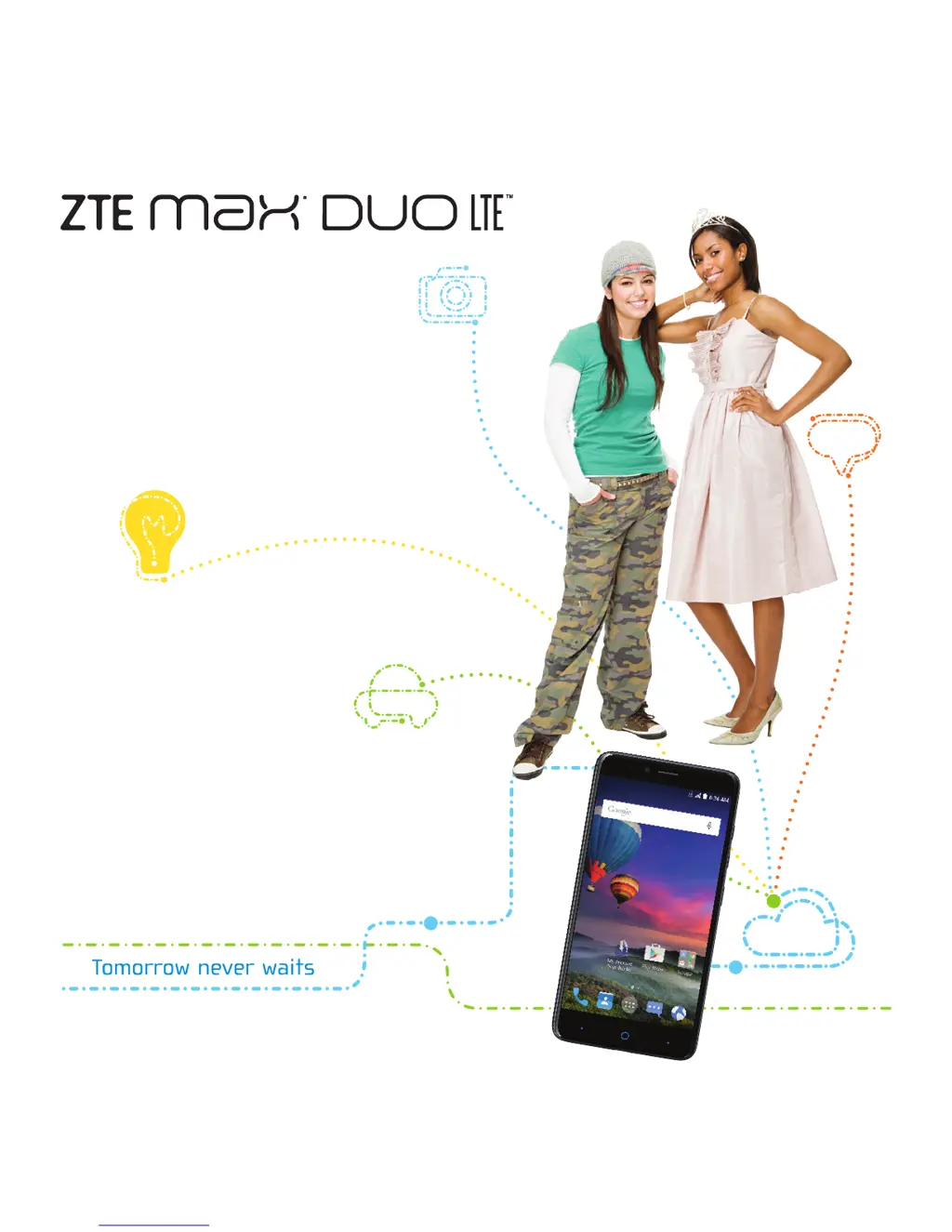
Zte Max Duo Z963VL - User Manual

Zte Max Duo Z963VL
60 pages
Print Icon
To Next Page IconTo Next Page
Loading...
ZTEUSA.COM
Z963VL
SHOW OFF
YOUR
STYLE
USER
MANUAL
Z079584507513

Table of Contents

Questions and Answers

  • C
    Christopher Nelson Jr.Jul 27, 2025
    Why is my Zte Max Duo Z963VL battery not charging?
    • J
      Jessica BrewerJul 27, 2025
      There could be several reasons why your Zte Cell Phone battery isn't charging. It could be due to a damaged battery or charger, in which case you should contact the dealer. Another reason might be that the phone's temperature is too low (below 32°F/0°C) or too high (above 113°F/45°C); adjust the charging environment to avoid extreme temperatures. Finally, poor contact between the battery and charger could be the issue; check all connectors to ensure proper connections.
  • M
    Michael BurkeAug 4, 2025
    What to do if my Zte Max Duo Z963VL Cell Phone has poor reception?
    • G
      Gabrielle BrownAug 4, 2025
      If your Zte Cell Phone has poor reception, it might be because the network signal is weak at your current location; try moving to a location where the signal is stronger. Alternatively, the network might be busy; avoid using the phone at peak times, or try again later. It's also possible you're too far from a base station; you can request a service area map from your provider.
  • N
    Nicole MatthewsAug 12, 2025
    Why does my Zte Max Duo Z963VL standby time get shortened?
    • B
      Brenda GreenAug 12, 2025
      A shortened standby time on your Zte Cell Phone can occur for a few reasons. The standby time is related to your service provider system configuration. If the battery is depleted, use a new battery. Also, if you're in an area with weak network signal, the phone constantly searches for a base station, draining the battery. In this case, temporarily power off the phone or move to an area with better reception.
  • J
    Jack SmithAug 19, 2025
    What to do if I hear echo or noise on my Zte Cell Phone?
    • E
      Erin MarshallAug 19, 2025
      If you're experiencing echo or noise on your Zte Cell Phone, it could be due to poor network link quality from your service provider, or poor local telephone line quality. In either case, end the call and dial again; you might be switched to a better-quality network link or phone line.

Summary

Getting Started

Installing SIM and Memory Card

Guide to insert nano-SIM card and microSDXC card into the phone.

Charging the Battery

Instructions on how to charge the phone's battery.

Powering Phone On;Off

How to turn the phone on, turn it off, and restart it.

Connecting to Networks and Devices

Connecting to Wi-Fi

Steps to turn on Wi-Fi and connect to available wireless networks.

Connecting to Bluetooth Devices

Pairing, connecting, and managing Bluetooth devices.

Connecting to Computer via USB

Connecting the phone to a computer for file transfer and charging.

Phone Calls

Placing and Ending Calls

Procedures for initiating, answering, and terminating phone calls.

Answering or Rejecting Calls

How to handle incoming calls, including answering or rejecting.

Calling Contacts

Making calls to contacts stored in the phone.

Email

Setting Up First Email Account

Initial setup for sending and receiving emails from various providers.

Messaging

Browser

Camera

Capturing a Photo

Taking pictures using the phone's camera.

Gallery

Music

Video Player

Google Play Store

Downloading and Installing Apps

Finding, installing, and managing applications from the Play Store.

Settings

Wireless and Networks

Managing Wi-Fi, mobile data, and VPN connections.

Security Settings

Setting screen locks, encryption, and managing app permissions.

Troubleshooting

Poor Reception Issues

Solutions for weak network signals, busy networks, or poor reception.

Battery Charging Problems

Troubleshooting issues related to battery charging and temperature.

Phone Power Issues

Resolving problems with turning the phone on or powering it off.

SIM Card Errors

Addressing issues related to the nano-SIM card, including errors and blocking.

For Your Safety

FCC RF Exposure Information

Details on Specific Absorption Rate (SAR) compliance for RF energy exposure.

FCC Regulations Compliance

Adherence to FCC rules for digital devices and interference.

Hearing Aid Compatibility

Information on HAC ratings and phone compatibility with hearing aids.

Driving Safety

Warnings and regulations regarding phone use while driving.

Zte Max Duo Z963VL Specifications

General IconGeneral
BrandZte
ModelMax Duo Z963VL
CategoryCell Phone
LanguageEnglish

Related product manuals