25 - Phone Calls
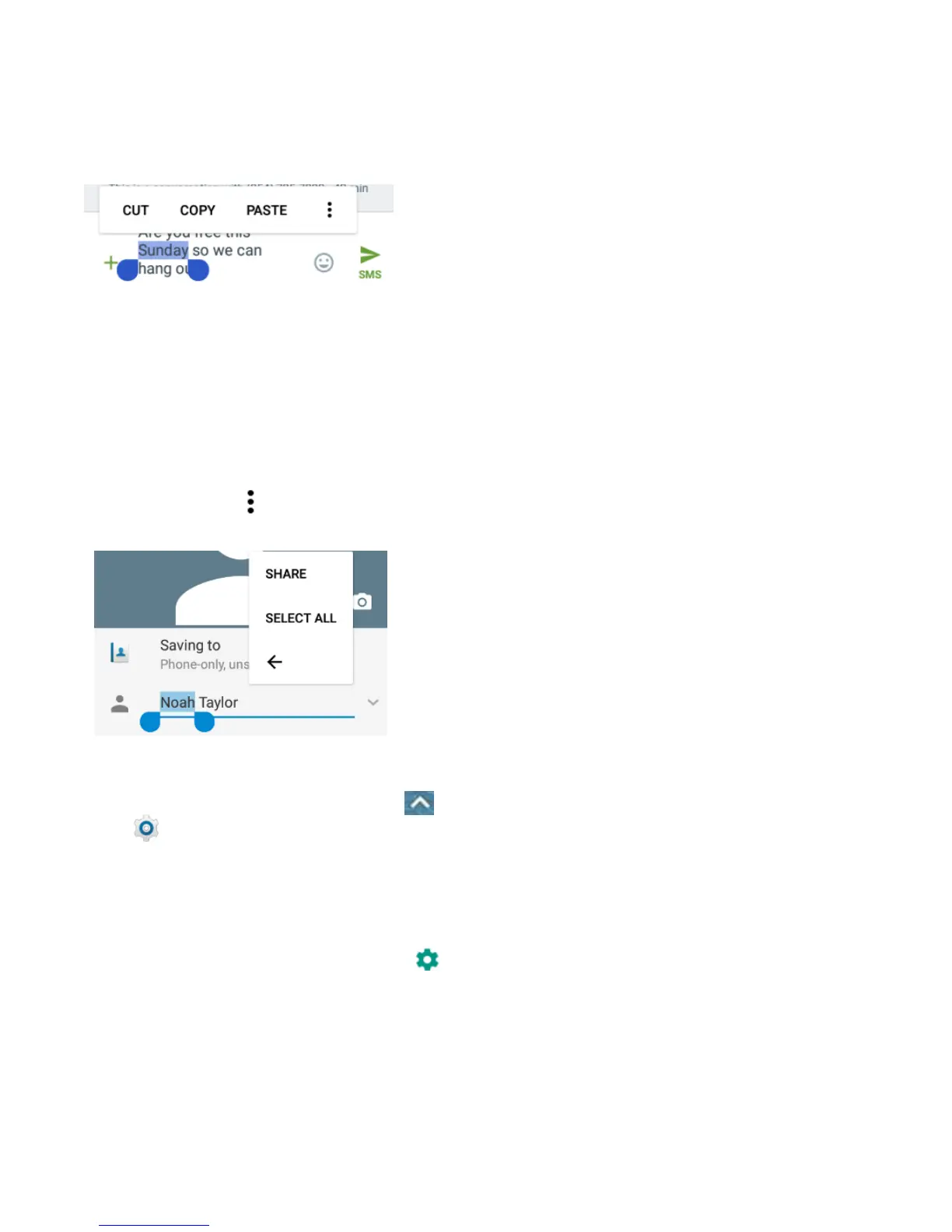
To replace text with the clipboard text,
select the text you want to replace. Then
touch PASTE.
To insert text from the clipboard, move the
cursor to the insertion point and then
touch and hold the tab below the cursor.
Release your finger and touch PASTE.
To share text, select the text you want to
share. Then touch > SHARE and
select how to share the text.
Text Input Settings
To choose the text input settings, touch >
Settings > Languages & input from the
home screen.
Touch Personal dictionary to add or
delete customized words.
Touch Spell checker to enable or disable
spell checking feature. You can touch
to set more options of installed spell
checking services.
In the Keyboard and input methods
section, you can configure onscreen
virtual keyboards and physical keyboard
assistance.


 To Next Page