4. Download and Install App
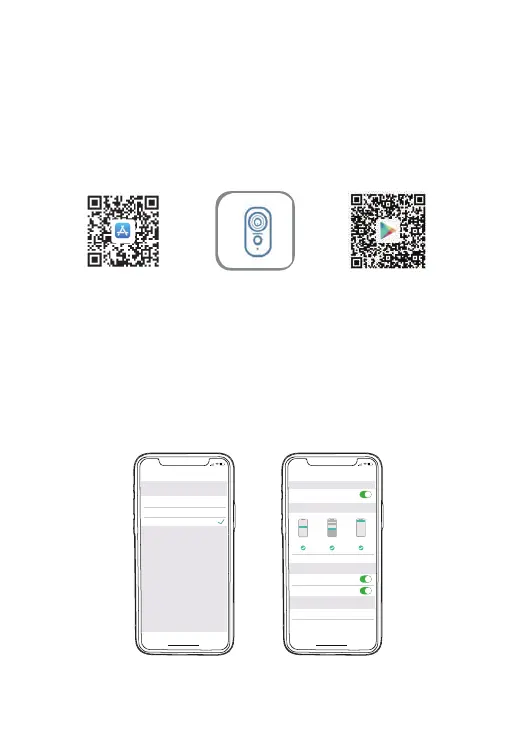
Download ZUMIMALL App from Google Play™ or App Store™.
Or scan the QR codes as below, with your smart phone.
NOTE: Google Play™ is a trademark of Google Inc.
App Store™ is a service mark of Apple Inc.
NOTE: Please turn on both of the following permissions.
① Allow ZUMIMALL App to access mobile cellular data and
wireless LAN, otherwise it will fail to connect the camera.
② Allow ZUMIMALL App to receive pushed messages,
otherwise, the phone will not receive alarms when motion is
detected.
AndroidiOS ZUMIMALL
>
>
<
Notifications
ZUMIMALL
ALERTS
Allow Notifications
9:41
Lock Screen
Banner Style
Sounds
Badges
OPTIONS
When Unlocked(Default)
Show Previews
Temporary
>
>
Automatic
Notification Grouping
>
NotificationCenter Banners
5:51
<
ZUMIMALL
Wireless Data
ALLOW”WIRELESS DATA”TO USE DATA
Off
WLAN
WLAN & Cellular Data
5:51
3


 To Next Page